Skills to level up to Systems Administrator role from IT Support | Tech Skills and Mindset
TL;DR
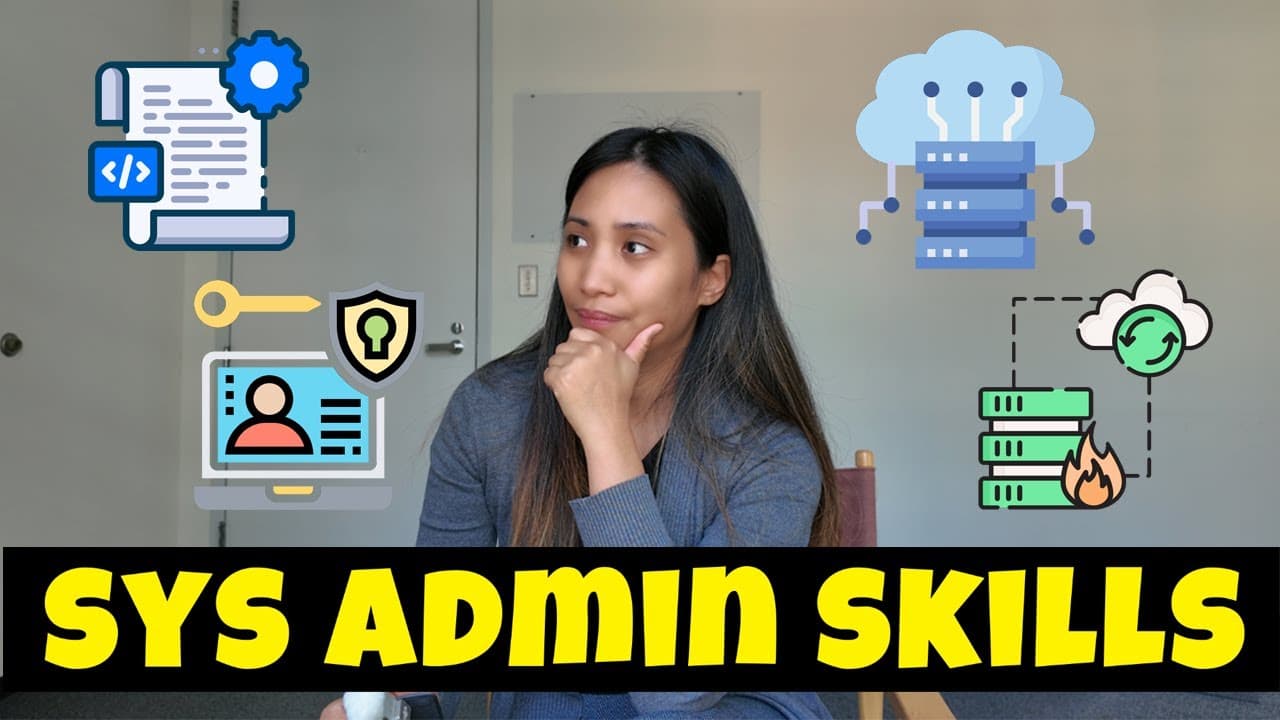
Learn key skills and mindset for transitioning to a systems admin role.
Transcript
hello everyone welcome back to the channel and this video is about the skills that you need to be a systems administrator especially if you are from the help desk support it support any support role and you wanted to level up your skills and be promoted to ass systems admin I've made a video recently showing the skills that you need as an e... Read More
Key Insights
- Transitioning from IT support to a systems administrator requires both technical skills and a mindset shift towards broader infrastructure management.
- Systems administrators need a deep understanding of operating systems, especially server versions, to handle complex problems beyond basic user support.
- Active Directory and Group Policy management are crucial, requiring knowledge of domains, forests, and security configurations to maintain user and asset management.
- Advanced networking skills are necessary, including configuring networking devices and collaborating with networking teams for infrastructure planning.
- Scripting and automation are vital for efficiency, with tools like PowerShell for Windows and Bash for Linux, alongside languages like Python for cross-platform scripting.
- Virtualization and cloud computing are integral, offering cost-effective solutions for infrastructure management, requiring knowledge of platforms like AWS, Azure, and Google Cloud.
- Backup and disaster recovery are essential for data protection, involving understanding backup software and recovery procedures to safeguard against data loss.
- Security best practices, including patch management and user access controls, are key responsibilities to ensure infrastructure resilience and data protection.
Install to Summarize YouTube Videos and Get Transcripts
Explore YouTube Video Summarizer or Get YouTube Transcript Extractor
Questions & Answers
Q: What are the key differences between IT support and systems admin roles?
IT support roles focus on day-to-day user troubleshooting, handling software and hardware issues reactively. In contrast, systems admin roles involve managing and maintaining IT infrastructure, focusing on servers, networks, and security with a proactive approach to optimizing and scaling the IT environment.
Q: Why is scripting important for systems administrators?
Scripting is crucial for systems administrators as it allows for automation of repetitive tasks, reducing manual effort and minimizing errors. Languages like PowerShell for Windows and Bash for Linux enable admins to efficiently manage large numbers of servers and devices, improving operational efficiency and reliability.
Q: How does virtualization benefit IT infrastructure management?
Virtualization allows for managing virtual machines instead of physical hardware, offering cost efficiency and ease of upgrades. It reduces the need for extensive hardware resources, simplifying management and maintenance, and is crucial for modern IT infrastructures, regardless of company size.
Q: What role does cloud computing play for systems administrators?
Cloud computing provides scalable and cost-effective solutions for IT infrastructure. Systems administrators need to understand platforms like AWS, Azure, and Google Cloud to plan and manage migrations and integrations, ensuring seamless service delivery and infrastructure adaptability to changing business needs.
Q: Why is security a critical aspect of a systems admin's role?
Security is vital to protect data and ensure system integrity. Systems admins are responsible for implementing patch management, user access controls, and security policies to mitigate risks and safeguard against cyber threats, ensuring the resilience and reliability of IT infrastructure.
Q: How should systems administrators approach backup and disaster recovery?
Systems administrators should understand backup methodologies and recovery procedures to protect data integrity. They must implement robust backup solutions and have contingency plans for disaster recovery, ensuring quick restoration of systems and data in case of hardware failure or cyber incidents.
Q: What mindset shift is required for transitioning to a systems admin role?
Transitioning to a systems admin role requires a mindset shift from reactive problem-solving to proactive infrastructure planning. Admins must adopt a broader perspective on IT operations, focusing on optimizing and securing the entire environment, and developing leadership skills to guide junior team members.
Q: How can IT support professionals prepare for a systems admin role?
IT support professionals can prepare by enhancing their technical skills in areas like operating systems, networking, and scripting, while also developing a proactive mindset. Gaining experience in infrastructure planning and security practices, and understanding the broader IT environment, will facilitate the transition to a systems admin role.
Summary & Key Takeaways
-
The video discusses the steps and skills needed to transition from an IT support role to a systems administrator position, emphasizing both technical knowledge and mindset changes.
-
Key skills include deep operating system knowledge, advanced networking, scripting, virtualization, cloud computing, and security practices, alongside a proactive approach to infrastructure management.
-
The role demands a shift from reactive problem-solving to proactive infrastructure planning, requiring a broader view of IT operations and leadership in guiding junior team members.
Read in Other Languages (beta)
Share This Summary 📚
Summarize YouTube Videos and Get Video Transcripts with 1-Click
Try YouTube Summary with ChatGPT & Claude or YouTube Transcript Generator
Explore More Summaries from East Charmer 📚



Summarize YouTube Videos and Get Video Transcripts with 1-Click
Try YouTube Summary with ChatGPT & Claude or YouTube Transcript Generator