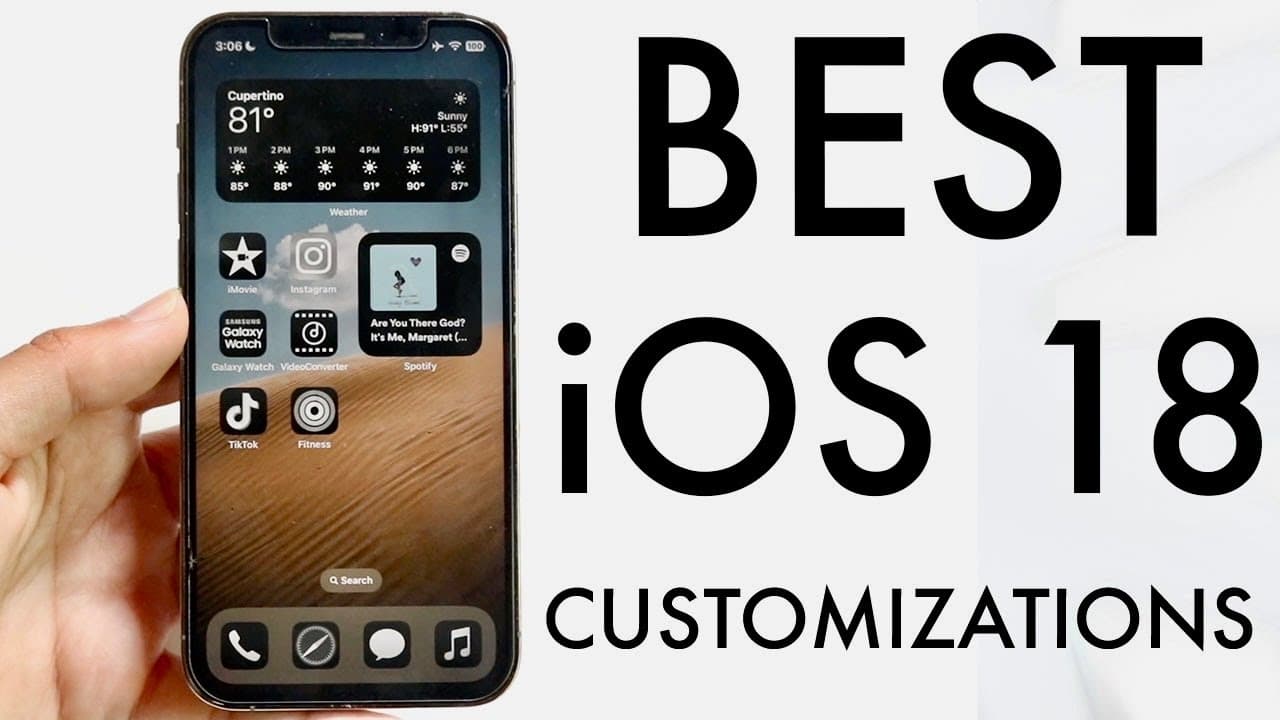
BEST iOS 18 Home Screen/Lock Screen Customizations!
TL;DR
Discover exciting customization options for your iPhone on iOS 18.
Transcript
hello everyone I wanted to kind of showcase some of the best customizations you can make on your particular iPhone you know in general whatever iOS version you're on for iOS 18 you'll be able to do these and it's super cool whether you want to modify the lock screen or your home screen there's a lot of cool things you can do so I going to give you ... Read More
Key Insights
- 👤 iOS 18 introduces advanced customization features, enabling users to create a personalized user interface tailored to their preferences.
- 👻 The ability to move multiple applications simultaneously allows for a more organized and visually appealing home screen.
- 👶 The new widget resizing feature improves the overall aesthetic and utility of device screens, offering customization flexibility.
- 🤗 Users can require Face ID for opening specific applications, enhancing privacy and security directly from the home screen.
- 👤 Custom color and tint options enable users to alter the visual appearance of native Apple applications, adding a personal touch to their devices.
- 👻 Lock screen customization is significantly improved, allowing for the rearrangement of widgets and toggles, enhancing quick access and functionality.
- 🎮 The revamped control center permits users to add new controls easily, streamlining functionality without navigating deep into settings.
Install to Summarize YouTube Videos and Get Transcripts
Explore YouTube Video Summarizer or Get YouTube Transcript Extractor
Questions & Answers
Q: What are the primary customization features introduced in iOS 18?
iOS 18 allows users to customize their home and lock screens extensively. Key features include moving applications anywhere, stacking multiple apps, adding and resizing widgets, and changing system-wide application colors and tints. Users can tailor their iPhones to reflect their personal style while enhancing functionality.
Q: How can users add widgets to their home screen using iOS 18?
To add widgets on iOS 18, users can hold down on the home screen, select “Edit,” and then choose “Add Widget.” From there, a list of available widgets appears, allowing users to drag and drop their preferred widgets into the desired position. This feature significantly enhances the home screen's utility.
Q: Can users change the size of their widgets and applications, and how?
Yes, users can change the size of their widgets and applications on iOS 18. By holding down on an app or widget, a menu appears, offering options to resize it. This flexible resizing feature allows users to create a more personalized and organized home screen layout.
Q: What additional functionality does iOS 18 offer for the lock screen?
iOS 18 enhances lock screen customization by allowing users to rearrange widget positions and add new shortcut toggles. Users can also change the camera and calculator shortcuts as needed, creating quick access to often-used functions directly from the lock screen.
Summary & Key Takeaways
-
iOS 18 offers users a variety of customization features, allowing modifications to the home screen and lock screen with ease. Users can adjust app placements, stack multiple apps, and add widgets, enhancing personalized user experience.
-
Users can manage the size of apps and widgets effortlessly. This includes resizing widgets directly and customizing their styles, such as altering colors and tints for a unique aesthetic across the device.
-
Lock screen customization has been improved, enabling users to rearrange widgets and modify shortcuts, significantly enhancing functionality. The control center also offers extensive editing options, making it easier to add controls directly.
Read in Other Languages (beta)
Share This Summary 📚
Summarize YouTube Videos and Get Video Transcripts with 1-Click
Try YouTube Summary with ChatGPT & Claude or YouTube Transcript Generator
Explore More Summaries from Simple Alpaca 📚






Summarize YouTube Videos and Get Video Transcripts with 1-Click
Try YouTube Summary with ChatGPT & Claude or YouTube Transcript Generator