How to Color Grade Like a PRO
TL;DR
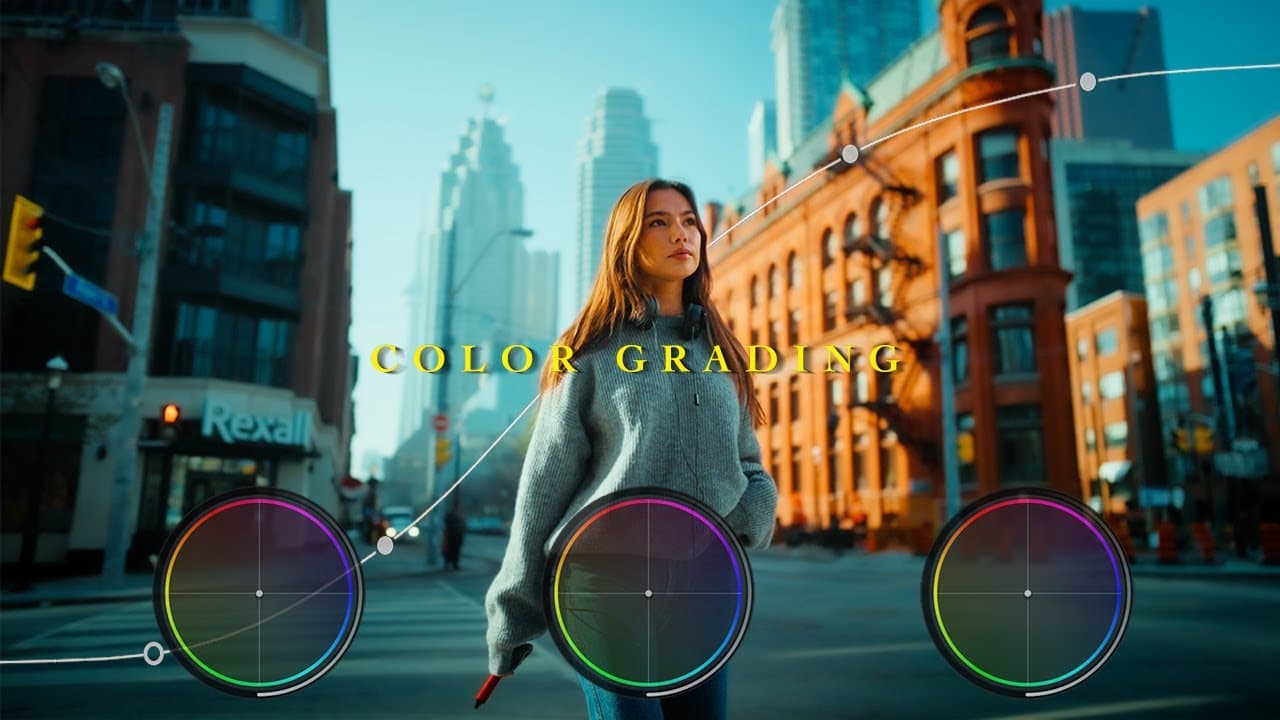
Learn how to color grade like a pro using software like CST and St in Result, using tools like curves and color wheels, and manipulating colors using dctl.
Transcript
I don't want to waste your time so let's Dive Right into how to color grate like a pro let's go so the first thing that I do is I convert the footage to recx 709 using CST to get a good starting point but if you don't have this feature in your software uh you can use a conversion load instead as well now I use St in result but to be honest if you k... Read More
Key Insights
- 😥 Converting footage to a standardized color space like recx 709 provides a solid starting point for color grading.
- 🧑🦼 Curves and color wheels are powerful tools for adding contrast and adjusting exposure and specific colors in an image.
- 😣 The qualifier node allows for precise color selections and manipulation without affecting the rest of the image.
- ❓ Using dctl can offer more natural and organic saturation adjustments and color manipulations.
- 👂 Sound design is a crucial component in filmmaking, adding depth and enhancing the overall cinematic experience.
- 🫠 Reading image scopes helps in replicating desired looks by understanding brightness, color, and waveform levels.
- 🤩 Practice is key to mastering color grading techniques and continuously improving one's skills.
Install to Summarize YouTube Videos and Get Transcripts
Explore YouTube Video Summarizer or Get YouTube Transcript Extractor
Questions & Answers
Q: What is the importance of converting footage to recx 709 before color grading?
Converting footage to recx 709 provides a good starting point for color grading by standardizing the color space and ensuring accurate representation of colors.
Q: How can the curve tool be used to add contrast to an image?
The curve tool can be used to increase contrast by adjusting the brightness levels of specific tones in the image while being mindful of not breaking the "S" shape to avoid distortion.
Q: How does the qualifier node help select and manipulate specific colors?
The qualifier node allows for clean color selections by creating windows around specific colors, such as skin tones or background elements, and inverting the selection to manipulate the colors without affecting other parts of the image.
Q: What is the benefit of using dctl in color grading?
Using dctl provides a more natural and organic look to saturation adjustments compared to built-in tools like C in Spil. It also allows for color manipulation, such as shifting red to yellow, to achieve desired color grading effects.
Key Insights:
- Converting footage to a standardized color space like recx 709 provides a solid starting point for color grading.
- Curves and color wheels are powerful tools for adding contrast and adjusting exposure and specific colors in an image.
- The qualifier node allows for precise color selections and manipulation without affecting the rest of the image.
- Using dctl can offer more natural and organic saturation adjustments and color manipulations.
- Sound design is a crucial component in filmmaking, adding depth and enhancing the overall cinematic experience.
- Reading image scopes helps in replicating desired looks by understanding brightness, color, and waveform levels.
- Practice is key to mastering color grading techniques and continuously improving one's skills.
- A DIY YouTube setup can be improvised using available resources and creativity.
Summary & Key Takeaways
-
Convert footage to recx 709 using CST or a conversion load for a good starting point in color grading.
-
Use curves to add contrast to the image and be careful not to break the "S" shape to avoid image distortion.
-
Use color wheels to dial in specific areas of exposure and create a desired color effect.
-
Use the qualifier node to select and manipulate specific colors without affecting other parts of the image.
Read in Other Languages (beta)
Share This Summary 📚
Summarize YouTube Videos and Get Video Transcripts with 1-Click
Try YouTube Summary with ChatGPT & Claude or YouTube Transcript Generator