5.21: Matter.js: Mouse Constraints - The Nature of Code
TL;DR
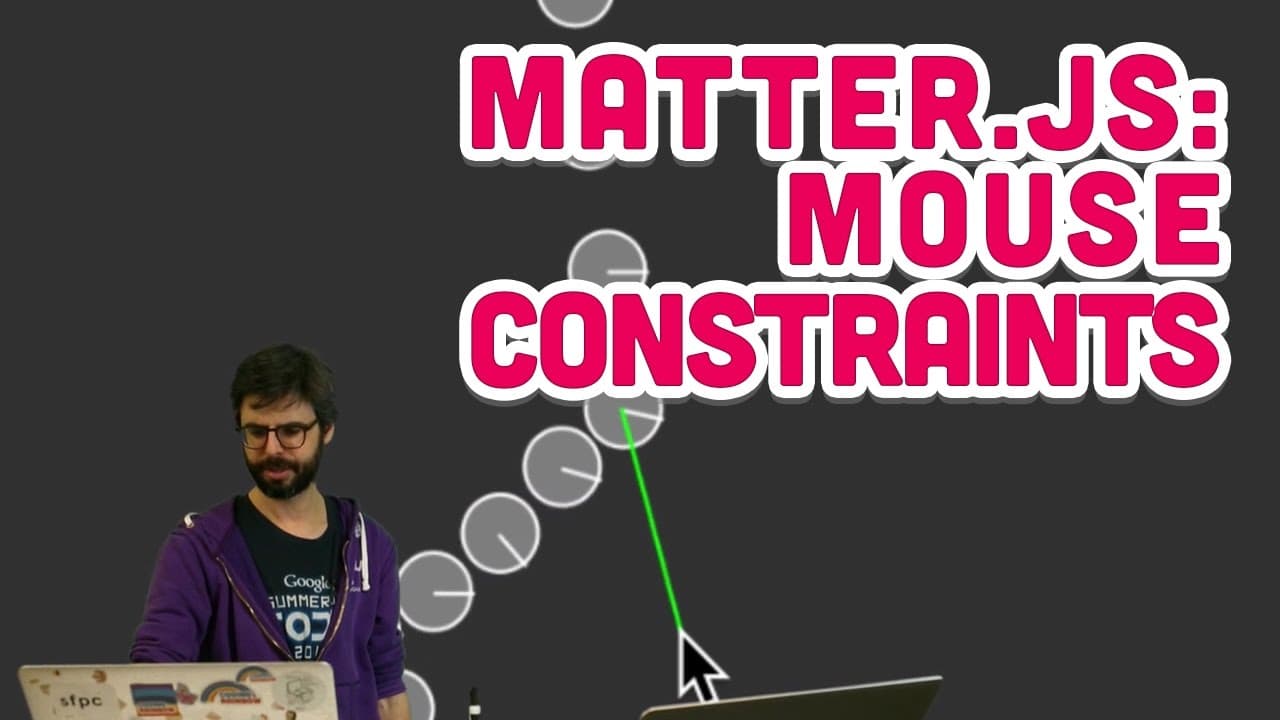
Learn to create interactive physics simulations by using mouse constraints in Matter.js.
Transcript
okay one more possibly many born but at least right now in this moment one more matter a s-video so this is an example that I made in the previous video which has this nice chain of these circles and that are connected with these constraints and what I really wanna be able to I want to click on it oh I want to interact with it so one wonders that m... Read More
Key Insights
- 🐭 Mouse constraints in Matter.js enable interactive physics simulations by connecting elements to the mouse cursor.
- 🐭 Setting up mouse constraints involves creating a mouse constraint object, associating it with the engine, and adding it to the world.
- 🥳 Adjusting the pixel ratio ensures accurate mouse input and position tracking in physics simulations.
- 🧑💻 Debugging techniques include logging properties, drawing visual indicators, and adjusting offsets for precise interactions.
- 💥 Understanding collision filters and geometries in Matter.js can customize the behavior of physics elements.
- 🎰 Additional projects like a pinball machine simulation can be created using Matter.js for interactive physics demonstrations.
- 🫵 Future videos may cover more advanced Matter.js tutorials based on viewer feedback.
Install to Summarize YouTube Videos and Get Transcripts
Explore YouTube Video Summarizer or Get YouTube Transcript Extractor
Questions & Answers
Q: What is a mouse constraint in Matter.js?
A mouse constraint in Matter.js allows for interactive manipulation of physics elements by connecting them to the mouse cursor, enabling user interaction in simulations.
Q: How can you set up a mouse constraint in a Matter.js sketch?
To set up a mouse constraint, you create a mouse constraint object and associate it with the physics engine, specify options like the body to connect it to, and add it to the world to enable interaction.
Q: Why is adjusting the pixel ratio important when using mouse constraints?
Adjusting the pixel ratio ensures accurate mouse input and position tracking, especially on high-density displays, preventing issues with coordinate alignment in physics simulations.
Q: How can you debug interactions with physics elements using mouse constraints?
By logging properties like the mouse position and constraints, drawing visual indicators like lines or ellipses, and adjusting offsets, you can debug interactions and ensure accurate physics simulations.
Summary & Key Takeaways
-
Demonstrates creating interactive physics simulations using mouse constraints in Matter.js.
-
Explains how to set up a mouse constraint and interact with physics elements via mouse input.
-
Shows debugging techniques and considerations for using mouse constraints in physics simulations.
Read in Other Languages (beta)
Share This Summary 📚
Summarize YouTube Videos and Get Video Transcripts with 1-Click
Try YouTube Summary with ChatGPT & Claude or YouTube Transcript Generator
Explore More Summaries from The Coding Train 📚






Summarize YouTube Videos and Get Video Transcripts with 1-Click
Try YouTube Summary with ChatGPT & Claude or YouTube Transcript Generator