How To Customize Your iPhone! (Custom App Icons, Widgets, Remove Dock & More) (2022)
TL;DR
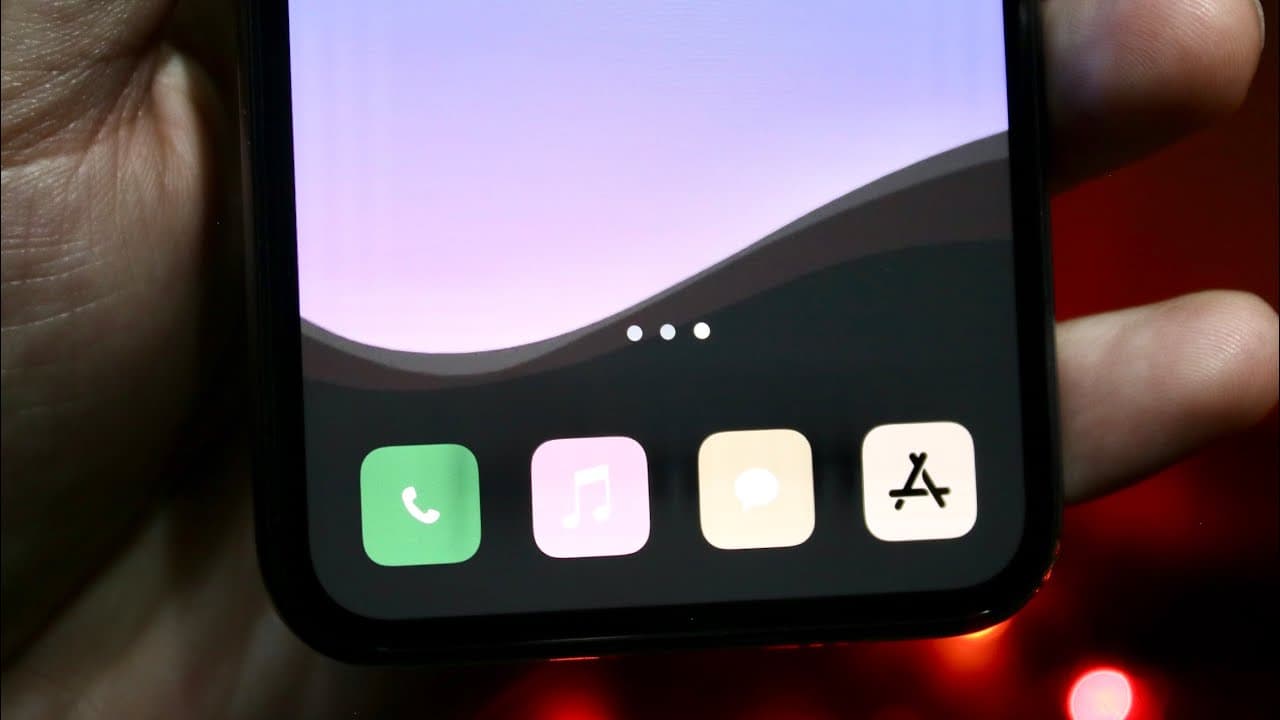
This video provides step-by-step instructions to customize iPhone icons, docks, and widgets.
Transcript
so i've been talking so much on my second channel about how to go ahead and customize your iphone and i want to go and break down another customization guide on exactly my favorite ways of customizing iphones and it can actually breathe a lot more life into your older device this may be a little bit of a longer video but by the end of it you should... Read More
Key Insights
- 😀 Customizing iPhone icons through the Shortcuts app is a straightforward process that enhances device personalization.
- 😑 Users can find custom icons through various online platforms, making it a flexible way to express individual styles.
- 🕶️ Dark mode not only enhances visibility but also helps in concealing the dock by coordinating with appropriate wallpapers.
- 🕶️ There is a wide variety of wallpaper options available online to complement dark mode features effectively.
- 👪 Widgets can be extensively customized, enabling personalized schedules and displays on the home screen.
- 🥳 Downloading third-party applications allows users to expand their customization options beyond default iPhone capabilities.
- 👏 Individual app icons only need customization once, simplifying the process for long-term use after initial setup.
Install to Summarize YouTube Videos and Get Transcripts
Explore YouTube Video Summarizer or Get YouTube Transcript Extractor
Questions & Answers
Q: Why is customizing iPhone icons recommended in the video?
Customizing iPhone icons is encouraged as it allows users to personalize their devices, making them visually appealing and uniquely tailored to individual preferences. By changing the appearance of icons, users can breathe new life into older devices, leading to a refreshed user experience.
Q: How can you hide the dock on your iPhone?
To hide the dock, the video suggests using dark-themed wallpapers combined with the dark mode setting in your iPhone's display settings. This effectively makes the dock blend with the background, rendering it almost invisible, which creates a cleaner and more streamlined look for the home screen.
Q: What is the process for changing app icons using the Shortcuts app?
The process involves launching the Shortcuts app, creating a new automation, selecting 'open app,' and choosing the desired app. Users can then add the app to the home screen and customize the icon by selecting a new image saved from the internet, completing the personalization of the app's appearance.
Q: What are some recommended applications for adding custom widgets?
The video specifically mentions Widgetsmith as a popular choice for creating custom widgets. Other applications like Photo Widgets are also mentioned. These apps allow users to design and add widgets that fit their aesthetic preferences, providing added functionality to the iPhone interface.
Summary & Key Takeaways
-
The video presents a detailed guide on personalizing your iPhone, focusing on changing app icons using the Shortcuts app, which involves selecting new icons from websites and saving them on the home screen.
-
Viewers learn how to effectively hide the dock by choosing appropriate wallpapers and toggling between light and dark themes to create a more aesthetic look for their iPhones.
-
The tutorial also introduces various applications for creating custom widgets, such as Widgetsmith, enabling users to enhance their phone's functionality and aesthetics easily.
Read in Other Languages (beta)
Share This Summary 📚
Summarize YouTube Videos and Get Video Transcripts with 1-Click
Try YouTube Summary with ChatGPT & Claude or YouTube Transcript Generator
Explore More Summaries from Simple Alpaca 📚






Summarize YouTube Videos and Get Video Transcripts with 1-Click
Try YouTube Summary with ChatGPT & Claude or YouTube Transcript Generator