Claude-3.5 Sonnet + Qwen2 + ContinueDev : This AMAZING Coding Copilot BEATS Github Copilot & Others!
TL;DR
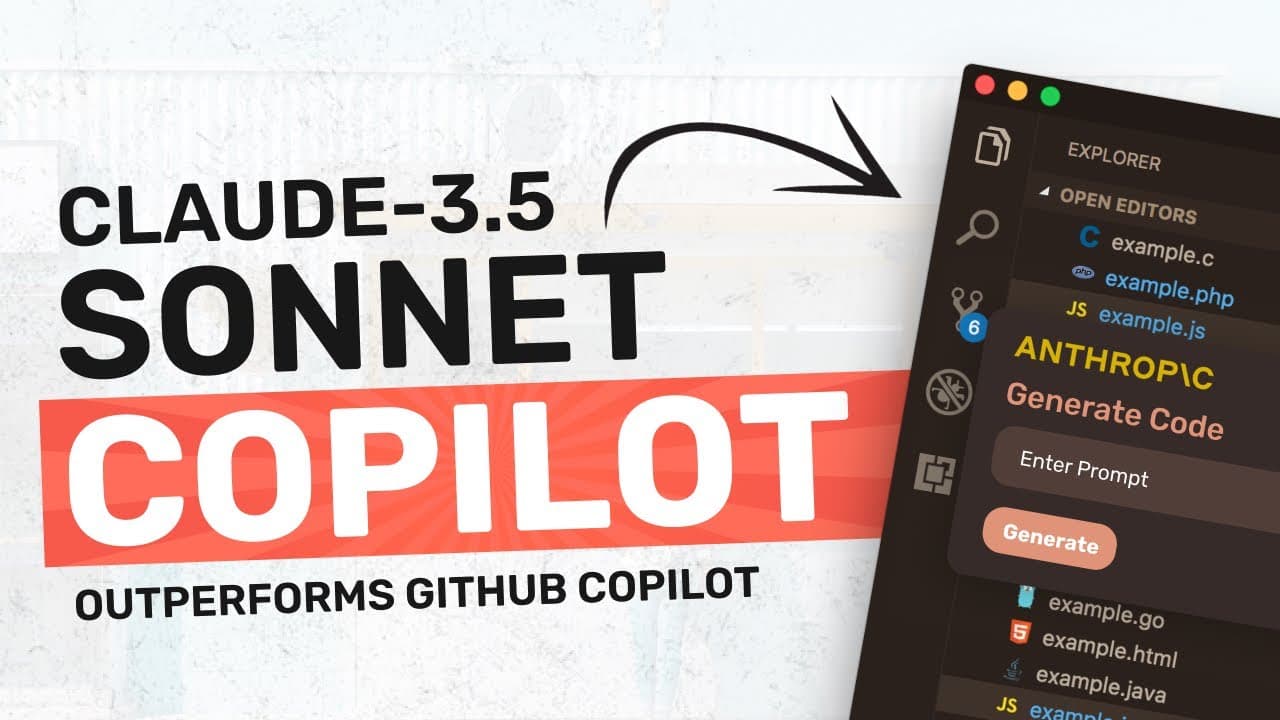
Learn to configure Claude 3.5 Sonet as a co-pilot to surpass GitHub's co-pilot.
Transcript
hi welcome to another video who doesn't like co-pilots well at least I like them when I covered the Claude 3.5 Sonet model in my previous video I couldn't resist trying out a co-pilot with it because it's the best model I've ever seen I mean it literally outperforms every model in existence from GPT 40 to Gemini llama 3 and almost every other model... Read More
Key Insights
- 👨💻 Claude 3.5 Sonet is a powerful alternative to existing coding assistants like GitHub's co-pilot, offering enhanced performance for coding tasks.
- 🤑 Users can save money by leveraging Claude's API, which charges per request rather than through a fixed subscription.
- 😫 Setting up the system involves installing specific tools like shell GPT and adjusting configuration files for optimal compatibility and performance.
- 😶🌫️ Auto-completion tasks can be efficiently handled by local models, offloading more complex tasks to the cloud for better resource management.
- 😶🌫️ The combination of cloud and local models leads to faster responses and improved coding experience.
- 💬 Users are encouraged to engage actively by leaving comments and supporting the channel, indicating an interactive community atmosphere.
- 👨💻 Claude provides API access that is not only powerful but also flexible compared to traditional coding tools, thus offering a more tailored development experience.
Install to Summarize YouTube Videos and Get Transcripts
Explore YouTube Video Summarizer or Get YouTube Transcript Extractor
Questions & Answers
Q: What makes Claude 3.5 Sonet superior to GitHub's co-pilot?
Claude 3.5 Sonet outperforms GitHub’s co-pilot due to its advanced coding capabilities and architecture. GitHub's co-pilot relies on OpenAI's older Codex model, which lacks the sophistication and speed offered by Claude. This new model performs better in generating code snippets, thus providing more accurate and efficient coding assistance.
Q: How do you set up Claude 3.5 Sonet with VS Code?
To set up Claude with VS Code, first install the 'Continue Dev' extension, then add the anthropic model option and input your Claude API key. Modify the configuration file to specify Claude 3.5 Sonet as the model. Once saved, users can access coding suggestions via the chat interface and insert code directly into their files with keyboard shortcuts.
Q: Why is using a local model recommended for auto-completion?
Using a local model for auto-completion minimizes API calls, thereby reducing costs associated with the cloud model. The local model is optimized for fast, one-line completions, while the cloud model can handle more complex code generation tasks. This hybrid approach balances cost and performance, allowing users to maximize their coding efficiency without overspending.
Q: What setup is suggested for optimal performance?
For optimal performance, it is recommended to employ Claude 3.5 Sonet for code generation and chat functionalities while utilizing a smaller local model, such as Quen 2B, for basic auto-completion tasks. This setup not only ensures that users have the best of both worlds—powerful coding generation and efficient auto-completion—but also significantly lowers API usage costs.
Summary & Key Takeaways
-
The video showcases how to use the Claude 3.5 Sonet model as a co-pilot, noting its superior performance compared to other models, including GitHub's co-pilot.
-
It provides detailed steps for integrating Claude's API with VS Code and setting up shell GPT for code generation and suggestions, emphasizing cost-effectiveness.
-
Users can utilize both cloud and local models for coding tasks, optimizing efficiency while reducing API costs, leading to a powerful coding assistant.
Read in Other Languages (beta)
Share This Summary 📚
Summarize YouTube Videos and Get Video Transcripts with 1-Click
Try YouTube Summary with ChatGPT & Claude or YouTube Transcript Generator
Explore More Summaries from AICodeKing 📚
Summarize YouTube Videos and Get Video Transcripts with 1-Click
Try YouTube Summary with ChatGPT & Claude or YouTube Transcript Generator