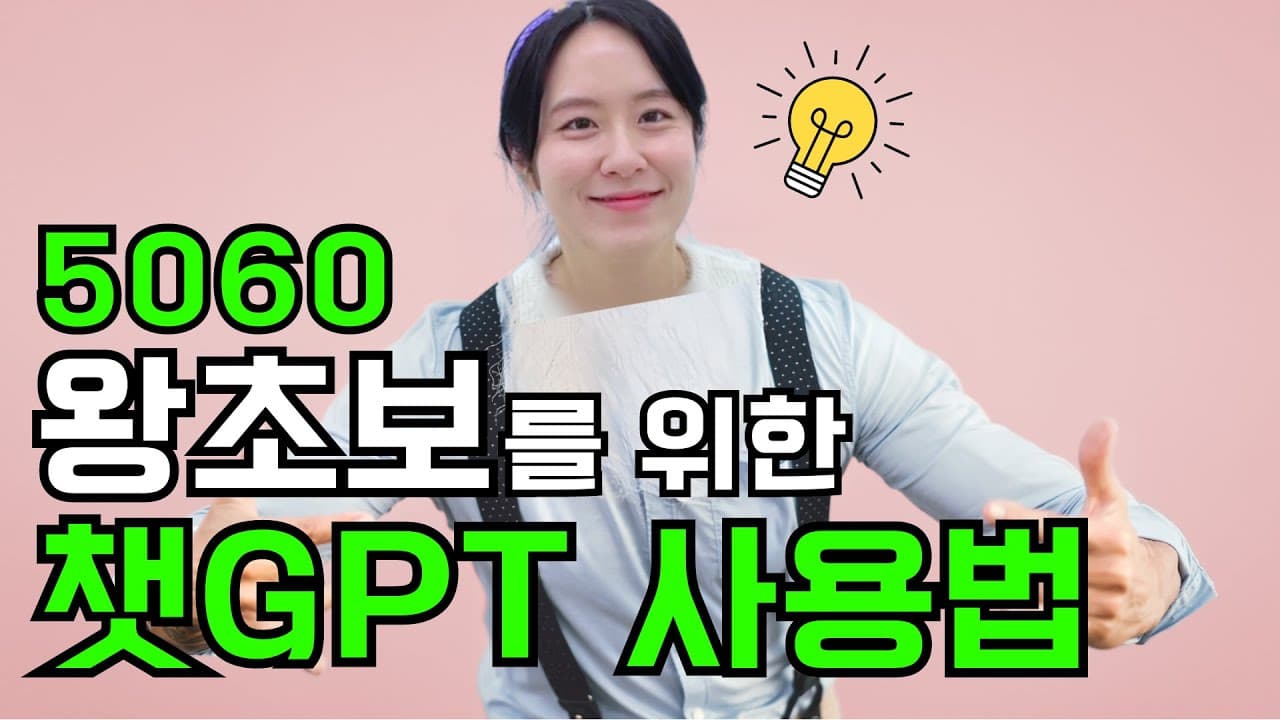
[왕초보] 컴알못 50,60대 시니어를 위한 챗GPT 가입방법, 사용방법 | 현존하는 가장 쉬운 설명
TL;DR
Learn how to use AI tools like ChatGPT, starting with creating a Google ID.
Transcript
Hi, this is Hazoo from "AI Hazoo". Today, we are going to learn about AI in English, which you may have heard a lot about here and there. Artificial intelligence is a technology that allows computers to think and learn like humans. It is already widely used in our daily lives. For example, Siri on the iPhone and Bixby on the Galaxy are also artific... Read More
Key Insights
- 💄 AI technology mimics human cognitive functions to simplify our daily tasks and decision-making processes.
- 🐕🦺 Services like Siri, Bixby, and ChatGPT showcase the practical usage of AI in everyday life.
- ♿ Creating and remembering a Google account is a critical first step in accessing AI resources like ChatGPT.
- 🍗 Beginners are encouraged to try out GPT 3.5 initially to build confidence before moving on to GPT 4, which offers more advanced features.
- 🛟 The video emphasizes the importance of using AI tools in real-life situations to enhance skills and knowledge.
- 🐕🦺 Accessible platforms such as mobile applications and messaging services (KakaoTalk) can facilitate easier interaction with AI.
- 👤 Users are reminded of the potential inaccuracies in response generation, particularly with certain versions of AI models.
Install to Summarize YouTube Videos and Get Transcripts
Explore YouTube Video Summarizer or Get YouTube Transcript Extractor
Questions & Answers
Q: What is the purpose of artificial intelligence as described in the video?
The video outlines that artificial intelligence enables computers to think and learn similarly to humans. This technology is already integrated into many services we use daily, such as virtual assistants like Siri and Bixby. The goal is to help users understand and utilize AI in practical situations.
Q: How do I create a Google account according to the video?
The video explains that to create a Google account, you need to visit the Google site, click on the "Create Account" button, and fill in necessary details like your name and a chosen email address. It highlights the importance of saving this email address securely for future use, as it will be required for platforms like ChatGPT.
Q: Why does the video suggest starting with GPT 3.5 instead of GPT 4?
The speaker recommends GPT 3.5 for beginners because it is easier to use and sufficient for asking daily questions. While GPT 4 offers more advanced capabilities, it is a paid service and may contain less reliable information for new users, making GPT 3.5 a more practical starting point.
Q: What are some methods for accessing AI services on a mobile device?
The content describes downloading the OpenAI GPT app from the Play Store for mobile access. Additionally, it suggests using the KakaoTalk app to access the GPT service easily. By utilizing these platforms, users can ask questions and receive answers just like on a desktop.
Q: What example interactions does the video provide to demonstrate using GPT?
The video illustrates how to interact with GPT by asking questions, such as for travel recommendations with family or song suggestions for karaoke. It reveals that users can retrieve specific information or recommendations through simple queries, showcasing the AI's conversational capabilities.
Q: What challenges might beginners face when learning to use AI tools like ChatGPT?
Beginners might find it challenging to navigate new technology and feel overwhelmed by the complexity of AI tools. The feeling of unfamiliarity can lead to hesitation, but the video reassures viewers that regular practice will make these tools easier to use over time.
Summary & Key Takeaways
-
The content introduces artificial intelligence (AI) and its practical applications in everyday life, citing examples like Siri and Bixby, making it relatable for beginners.
-
A step-by-step guide on creating a Google account and signing up for ChatGPT is provided, emphasizing that mastering these tools may seem daunting but becomes easier with practice.
-
The video also touches on different versions of GPT, highlighting that while GPT 3.5 is user-friendly, GPT 4 offers advanced features for those familiar with AI.
Read in Other Languages (beta)
Share This Summary 📚
Summarize YouTube Videos and Get Video Transcripts with 1-Click
Try YouTube Summary with ChatGPT & Claude or YouTube Transcript Generator