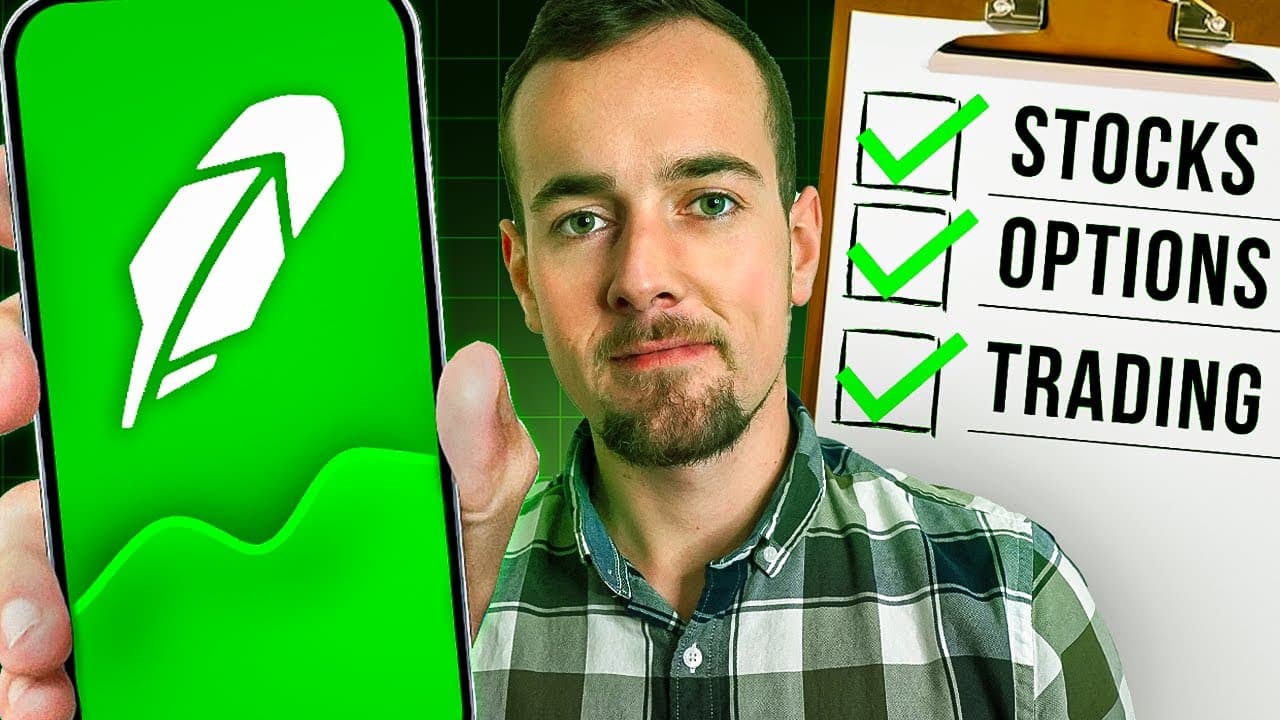
Robinhood Investing For Beginners In 2024 | FULL Tutorial
TL;DR
This video provides a thorough tutorial on opening a new Robinhood account, linking a bank account, researching stocks, investing in ETFs and cryptocurrencies, exploring options trading, and utilizing other features offered by Robinhood.
Transcript
this is going to be the most thorough and current Robin Hood beginner tutorial out there so I'd recommend sticking around for the entire video but if there is a specific section that you're looking for there is going to be a table of contents down below where you can skip around at any point in time we're going to be covering opening a brand new Ro... Read More
Key Insights
- 😀 Opening a Robinhood account is a straightforward process that involves creating a login and downloading the app.
- 👻 Linking a bank account allows for convenient deposits and withdrawals.
- 👨🔬 Robinhood offers research tools for stocks, including 24-hour trading availability, financial metrics analysis, and news updates.
- 👻 The platform allows for investing in cryptocurrencies, with a separate section for trading and a wallet for sending and receiving.
- ❓ Retirement accounts, such as Roth IRA, are available, along with a contribution match program.
- ✋ Robinhood offers options for investing spare change, earning cashback, and accessing a high-yield savings account.
- ✳️ Options trading is available but carries significant risk and is recommended for experienced investors.
Install to Summarize YouTube Videos and Get Transcripts
Explore YouTube Video Summarizer or Get YouTube Transcript Extractor
Questions & Answers
Q: How do I open a new Robinhood account?
To open a new Robinhood account, go to the website or app, click on the signup button, and follow the steps to create a login. Fill in your personal details, including your name, email address, and desired password.
Q: How do I link my bank account to Robinhood?
After creating a Robinhood account, go to the app's person menu, click on the three lines at the top left, and navigate to the "Transfers" section. Scroll down to find the "Linked Accounts" option and add a new bank account. You can choose between instant transfer using a debit card or linking your bank account using Plaid.
Q: Can I research stocks on Robinhood?
Yes, you can research stocks on Robinhood. Use the search bar to find specific stocks or browse through lists like "Most Popular Stocks." Each stock provides information such as price performance, company details, analyst ratings, and news.
Q: Can I invest in cryptocurrencies through Robinhood?
Yes, Robinhood offers a separate crypto section where you can invest in cryptocurrencies such as Bitcoin. You can access this section by using the search bar and selecting the desired cryptocurrency. Robinhood also offers a wallet for sending and receiving cryptocurrencies.
Q: Can I open a retirement account with Robinhood?
Yes, you can open a retirement account with Robinhood. They offer options like Roth IRA and provide recommended portfolios. Robinhood also offers a contribution match for retirement accounts, with a 3% match for Robinhood Gold subscribers and a 1% match for non-subscribers.
Summary & Key Takeaways
-
The video covers the step-by-step process of opening a new Robinhood account, including creating a login and downloading the app.
-
It explains how to link a bank account to the Robinhood app for making deposits and withdrawals.
-
The video demonstrates how to research stocks, including using the 24-hour market feature and analyzing financial metrics.
-
It explores the option to invest in cryptocurrencies through Robinhood.
-
The tutorial covers retirement accounts and the option for earning a high yield on uninvested cash.
-
The video briefly touches on options trading and other features such as the Robinhood Cash Card.
Read in Other Languages (beta)
Share This Summary 📚
Summarize YouTube Videos and Get Video Transcripts with 1-Click
Try YouTube Summary with ChatGPT & Claude or YouTube Transcript Generator
Explore More Summaries from Ryan Scribner 📚



Summarize YouTube Videos and Get Video Transcripts with 1-Click
Try YouTube Summary with ChatGPT & Claude or YouTube Transcript Generator