Elementor Dynamic Tags For Beginners
TL;DR
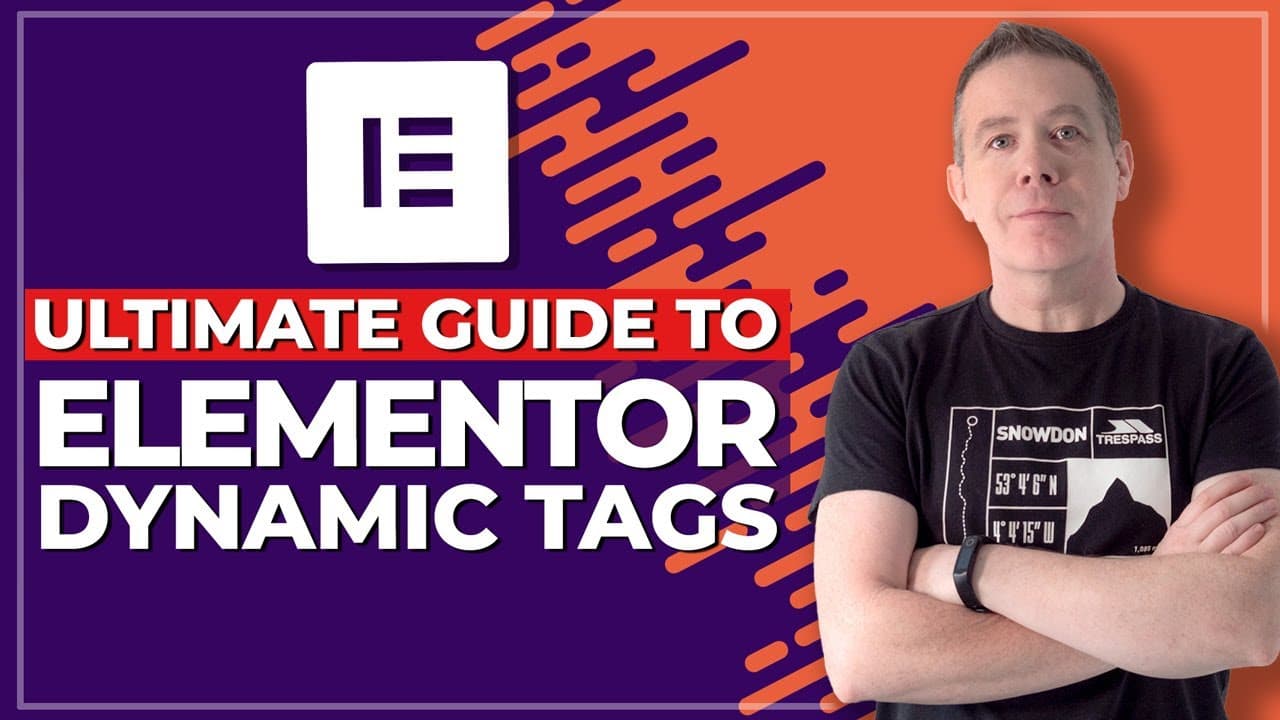
Learn how to use dynamic tags in Elementor Pro to enhance your design skills and create personalized experiences on your website.
Transcript
so in this video we're going to be following on for the previous videos the foundational videos of working with elemental elemental pro and in this video we'll be delving into dynamic tags the dynamic tags opens up a world of possibilities and if you pair it up with tools like advanced custom fields pods or toolset you have a ton of options availab... Read More
Key Insights
- 👻 Dynamic tags in Elementor Pro allow for flexible and personalized content creation on websites.
- 👤 Personalization is a powerful use case for dynamic tags, allowing you to display user-specific information and create tailored experiences.
- ⚡ Dynamic tags can be used in various widgets and templates, enabling you to customize and style different elements on your website.
- ⚡ Advanced tools like advanced custom fields can be integrated with dynamic tags to further enhance the functionality and customization options.
- 😒 The Elementor theme builder provides a comprehensive way to use dynamic tags and create templates for different types of pages.
Install to Summarize YouTube Videos and Get Transcripts
Explore YouTube Video Summarizer or Get YouTube Transcript Extractor
Questions & Answers
Q: What are dynamic tags in Elementor Pro?
Dynamic tags in Elementor Pro allow you to dynamically change content on your website based on the current page or post. This can include things like the featured image, title, author, and more.
Q: Can I use dynamic tags without Elementor Pro?
No, dynamic tags are a pro-only feature. You need Elementor Pro to take advantage of dynamic tags and their capabilities.
Q: What can I do with dynamic tags?
With dynamic tags, you can create custom templates, reference different data types, and personalize website content. You can create personalized messages, display user information, and pull in dynamic data from tools like advanced custom fields.
Q: How can I create a personalized message using dynamic tags?
By using the "user info" dynamic tag, you can create a personalized message that changes based on the logged-in user's display name. You can add fallback options for users who are not logged in to ensure a consistent message is displayed.
Q: Can I use dynamic tags in the Elementor theme builder?
Yes, you can use dynamic tags in the theme builder to create templates for archive pages, single post templates, and more. You can pull in dynamic data from different elements of your website and create customized layouts.
Key Insights:
- Dynamic tags in Elementor Pro allow for flexible and personalized content creation on websites.
- Personalization is a powerful use case for dynamic tags, allowing you to display user-specific information and create tailored experiences.
- Dynamic tags can be used in various widgets and templates, enabling you to customize and style different elements on your website.
- Advanced tools like advanced custom fields can be integrated with dynamic tags to further enhance the functionality and customization options.
- The Elementor theme builder provides a comprehensive way to use dynamic tags and create templates for different types of pages.
- Dynamic tags offer a world of possibilities for web designers to create dynamic, engaging, and interactive websites.
Summary & Key Takeaways
-
Dynamic tags in Elementor Pro allow you to pull content from your website or current page/post, changing dynamically based on the page/post.
-
You can create custom templates and reference dynamic tags to fill out placeholders for different types of data.
-
This video provides a basic understanding of dynamic tags and demonstrates how to personalize a website and create a custom dashboard using dynamic content.
Read in Other Languages (beta)
Share This Summary 📚
Summarize YouTube Videos and Get Video Transcripts with 1-Click
Try YouTube Summary with ChatGPT & Claude or YouTube Transcript Generator
Explore More Summaries from WPTuts 📚




Summarize YouTube Videos and Get Video Transcripts with 1-Click
Try YouTube Summary with ChatGPT & Claude or YouTube Transcript Generator