Python Tutorial: How to Rename Files and Move Files with Python
TL;DR
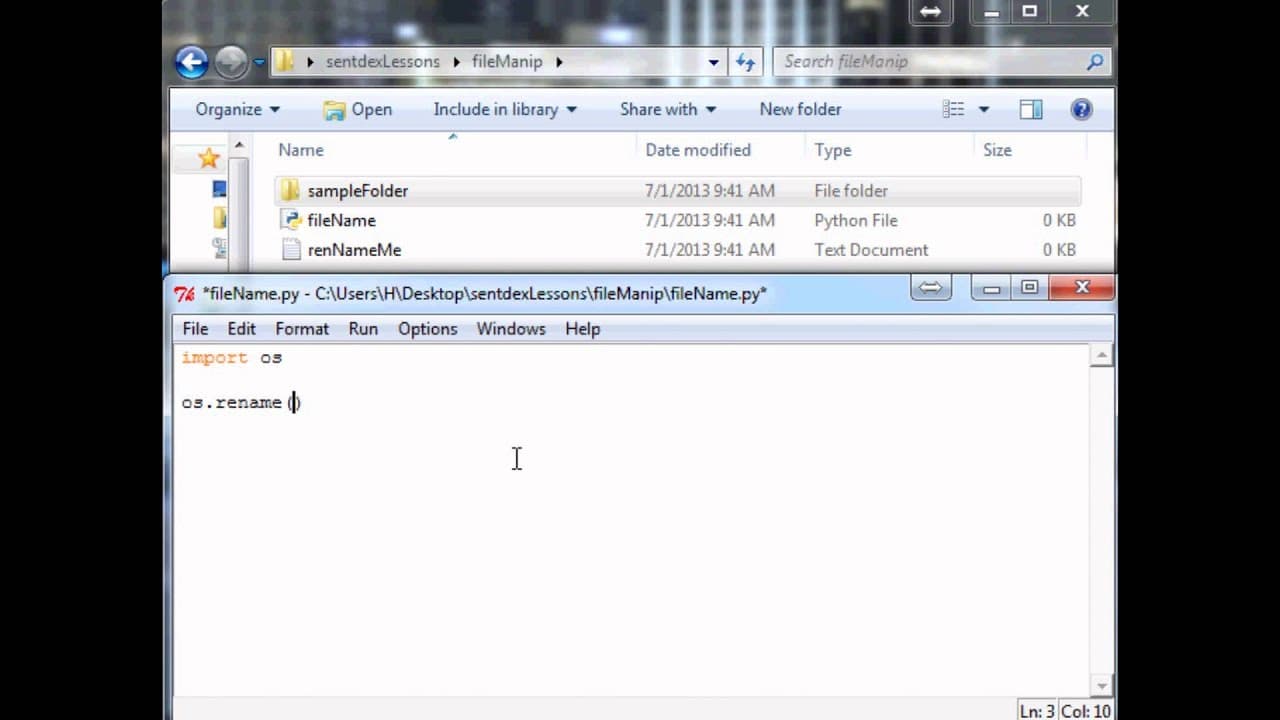
Learn how to rename, move, and change the extension of files in Python using the OS module.
Transcript
hello welcome back to my Python tutorials in the last tutorial we were talking about how to delete files and directories in this tutorial I want to be showing you guys how to do something a little less destructive and this time we're just going to be renaming and moving files about and actually this process is the same for whether you want to renam... Read More
Key Insights
- 📁 Renaming and moving files in Python can be done using the
os.rename()function. - 😒 It is useful to use variables to define the previous and new names of files to avoid confusion.
- 📁 The same method can be used to move directories by providing the previous and new directory names.
- 📁 Files can also be renamed with a different extension using Python.
- 💉 The
osmodule needs to be imported for file renaming and moving operations. - 👶 Renamed files retain their content and can be accessed with the new name.
- 📁 The process of renaming and moving files is non-destructive and does not erase the original file.
Install to Summarize YouTube Videos and Get Transcripts
Explore YouTube Video Summarizer or Get YouTube Transcript Extractor
Questions & Answers
Q: How can files be renamed in Python?
In Python, files can be renamed using the os.rename() function. This function requires two variables: the previous name of the file and the new name of the file. It is recommended to define these variables beforehand to avoid confusion.
Q: Can the extension of a file be changed using Python?
Yes, the extension of a file can be changed using Python. Simply provide the new name of the file with the desired extension when using the os.rename() function.
Q: How can files be moved to a different directory?
Files can be moved to a different directory by specifying the previous and new names of the file when using the os.rename() function. Both the previous and new names should include the full path of the file, including the directory name.
Q: Can the same method be used to move directories?
Yes, the same method can be used to move directories. Simply provide the previous and new names of the directory to the os.rename() function, just like renaming or moving files.
Summary & Key Takeaways
-
This tutorial demonstrates how to rename and move files in Python using the OS module.
-
The process is similar for renaming and moving files, and the same method can be used for both.
-
The tutorial also explains how to change the extension of a file and how to move directories.
Read in Other Languages (beta)
Share This Summary 📚
Summarize YouTube Videos and Get Video Transcripts with 1-Click
Try YouTube Summary with ChatGPT & Claude or YouTube Transcript Generator
Explore More Summaries from sentdex 📚






Summarize YouTube Videos and Get Video Transcripts with 1-Click
Try YouTube Summary with ChatGPT & Claude or YouTube Transcript Generator