Face and Body Motion Capture in Blender I Rokoko Guide
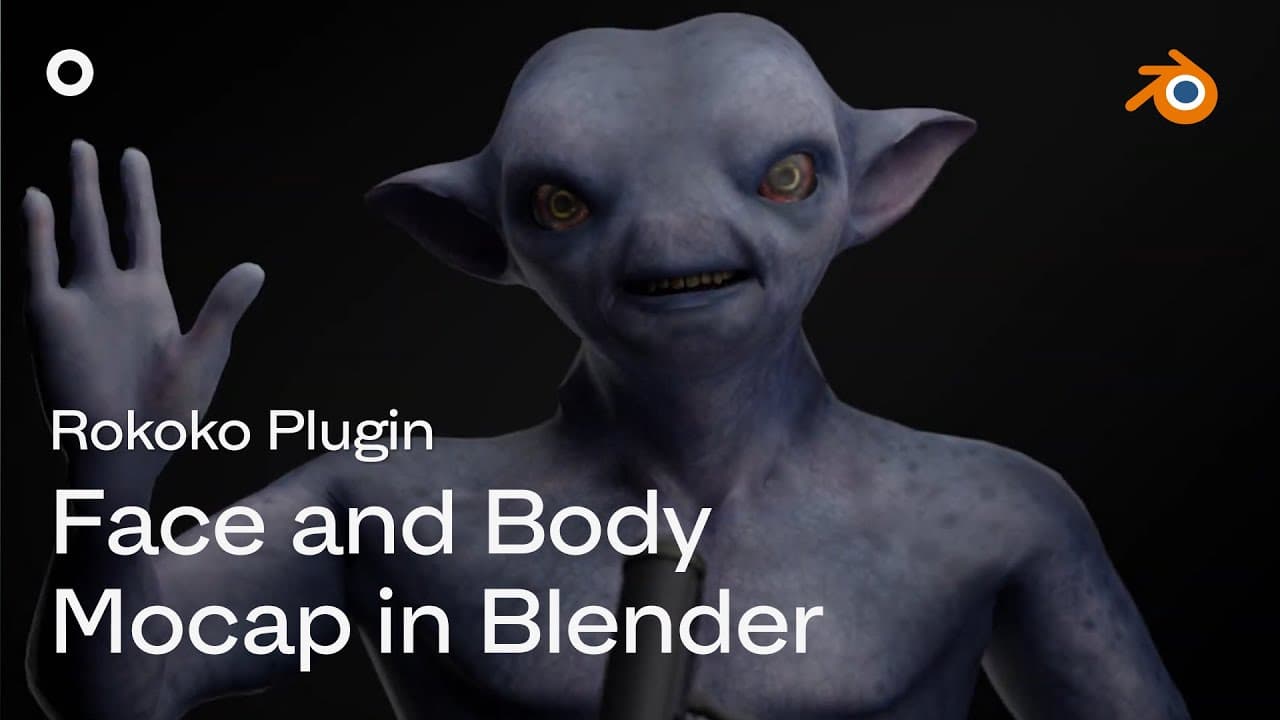
TL;DR
Learn how to use the Rococo plugin to easily retarget and stream full performance capture, both body and face, in Blender.
Transcript
hey what's up all you blender users out there i'm sam from ricoco and today i'm super excited to be taking you through our workflow for full performance capture both body and face from within blender using the new rococo plugin so we've made it super easy to either retarget your motion capture onto your character from within blender or you can stre... Read More
Key Insights
- ☠️ The Rococo plugin simplifies the retargeting process for body mocap in Blender, eliminating the need for manual bone input.
- 💠 Facial mocap in Blender requires characters with the correct blend shapes, which can be obtained through various methods.
- 👻 Streaming full performance capture into Blender allows for real-time testing and adjustments.
- 🎏 Recording the streamed mocap data directly to the timeline provides flexibility in further editing and refining animations.
- 📔 The Rococo plugin offers a comprehensive solution for motion capture workflows in Blender, covering both body and facial mocap.
- 👤 Users can choose between live streaming or recording and transferring mocap data, depending on their specific needs.
- ❓ The plugin's retargeting feature ensures accurate and seamless transfer of body mocap onto characters in Blender.
Install to Summarize YouTube Videos and Get Transcripts
Explore YouTube Video Summarizer or Get YouTube Transcript Extractor
Questions & Answers
Q: How can I use the Rococo plugin to transfer body mocap to my character in Blender?
After importing the mocap animation, open the Rococo plugin, sign in, and navigate to the retargeting tab. Place the mocap in the source slot and the character in the target slot, then hit the retarget button.
Q: What are the requirements for facial mocap in Blender?
The character needs to have the correct blend shapes, specifically the standard Apple AR Kit 52 blend shapes. Users can obtain characters with these blend shapes from services like Polywink or follow tutorials to convert characters from other sources.
Q: Is it possible to stream full performance capture from Rococo Studio into Blender?
Yes, the Rococo plugin allows for live streaming of mocap data into Blender. By connecting a motion capture suit and phone for facial mocap, users can see the results in Blender in real time.
Q: Can I record the streamed mocap data directly to the timeline in Blender?
Yes, by starting the recording function in the Rococo plugin, all actions and motions will be recorded directly to the timeline in Blender.
Key Insights:
- The Rococo plugin simplifies the retargeting process for body mocap in Blender, eliminating the need for manual bone input.
- Facial mocap in Blender requires characters with the correct blend shapes, which can be obtained through various methods.
- Streaming full performance capture into Blender allows for real-time testing and adjustments.
- Recording the streamed mocap data directly to the timeline provides flexibility in further editing and refining animations.
- The Rococo plugin offers a comprehensive solution for motion capture workflows in Blender, covering both body and facial mocap.
- Users can choose between live streaming or recording and transferring mocap data, depending on their specific needs.
- The plugin's retargeting feature ensures accurate and seamless transfer of body mocap onto characters in Blender.
- The use of shape keys allows users to effectively transfer facial mocap onto characters in Blender.
Summary & Key Takeaways
-
The Rococo plugin allows users to retarget motion capture onto characters in Blender or stream full performance capture from Rococo Studio.
-
To utilize facial mocap in Blender, users need a character with the correct blend shapes, which can be obtained through various methods.
-
The Rococo plugin simplifies the process of transferring body mocap to a character in Blender, while shape keys are used to transfer facial mocap.
Read in Other Languages (beta)
Share This Summary 📚
Summarize YouTube Videos and Get Video Transcripts with 1-Click
Try YouTube Summary with ChatGPT & Claude or YouTube Transcript Generator