How to Edit Videos Like a Pro with CapCut PC
TL;DR
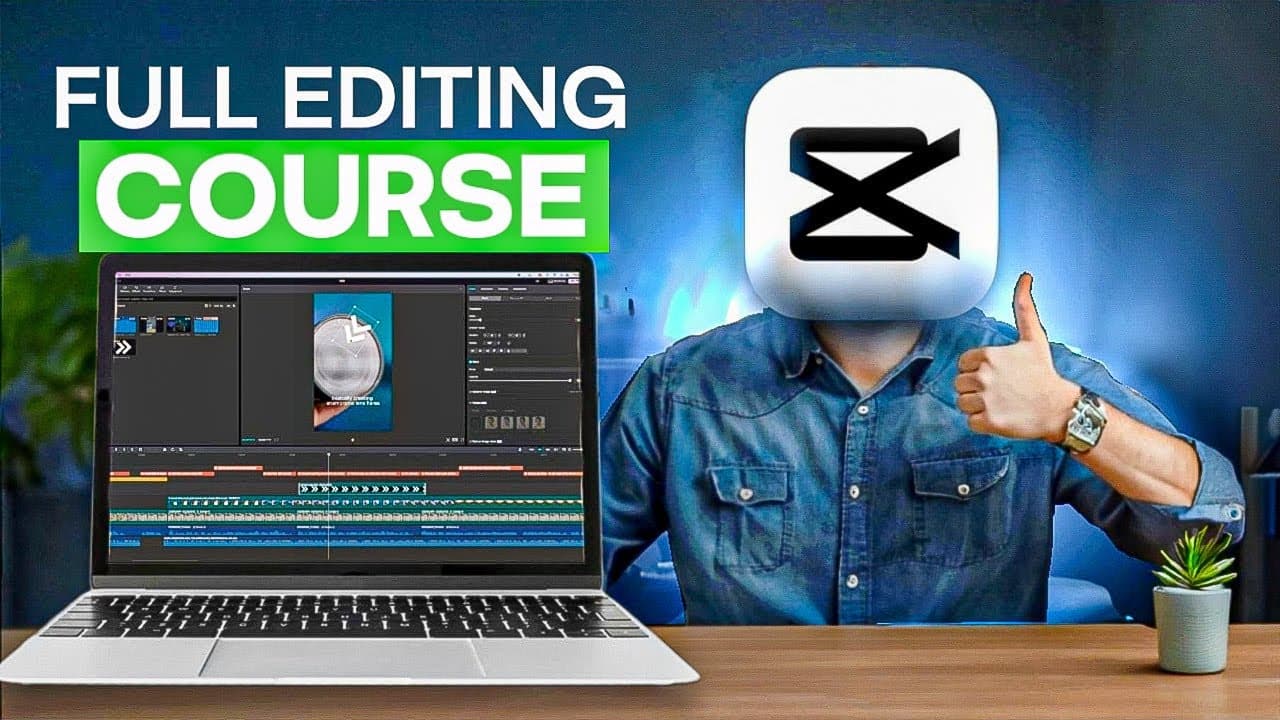
Master CapCut PC from beginner to pro by learning essential editing skills. This tutorial covers everything from media import to advanced audio enhancements and creative effects, all powered by AI. Transform your video editing workflow effortlessly and create stunning content with ease.
Transcript
hey there future video editing maestros welcome to this transformative cap cut video editing tutorial for complete beginners today we would be your guide on a journey from novice to Pro editor and the best part it's all 100% free stick with us use the timestamps you will find down in the description to your advantage for targeted learning b... Read More
Key Insights
- CapCut PC offers both online and offline installation options, providing flexibility for different user needs and internet availability.
- Importing media into CapCut is straightforward, allowing users to easily insert videos and images into the editing timeline.
- Basic editing skills such as cutting videos, adjusting volume, and grouping elements are essential for creating cohesive video projects.
- CapCut provides tools to enhance audio quality by removing noise and adding background music, improving the overall sound of video projects.
- The software supports advanced editing features like auto-captioning, transitions, and keyframe animations, which are crucial for professional-level video editing.
- CapCut's AI capabilities allow for easy application of filters and effects, enabling users to enhance video aesthetics with minimal effort.
- The masking tool in CapCut enables creative effects such as cloning, adding cinematic bars, and creating talking head videos, expanding the creative possibilities for editors.
- CapCut supports various export options, including video and audio-only exports, catering to different project requirements and distribution needs.
Install to Summarize YouTube Videos and Get Transcripts
Explore YouTube Video Summarizer or Get YouTube Transcript Extractor
Questions & Answers
Q: What are the installation options for CapCut PC?
CapCut PC offers both online and offline installation options. The online installation requires an internet connection for downloading, while the offline version allows users to install the software without an internet connection after downloading the setup file.
Q: How can media be imported into CapCut PC?
Media can be imported into CapCut PC by clicking on 'Create a Project' and then selecting 'Import'. Users can choose multiple images or videos from their folders to insert into the editing timeline, making the process efficient and user-friendly.
Q: What audio enhancement features does CapCut PC offer?
CapCut PC offers several audio enhancement features, including noise reduction and background music addition. Users can adjust track volume on the timeline and apply noise reduction effects to improve audio quality, ensuring a polished final product.
Q: How does CapCut PC facilitate advanced transitions?
CapCut PC facilitates advanced transitions through the use of keyframes. Users can create professional-level transitions by manipulating keyframes for position, scale, and rotation, allowing for smooth and dynamic video transitions.
Q: What creative effects can be achieved using the masking tool in CapCut PC?
The masking tool in CapCut PC allows users to achieve creative effects such as cloning themselves, adding cinematic bars, and creating talking head videos. These effects enhance storytelling and visual impact in video projects.
Q: How does CapCut PC's AI enhance the editing process?
CapCut PC's AI enhances the editing process by providing features like auto-captioning and filter application. These tools simplify complex editing tasks, allowing users to quickly and easily enhance their videos with professional-quality effects.
Q: What export options are available in CapCut PC?
CapCut PC offers various export options, including exporting videos with or without audio. This flexibility allows users to tailor their exports to specific project needs, whether they require full video exports or audio-only files for different platforms.
Q: What are the key benefits of using CapCut PC for video editing?
The key benefits of using CapCut PC for video editing include its user-friendly interface, powerful AI features, and comprehensive editing tools. These aspects make it suitable for both beginners and experienced editors, enabling the creation of professional-quality videos with ease.
Summary & Key Takeaways
-
The CapCut PC app tutorial guides beginners through the process of becoming proficient video editors, covering essential tools and features.
-
Key topics include media import, basic editing, audio enhancement, advanced transitions, and creative effects using the masking tool.
-
CapCut's AI-powered features, such as auto-captioning and filter application, simplify the editing process, making it accessible to users of all skill levels.
Read in Other Languages (beta)
Share This Summary 📚
Summarize YouTube Videos and Get Video Transcripts with 1-Click
Try YouTube Summary with ChatGPT & Claude or YouTube Transcript Generator