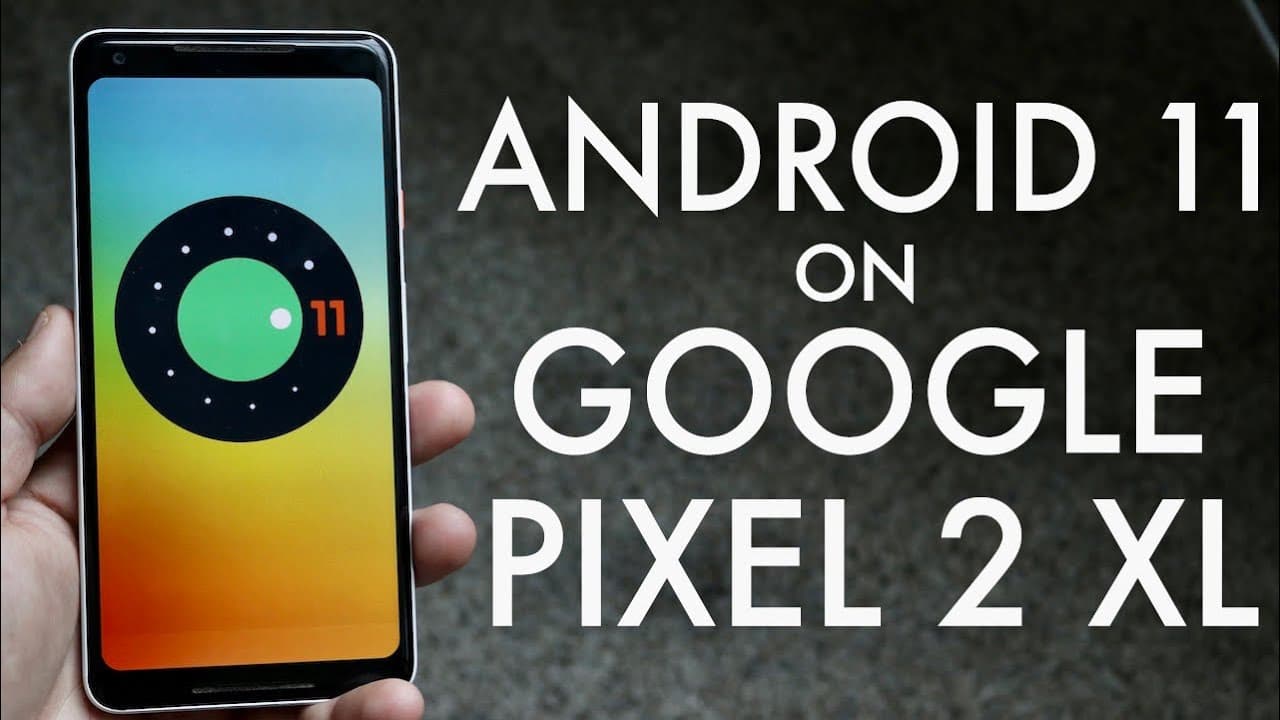
Android 11 On Google Pixel 2 XL! (Review)
TL;DR
Android 11 beta on Pixel 2 XL brings minor features and stability improvements.
Transcript
well everyone installed Android 11 on my Google pixel to excel and it is the first beta it's not official or anything like that but really anybody who has a pixel two or nywhere device can actually go and install this on their phone which is actually really really cool in my opinion and the pixel to excel and my opinion is probably one of my favori... Read More
Key Insights
- 🧡 The Android 11 beta is accessible to a wide range of devices, highlighting an inclusive update process.
- 🥶 Despite being a minor update, Android 11 offers stability improvements that may appeal to users running older versions of Android.
- 👻 The updated screenshot functionality allows for immediate edits and shares, streamlining the sharing process significantly.
- ✊ The new power menu integrates Google Pay and smart home controls, showcasing a focus on enhanced user functionality.
- 🙂 Many users appreciate the stability of their device performance, despite slight benchmark score drops.
- 😒 The expectation is that phone manufacturers will use this opportunity to extend support for older devices with Android 11.
- 👤 User reactions indicate that while the update brings useful features, the absence of the "kill-all" button could frustrate multitasking efficiency.
Install to Summarize YouTube Videos and Get Transcripts
Explore YouTube Video Summarizer or Get YouTube Transcript Extractor
Questions & Answers
Q: What are some notable features of the Android 11 beta on the Pixel 2 XL?
The Android 11 beta introduces enhanced screenshot capabilities, allowing users to edit and share screenshots directly after capturing them, similar to iOS functionality. Additionally, the new power menu provides quick access to Google Pay and smart home controls, enhancing user convenience.
Q: How does the performance of Android 11 compare to Android 10 on the Pixel 2 XL?
While running benchmarks, the Pixel 2 XL saw a slight decrease in performance scores when switching from Android 10 to Android 11, with the single-core score dropping from 358 to 352. However, the changes are minimal and do not significantly affect overall usability, indicating stability in performance.
Q: Is the Android 11 update suitable for older devices?
Given that Android 11 is not a resource-intensive update, it is suitable for older devices. The hope is that manufacturers will provide updates for older models, which would be a notable improvement in lifespan support, addressing common complaints among Android users regarding updates.
Q: What are the implications of the changes in the multitasking panel with Android 11?
The multitasking panel's redesign in Android 11 includes the removal of the "kill-all" button, which has raised concerns among users. While it allows for taking screenshots of apps and sharing them, users may miss the simplicity of quickly closing all apps at once, posing a usability challenge.
Summary & Key Takeaways
-
The installation of Android 11 on the Pixel 2 XL marks the first beta release, allowing users to easily install it on various devices, which broadens accessibility.
-
The update is relatively small, weighing 1.4 GB, and does not introduce significant new features, making it less impactful compared to previous iOS updates.
-
Key improvements include enhanced screenshot functionality and a revamped power menu, though concerns exist about the removal of the "kill-all" button in the multitasking panel.
Read in Other Languages (beta)
Share This Summary 📚
Summarize YouTube Videos and Get Video Transcripts with 1-Click
Try YouTube Summary with ChatGPT & Claude or YouTube Transcript Generator
Explore More Summaries from Simple Alpaca 📚






Summarize YouTube Videos and Get Video Transcripts with 1-Click
Try YouTube Summary with ChatGPT & Claude or YouTube Transcript Generator