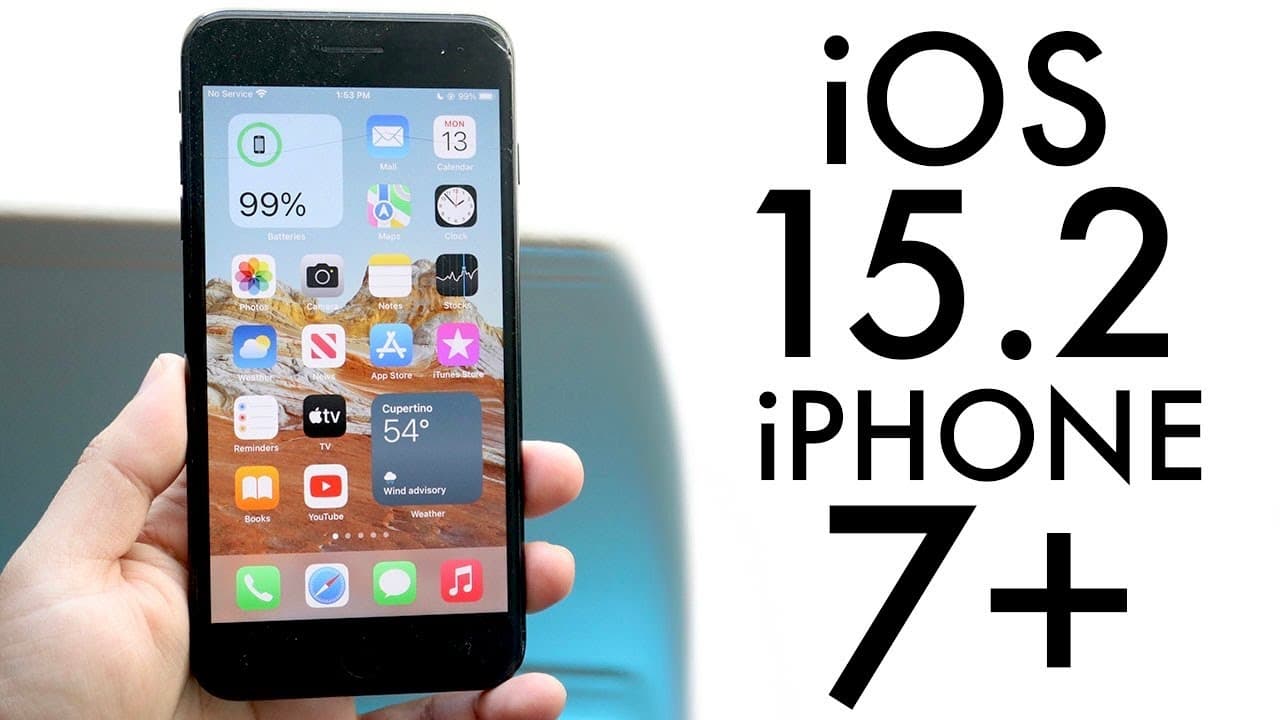
iOS 15.2 On iPhone 7 Plus! (Review)
TL;DR
iOS 15.2 brings significant updates, including app privacy reports and digital legacy features.
Transcript
welcome back everyone ios 15.2 has officially came out and so we can go and take a look at it on our iphone 7 plus now this update came out to a fairly large update it definitely wasn't a small one especially on this one now i don't know which top i think it was this one yeah so 15.2 4.68 gigabytes and i think this was coming from a version or two ... Read More
Key Insights
- 👶 iOS 15.2 is a substantial update with a size of 4.68 gigabytes, indicating a wealth of new features and improvements.
- 😀 The app privacy report promotes user awareness about app activities, contributing to better privacy management for individuals.
- 👤 Digital legacy functionality caters to user concerns about data management after death, reflecting modern digital lifestyles and needs.
- 👤 Users on previous stable versions beginning with iOS 14 may consider waiting to update until more feedback is available.
- 🦺 iMessage enhancements aim to foster a safer online environment for minors, albeit with certain privacy implications to consider.
- 👤 The update addresses numerous bug fixes and system improvements, enhancing the overall user experience on iPhone devices.
- 👤 Upgrading to iOS 15.2 is highly recommended for users already on previous iOS 15 versions, promoting device performance and security.
Install to Summarize YouTube Videos and Get Transcripts
Explore YouTube Video Summarizer or Get YouTube Transcript Extractor
Questions & Answers
Q: What are the primary benefits of the app privacy report in iOS 15.2?
The app privacy report in iOS 15.2 allows users to view detailed information about which apps are accessing their data and how frequently. It identifies which apps are using location data, contacts, camera, and microphone. This transparency helps enhance user privacy and assists in managing app permissions more effectively.
Q: How long does the iOS 15.2 update take to install on the iPhone 7 Plus?
Users can expect the iOS 15.2 update on the iPhone 7 Plus to take approximately 50 to 60 minutes to fully download and install. The actual duration may vary based on factors such as internet speed and device storage, so it's recommended to allocate sufficient time for the update process.
Q: What are the controversial features related to iMessage in this update?
The update introduces features affecting iMessage that allow for enhanced parental controls, enabling parents to monitor their children's interactions and content. This has raised concerns regarding privacy and autonomy among users. Although these features aim to improve safety for minors, they have sparked discussions about surveillance in digital communications.
Q: What is the digital legacy feature in iOS 15.2, and how does it work?
The digital legacy feature allows users to designate specific contacts to manage their data after they pass away. This enables chosen contacts to access certain information for memory purposes or estate management. While the specifics about how to enable this feature remain unclear, it is designed to help families maintain digital memories.
Summary & Key Takeaways
-
iOS 15.2 is a large update for the iPhone 7 Plus, taking about an hour to download and install. Users should prepare for a lengthy update process.
-
The update introduces new features like the app privacy report, which allows users to monitor app activity concerning data usage, tracking, and background access.
-
Notable additions include enhancements to iMessage for parental controls and the option for users to designate digital legacy contacts to manage data posthumously.
Read in Other Languages (beta)
Share This Summary 📚
Summarize YouTube Videos and Get Video Transcripts with 1-Click
Try YouTube Summary with ChatGPT & Claude or YouTube Transcript Generator
Explore More Summaries from Simple Alpaca 📚






Summarize YouTube Videos and Get Video Transcripts with 1-Click
Try YouTube Summary with ChatGPT & Claude or YouTube Transcript Generator