Coding Train Live 27: Checkbox Mirror and Painting with Pixels in p5.js
TL;DR
Create an interactive pixel smearing effect with flocking agents moving on a canvas capturing colors from a video stream.
Transcript
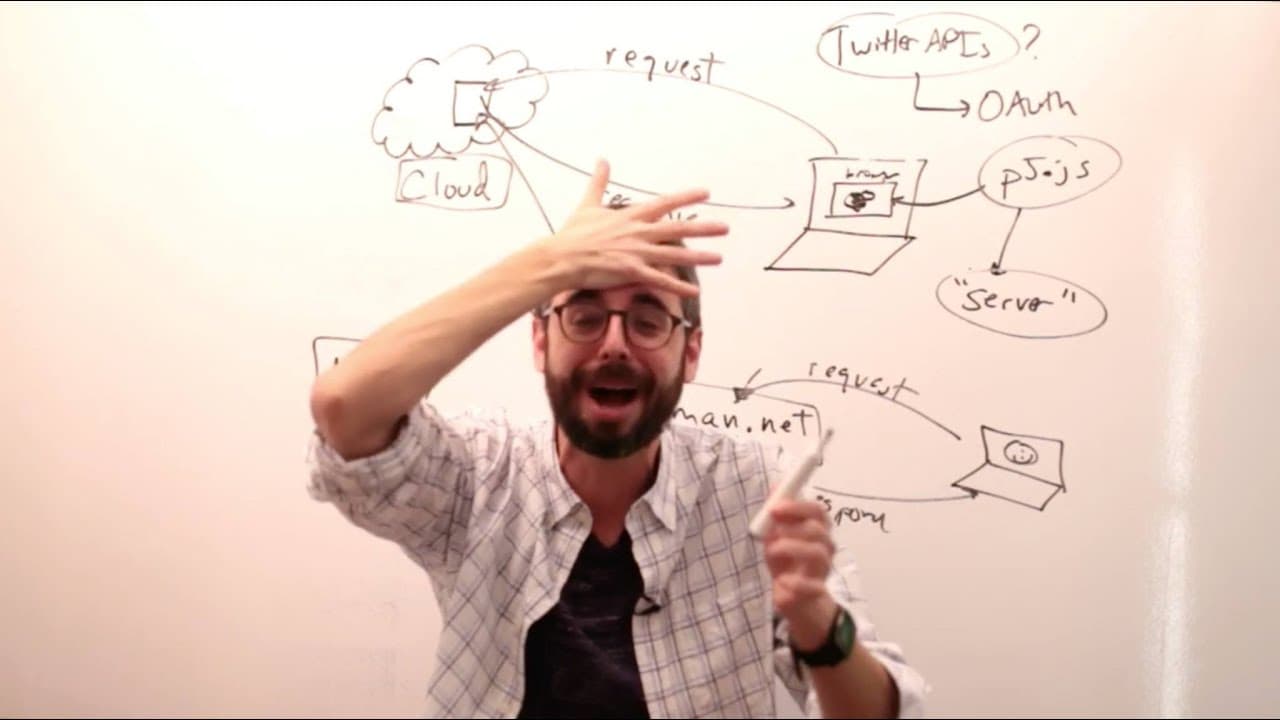
hello welcome my name is Dan and I am broadcasting live from the school for poetic computation in the West Village New York City there is a river behind me there is a brick wall that way I guess this is a green wall behind me actually that's not a river that's my screen I'm kind of still waking up I feel like it's been so long since I was last here... Read More
Key Insights
- 🫒 Flocking agents can be used to create visually engaging effects like pixel smearing by sampling colors from a live video stream.
- ❓ Customizing flocking behavior parameters can result in unique patterns and movements of agents on the canvas.
- 🧑🏭 Adjusting the scaling factor for position mapping can help maintain consistency between the video stream and canvas dimensions.
Install to Summarize YouTube Videos and Get Transcripts
Explore YouTube Video Summarizer or Get YouTube Transcript Extractor
Questions & Answers
Q: How can flocking agents pick up color values from a live video stream in JavaScript?
Flocking agents can access color values from a live video stream by sampling the pixel colors at their corresponding positions on the canvas.
Q: What role does the background color play in creating a pixel smearing effect with flocking agents?
The background color can be cleared to reveal the trails of the flocking agents, resulting in a visually appealing pixel smearing effect.
Q: How can the movement behavior of flocking agents be customized in a creative coding project?
Flocking agents' movement behavior can be customized by adjusting parameters such as speed, direction, separation, cohesion, and alignment to achieve desired flocking patterns.
Q: What are some potential enhancements to the pixel smearing effect with flocking agents?
Enhancements could include adding interactive controls for users to change parameters like color selection, flocking behavior, and background effects in real-time.
Summary & Key Takeaways
-
Demonstrates the creation of a dynamic pixel smearing effect using flocking agents on a canvas.
-
Flocking agents pick up color values from a live video stream and smear them on the canvas.
-
Shows how to implement the flocking behavior and color sampling from the video stream in a creative coding project.
Read in Other Languages (beta)
Share This Summary 📚
Summarize YouTube Videos and Get Video Transcripts with 1-Click
Try YouTube Summary with ChatGPT & Claude or YouTube Transcript Generator
Explore More Summaries from The Coding Train 📚






Summarize YouTube Videos and Get Video Transcripts with 1-Click
Try YouTube Summary with ChatGPT & Claude or YouTube Transcript Generator