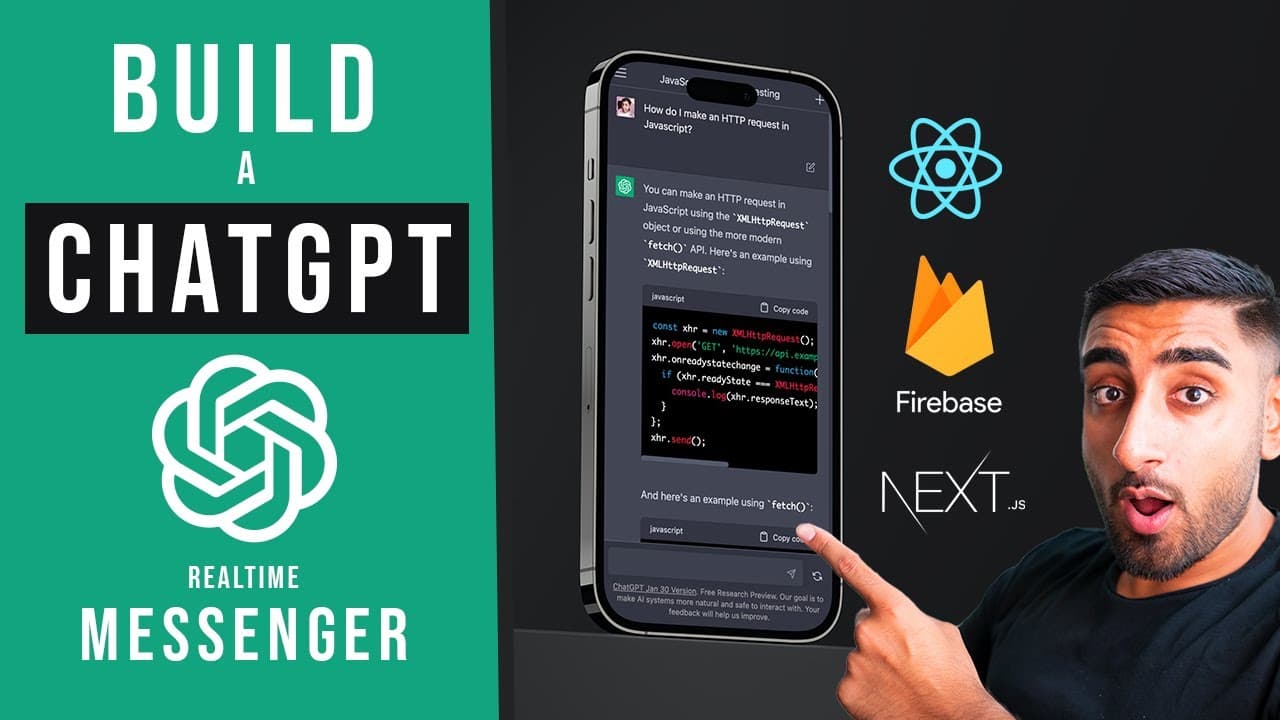
🔴 Let’s build ChatGPT Messenger 2.0 with REACT! (Next.js 13, Firebase, Tailwind CSS, TypeScript)
TL;DR
Learn how to build a Chat GPT Messenger clone using Next.js and Firebase, including authentication and creating custom API endpoints.
Transcript
foreign welcome to another Banger of a video I'm excited for this one I've been wanting to do this for a while but it's the chat GPT Messenger 2.0 this thing is absolutely nuts it has so much Tekken I am super super excited to teach you guys literally like one of my best biggest builds one of my biggest builds period I'm gonna say it right now let ... Read More
Key Insights
- 🕸️ Next.js and Firebase provide a powerful combination for building web applications with features like authentication and real-time updates.
- 👻 The OpenAI GPT API allows developers to integrate AI chatbot functionality into their applications, providing a more interactive user experience.
- 🏛️ Custom utility classes in Tailwind CSS make it easy to style components, improving the overall visual appearance of the project.
- 👻 Creating custom API endpoints allows for more control over data flow and interaction with external services.
Install to Summarize YouTube Videos and Get Transcripts
Explore YouTube Video Summarizer or Get YouTube Transcript Extractor
Questions & Answers
Q: What is Chat GPT Messenger?
Chat GPT Messenger is an AI chatbot developed by OpenAI. It allows users to ask questions and receive responses based on a wide range of trained knowledge.
Q: What technologies are used in this project?
The project is built using Next.js, a React framework, and Firebase, a suite of tools for building web applications. The OpenAI GPT API is also utilized for the chatbot functionality.
Q: How is authentication implemented in the project?
Authentication is handled using NextAuth, a library that provides an easy way to authenticate users in Next.js applications. This allows users to sign in with their Google accounts.
Q: What are the key features of the Chat GPT Messenger clone?
The clone includes features such as creating new chats, selecting different models for generating responses, and real-time messaging functionality. It also has a responsive layout and uses custom API endpoints for interaction with the GPT API.
Key Insights:
- Next.js and Firebase provide a powerful combination for building web applications with features like authentication and real-time updates.
- The OpenAI GPT API allows developers to integrate AI chatbot functionality into their applications, providing a more interactive user experience.
- Custom utility classes in Tailwind CSS make it easy to style components, improving the overall visual appearance of the project.
- Creating custom API endpoints allows for more control over data flow and interaction with external services.
- The tutorial demonstrates a structured approach to building a complex application, breaking it down into smaller components and implementing them one by one.
Summary & Key Takeaways
-
In this video, the content creator demonstrates how to create a clone of Chat GPT Messenger using Next.js and Firebase.
-
The tutorial covers setting up the project, integrating the OpenAI GPT API, creating a responsive layout, and implementing features like authentication and custom API endpoints.
-
The video provides step-by-step instructions and highlights key points in the code.
Read in Other Languages (beta)
Share This Summary 📚
Summarize YouTube Videos and Get Video Transcripts with 1-Click
Try YouTube Summary with ChatGPT & Claude or YouTube Transcript Generator
Explore More Summaries from Sonny Sangha 📚
Summarize YouTube Videos and Get Video Transcripts with 1-Click
Try YouTube Summary with ChatGPT & Claude or YouTube Transcript Generator