Ransomware vs UAC
TL;DR
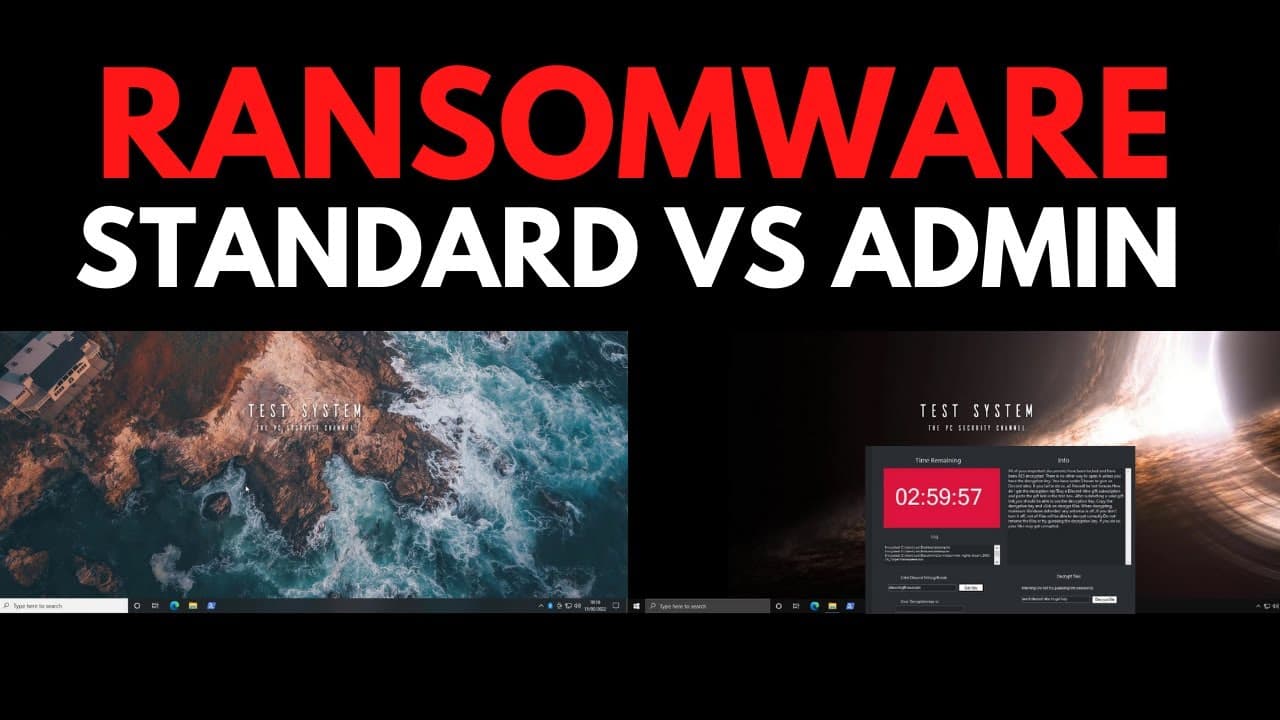
Running ransomware on both admin and standard user accounts shows that while there are some differences, using a standard account is not a foolproof defense against ransomware attacks.
Transcript
hello and welcome to the pc security channel one of the questions i get asked the most with regards to ransomware is admin versus standard user what difference does it make because there's a very common security advice that people get which is use a standard account instead of an administrator account that way your computer is going to be more secu... Read More
Key Insights
- 👨💼 Ransomware encrypts data, making it inaccessible and causing significant damage to businesses.
- 🤯 Running ransomware on an admin account provides full access to every folder on the system, allowing for widespread damage, including encrypting data on network locations.
- 👤 Using a standard user account restricts ransomware's access to the user's own data, but it can still encrypt shared data if network sharing is enabled.
- 🥳 Standard user accounts offer some advantages, such as preventing the deletion of backups and limiting access to certain parts of an organization or computer.
- 👊 However, using a standard user account is not a foolproof defense against ransomware, and a comprehensive security strategy is necessary to protect against attacks.
- 🔒 Generic security advice, like using a standard user account, should be considered within the context of the entire security strategy to avoid vulnerabilities.
- 📁 Trend Micro's premium security suite offers comprehensive protection against ransomware, including features like folder protection and behavioral detection.
Install to Summarize YouTube Videos and Get Transcripts
Explore YouTube Video Summarizer or Get YouTube Transcript Extractor
Questions & Answers
Q: What is the difference between running ransomware on an admin account and a standard user account?
When ransomware runs on an admin account, it has full access to every folder on the system and can encrypt data on other network locations. In contrast, running it on a standard user account restricts access to only the user's own data.
Q: Does using a standard user account protect against all types of ransomware attacks?
Using a standard user account provides some level of protection by limiting the spread of ransomware and restricting its access to other parts of the system. However, if network sharing is enabled, ransomware can still encrypt shared data.
Q: Are there any advantages of using a standard user account in preventing ransomware attacks?
A standard user account prevents the use of certain features that ransomware often exploits, such as VSS Admin. It also offers read-only access to specific parts of an organization or computer, providing some level of protection.
Q: How does access control work between admin and standard user accounts?
An admin account can override access controls and access any data on the system, while a standard user account can only access data that is given to them or that they have created on their own account.
Summary & Key Takeaways
-
Ransomware encrypts data, making it inaccessible, and can cause significant damage to businesses by encrypting crucial data and potentially stealing confidential information.
-
Running ransomware on an admin account provides full access to every folder on the system and can also encrypt data on other network locations, leading to widespread damage.
-
Running ransomware on a standard user account restricts its access to the user's own data, but it can still encrypt shared data if network sharing is enabled.
Read in Other Languages (beta)
Share This Summary 📚
Summarize YouTube Videos and Get Video Transcripts with 1-Click
Try YouTube Summary with ChatGPT & Claude or YouTube Transcript Generator
Explore More Summaries from The PC Security Channel 📚






Summarize YouTube Videos and Get Video Transcripts with 1-Click
Try YouTube Summary with ChatGPT & Claude or YouTube Transcript Generator