How to Maximize ChatGPT for Productivity
TL;DR
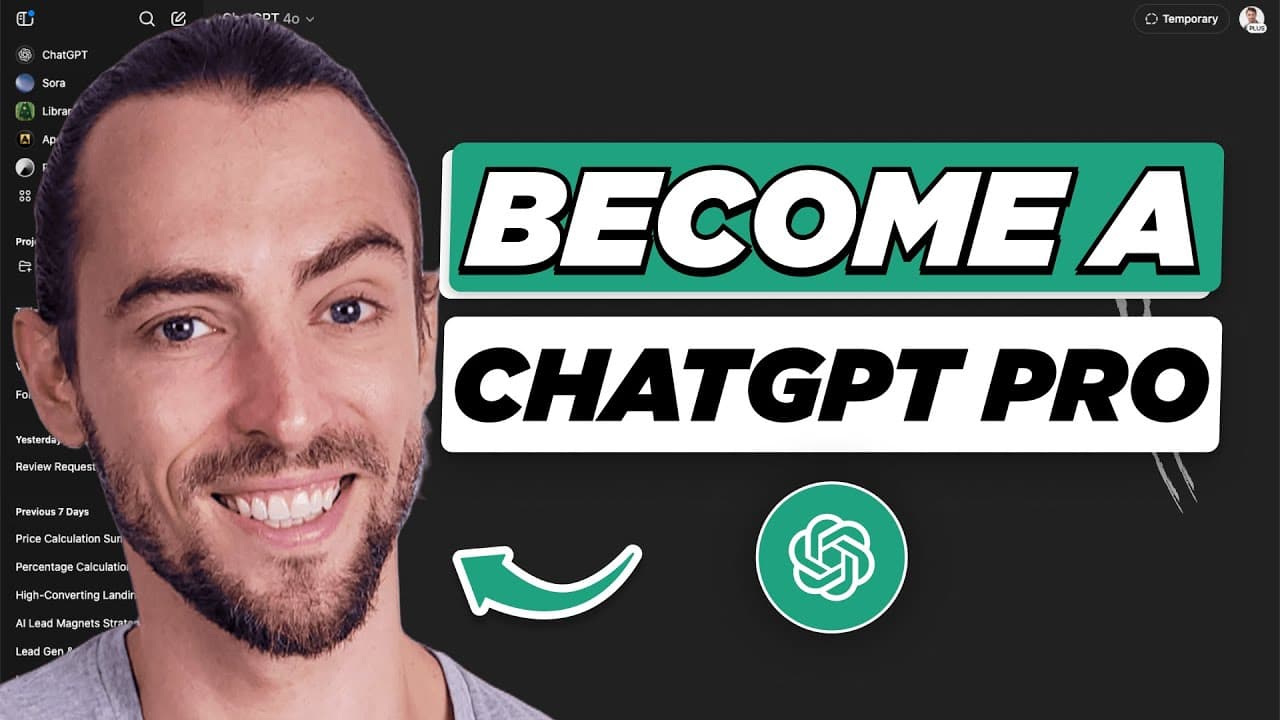
ChatGPT is more than a text generator; it's a powerful tool for enhancing productivity and creativity. By leveraging features like advanced voice conversations, scheduled tasks, and custom instructions, users can automate workflows and optimize content creation. The video demonstrates 25 hidden features that transform ChatGPT into a comprehensive assistant for various tasks, from data analysis to project management.
Transcript
what if I told you that the AI assistant you're using right now is basically a Swiss Army knife and you're only using like one blade out of 25 most people they're only tapping into maybe 10% of what Chat GPT can actually do Today we're pulling back the curtain I'm going to show you some wild features that completely change how you work create and s... Read More
Key Insights
- ChatGPT is a multimodal assistant capable of integrating with other tools and handling complex data tasks.
- Advanced voice conversations allow for natural interactions with ChatGPT, enhancing user experience.
- Scheduled tasks enable automation of regular updates, saving time and increasing efficiency.
- Custom instructions personalize ChatGPT's responses, tailoring interactions to individual user preferences.
- Data analysis and visualization within ChatGPT eliminate the need for external software, simplifying data handling.
- The code interpreter feature allows ChatGPT to write, debug, and execute code, aiding in problem-solving.
- Web browsing capabilities enable ChatGPT to access real-time information, expanding its utility.
- Building custom GPTs allows users to create specialized versions of ChatGPT tailored to specific needs.
Install to Summarize YouTube Videos and Get Transcripts
Explore YouTube Video Summarizer or Get YouTube Transcript Extractor
Questions & Answers
Q: How to use advanced voice conversations in ChatGPT?
Advanced voice conversations in ChatGPT allow users to interact naturally with the AI. To use this feature, open ChatGPT, enable the voice mode by clicking the headphone icon, and choose a preferred voice. This transforms the interaction into a more human-like conversation, enhancing user engagement and experience.
Q: What are the benefits of scheduling tasks with ChatGPT?
Scheduling tasks with ChatGPT automates regular updates, saving time and increasing efficiency. Users can set up tasks to run at specific intervals, ensuring they stay informed and organized without manual intervention. This feature is ideal for managing daily summaries, reminders, and other routine activities.
Q: How does ChatGPT handle data analysis and visualization?
ChatGPT can analyze and visualize data by allowing users to upload data files like CSVs or Excel sheets. It provides insights, generates charts, and even writes Python code for further customization. This capability simplifies data processing and presentation, making it accessible without external software.
Q: What is the role of custom instructions in ChatGPT?
Custom instructions in ChatGPT personalize the AI's responses based on user preferences. By setting specific guidelines on how ChatGPT should interact, users can ensure consistent and tailored communication. This feature enhances user satisfaction by aligning ChatGPT's behavior with individual needs and expectations.
Q: How can ChatGPT's code interpreter assist in problem-solving?
ChatGPT's code interpreter allows it to write, debug, and execute code, facilitating complex problem-solving. Users can describe tasks, upload data files, and receive executable code and outputs directly in the chat. This feature is invaluable for automating coding tasks and gaining insights from data.
Q: What are the web browsing capabilities of ChatGPT?
ChatGPT's web browsing capabilities enable it to access real-time information, providing users with the latest data and insights. By selecting the appropriate model, users can ask for current information on topics, and ChatGPT will browse the web to deliver accurate and timely responses.
Q: How to create custom GPTs tailored to specific needs?
Creating custom GPTs involves using ChatGPT's conversation builder to design specialized assistants. Users describe the desired functionality, tools, and style, and test the GPT with sample questions. This customization allows for targeted assistance in specific areas, enhancing ChatGPT's relevance and utility.
Q: What mistakes should be avoided when using ChatGPT?
Common mistakes include using ChatGPT like a basic Q&A tool without context or guidance, and not integrating it into existing workflows. Users should provide detailed prompts and treat interactions as conversations, allowing for iterative refinement. Combining ChatGPT with other tools maximizes its potential and effectiveness.
Summary & Key Takeaways
-
ChatGPT can drastically enhance productivity by automating tasks and providing advanced features like voice conversations, scheduled tasks, and custom instructions. These tools allow users to optimize workflows and personalize interactions, making ChatGPT a versatile assistant for various tasks.
-
Data analysis and visualization are simplified with ChatGPT's capabilities, removing the need for additional software. Users can upload data files and receive insights, charts, and even code, streamlining the data processing and presentation process.
-
The ability to create custom GPTs allows users to design specialized assistants tailored to their specific needs, ensuring that ChatGPT can address unique challenges and provide targeted assistance in diverse scenarios.
Read in Other Languages (beta)
Share This Summary 📚
Summarize YouTube Videos and Get Video Transcripts with 1-Click
Try YouTube Summary with ChatGPT & Claude or YouTube Transcript Generator
Explore More Summaries from Jake Dawson 📚




Summarize YouTube Videos and Get Video Transcripts with 1-Click
Try YouTube Summary with ChatGPT & Claude or YouTube Transcript Generator