How to Make Pop Up Video Effect with CapCut PC
TL;DR
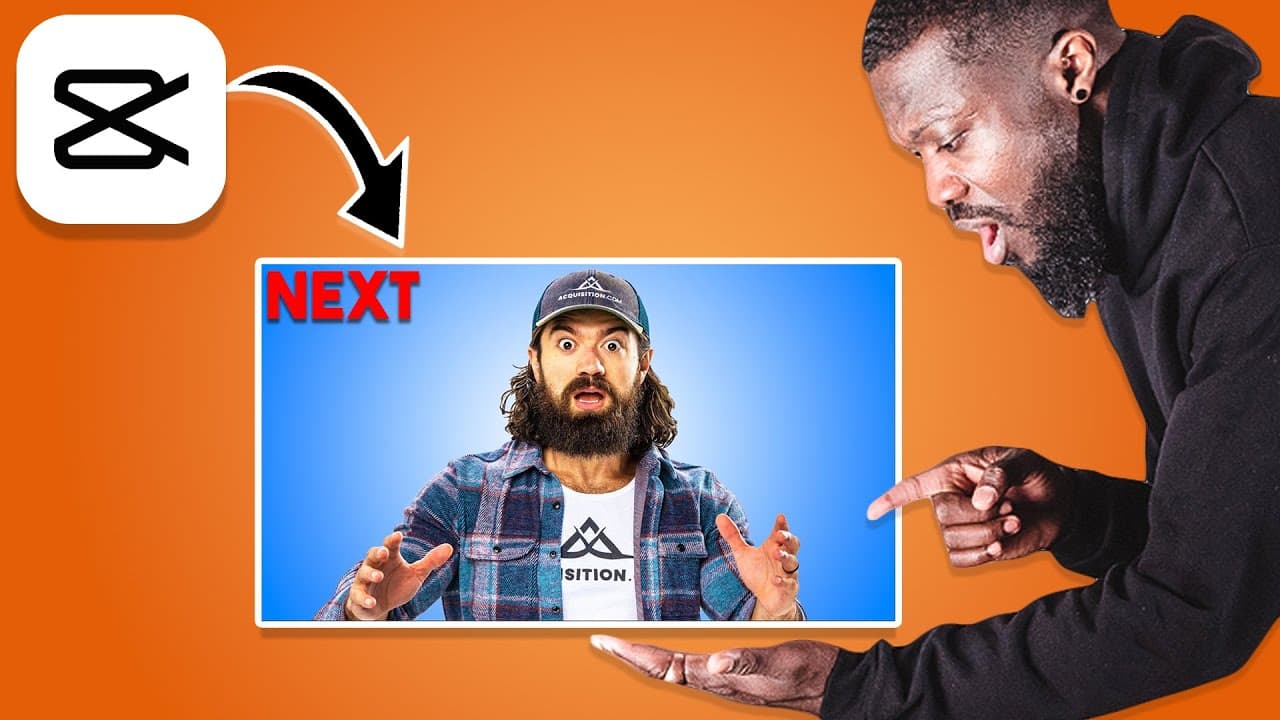
Learn to create a pop-up video effect in Cub CAD.
Transcript
today's video I'm gonna show you guys how to create this Pop-Up Video effect that you can use for your Fitness videos right inside Cub CAD desktop and make sure you stick to the end to get one bonus tip about this very effect alright guys let's get started two videos we're gonna use this first video and then the second video the second video is gon... Read More
Key Insights
- 👤 Users are guided through the process of layering videos in Cub CAD, focusing on effective resizing and positioning for an appealing pop-up effect.
- 🎮 The tutorial emphasizes the importance of text customization, including color choice and font style, to enhance visual engagement in fitness videos.
- 🐎 Keyframes are explained as a powerful tool in animation, providing the means to create dynamic movements and control animation speed.
- 👻 Adjusting keyframe positions can significantly impact the pacing of animations, allowing for tailored viewing experiences.
- 🎮 The tutorial encourages user engagement by inviting comments for future video topics related to keyframes and other techniques in video editing.
- 🎮 Learning to create pop-up video effects can add creativity and professionalism to fitness video content.
- 🎮 The video editing process shared is accessible and can be utilized by beginners, making it suitable for various skill levels in video production.
Install to Summarize YouTube Videos and Get Transcripts
Explore YouTube Video Summarizer or Get YouTube Transcript Extractor
Questions & Answers
Q: What software is used for creating the pop-up video effect?
The tutorial uses Cub CAD desktop software to create the pop-up video effect. This software allows users to layer videos and add animations effectively, making it suitable for various video editing tasks, especially fitness-related content.
Q: How do you import and layer videos for the effect?
To layer videos, you first copy the second video and paste it over the first one. Then, it’s essential to resize the top video to focus only on the desired section. This layering allows you to manipulate how the top video interacts with the background, leading to the pop-up effect.
Q: What are the key components of customizing text for the video?
Customizing text involves dragging and dropping the text element on the top video, adjusting its length, choosing a preferred font style, changing the text color, and optionally altering the background color to enhance visibility and fit the video's theme.
Q: How can keyframes be utilized to create animations?
Keyframes are essential for animating the pop-up effect. By setting keyframes to mark specific positions and adjusting their intervals, you can control the speed and movement of the animations. Manipulating the distance between keyframes allows for smooth transitions and various speed adjustments.
Q: What should you do if the animation appears too fast?
If the animation appears too fast, you can simply drag the second keyframe away from the first one. Increasing the distance between keyframes slows down the animation, providing a smoother viewing experience, while bringing them closer speeds it up again.
Q: Is there a bonus tip mentioned in the tutorial?
Yes, the tutorial promises a bonus tip at the end, although the specifics aren't mentioned in the main content. Viewers are encouraged to watch through to the end for additional insights or techniques that may enhance their editing skills.
Summary & Key Takeaways
-
This tutorial provides a step-by-step guide on creating a pop-up video effect, specifically tailored for fitness videos using Cub CAD desktop software.
-
The process involves layering videos, resizing, and positioning them alongside adding text with customization options including font and color adjustments.
-
Keyframe animation is utilized to create dynamic movement in the compound clips, allowing the pop-up effect to be refined for speed and timing.
Read in Other Languages (beta)
Share This Summary 📚
Summarize YouTube Videos and Get Video Transcripts with 1-Click
Try YouTube Summary with ChatGPT & Claude or YouTube Transcript Generator
Explore More Summaries from Joey Edits 📚

Summarize YouTube Videos and Get Video Transcripts with 1-Click
Try YouTube Summary with ChatGPT & Claude or YouTube Transcript Generator