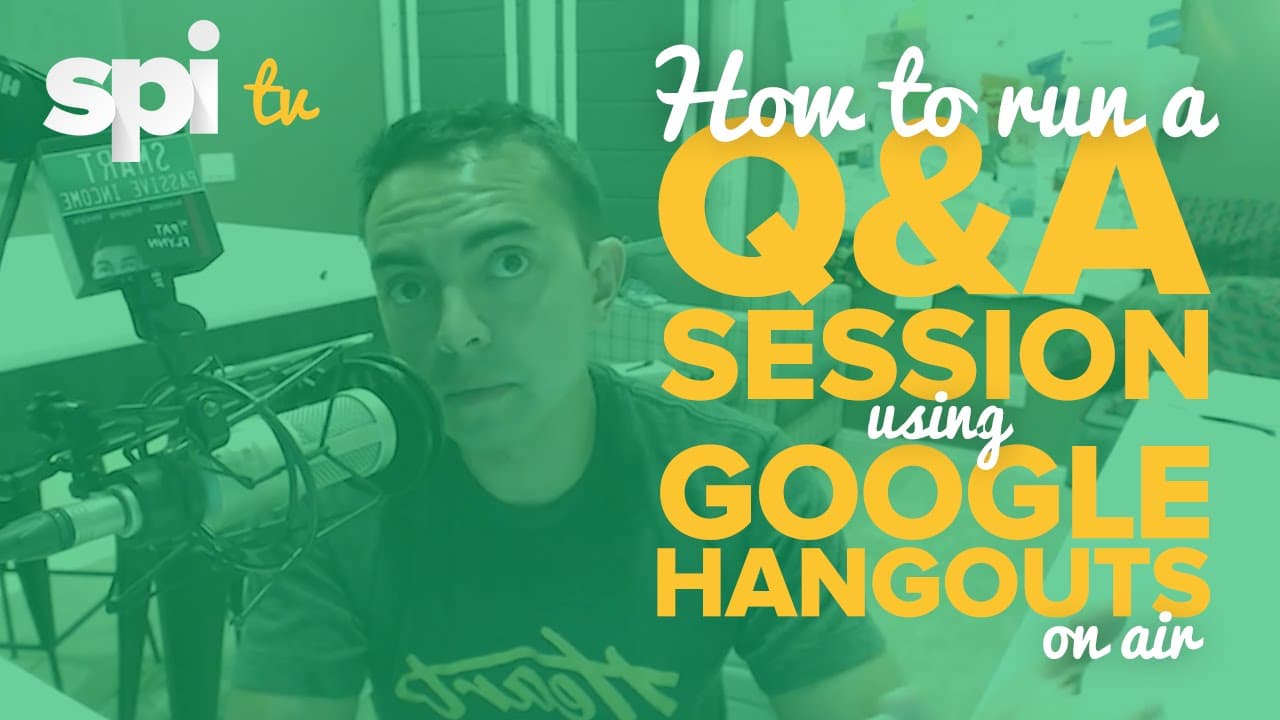
How to Run a Q&A Session Using Google Hangouts on Air - SPI TV, Ep. 7
TL;DR
Learn how to run a Google Hangout On Air Q&A session to interact with your audience and build authority for your brand.
Transcript
Hey, what's up, everybody? Welcome to episode seven of SPI TV. Thank you for joining me today. In this video, I'm going to demonstrate for you how you can run a free Google Hangout on air Q&A session for you and your audience. This is going to do a number of things for you and your brand, and it goes along with this whole theme of creating events o... Read More
Key Insights
- 🏃 Running a Google Hangout On Air Q&A session can help you connect with your audience and build authority for your brand.
- ❓ Sending out invitations and promoting the event can create hype and buzz.
- 😀 Using the Q&A and Showcase apps can enhance the interactive experience for viewers.
- ❓ Google Hangouts On Air provides valuable data and analytics that can be used to improve future Q&A sessions.
- ❤️🩹 Make sure to provide a call to action at the end of each Q&A session to encourage viewers to take further action.
- 🥺 Q&A sessions can also serve as lead magnets and be repurposed for other content purposes.
- ❓ Practice and preparation are essential for a successful Q&A session.
Install to Summarize YouTube Videos and Get Transcripts
Explore YouTube Video Summarizer or Get YouTube Transcript Extractor
Questions & Answers
Q: How do I set up a Google Hangout On Air Q&A session?
To set up a Google Hangout On Air Q&A session, go to Google+ and click on Hangouts on Air. From there, create a new hangout, give it a name, and add a description. Set the date and time for your Q&A session and make it public. Share the event page with your audience and encourage them to ask questions.
Q: How can I invite guests to participate in my Q&A session?
You can invite guests by adding their email addresses or names to the hangout invitation. They will be able to join the video call and interact with you and the audience during the Q&A session.
Q: How can I manage questions during the Q&A session?
Use the Q&A app in Google Hangouts On Air to manage questions. Questions will appear in a list, and you can choose to answer them, highlight them, or mark them as answered. Viewers can also vote on their favorite questions.
Q: What other features are available in Google Hangouts On Air?
In addition to the Q&A app, you can use the Showcase app to share links and images with your audience. There is also a toolbox with features like lower thirds and screen sharing. You can customize your hangout and make it more interactive for viewers.
Summary & Key Takeaways
-
The video explains how to set up a Google Hangout On Air Q&A session for free.
-
The host demonstrates how to create an event, schedule the Q&A, and invite participants.
-
The video also covers the different features of Google Hangouts On Air, such as the Q&A app and Showcase app.
Read in Other Languages (beta)
Share This Summary 📚
Summarize YouTube Videos and Get Video Transcripts with 1-Click
Try YouTube Summary with ChatGPT & Claude or YouTube Transcript Generator
Explore More Summaries from Pat Flynn 📚



Summarize YouTube Videos and Get Video Transcripts with 1-Click
Try YouTube Summary with ChatGPT & Claude or YouTube Transcript Generator