How to Make a Repeat Botanical Pattern in Photoshop
TL;DR
Learn how to create seamless patterns for various applications with step-by-step instructions.
Transcript
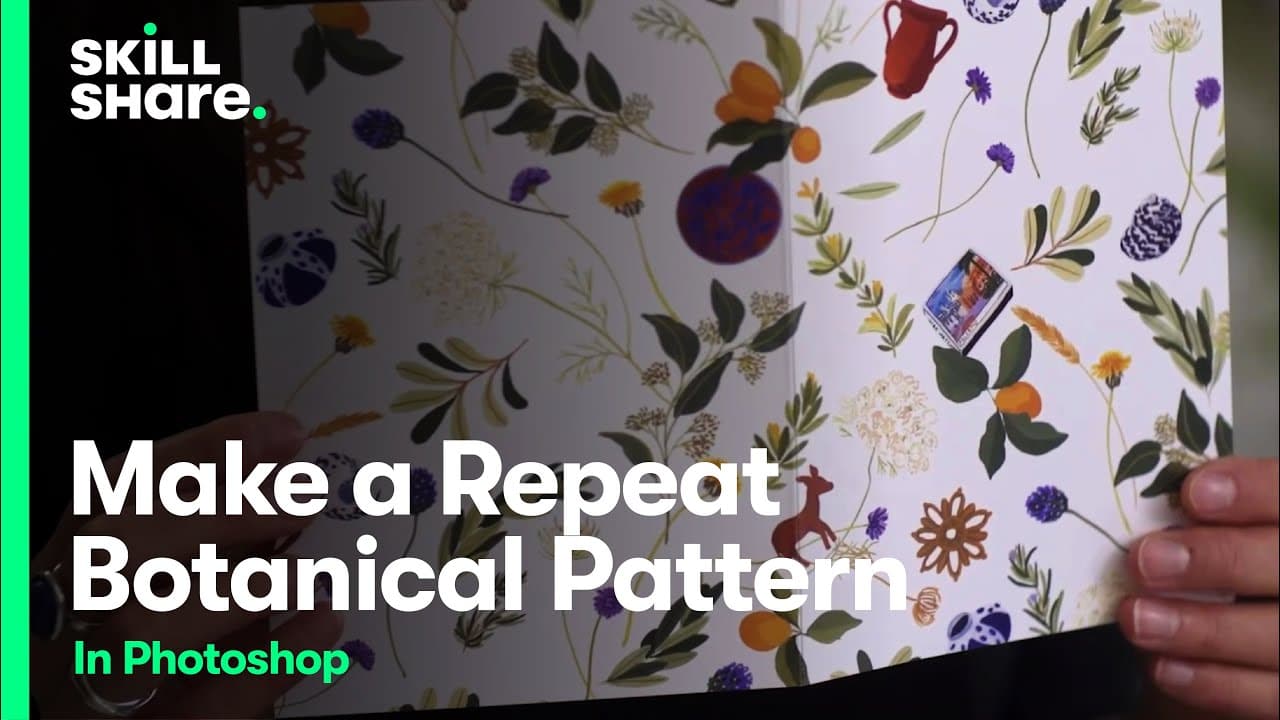
(upbeat music) - Now that we have all of our elements deep edged, we're going to go ahead and arrange them into a tile which we will use to create our pattern. The repeat, also known as a tile, the repeat is what I'm calling the arranged elements, which we're going to copy and paste over to create our pattern. The next part of the process is repeat... Read More
Key Insights
- 🔁 Arranging elements into a tile is crucial for creating repeating patterns.
- 🙃 Duplicating and adjusting the tile ensures a seamless repeat on all sides.
- 🎴 Scaling patterns for different applications like greeting cards is necessary.
- 🥺 Experimentation with printing options can lead to unique design outcomes.
- 👥 Grouping and locking layers help in making precise adjustments.
- 👥 Keeping track of the changes made to each group facilitates the design process.
- 🤗 Exporting patterns for various applications opens up creative possibilities.
Install to Summarize YouTube Videos and Get Transcripts
Explore YouTube Video Summarizer or Get YouTube Transcript Extractor
Questions & Answers
Q: How do you create a seamless repeating pattern for design projects?
To create a seamless repeating pattern, arrange elements into a tile, duplicate it, and adjust spacing to make it seamless on each side.
Q: What is the key to making a pattern repeat seamlessly?
The key is to ensure that whatever changes are made along the bottom of the tile are mirrored on the top, creating a smooth flow in the repeat.
Q: How can you set up a pattern for print applications like greeting cards?
To set up a pattern for print, create a new document in the desired size, scale the pattern accordingly, flatten the file, and save it for printing.
Q: What are some examples of applications for the created patterns?
The patterns can be used for greeting cards, prints, or other design projects by experimenting with scaling and printing options.
Summary & Key Takeaways
-
Arrange elements to create a repeating tile for the pattern.
-
Repeat the tile seamlessly on each side by duplicating and adjusting elements.
-
Export the finished pattern for different applications like greeting cards.
Read in Other Languages (beta)
Share This Summary 📚
Summarize YouTube Videos and Get Video Transcripts with 1-Click
Try YouTube Summary with ChatGPT & Claude or YouTube Transcript Generator
Explore More Summaries from Skillshare 📚






Summarize YouTube Videos and Get Video Transcripts with 1-Click
Try YouTube Summary with ChatGPT & Claude or YouTube Transcript Generator