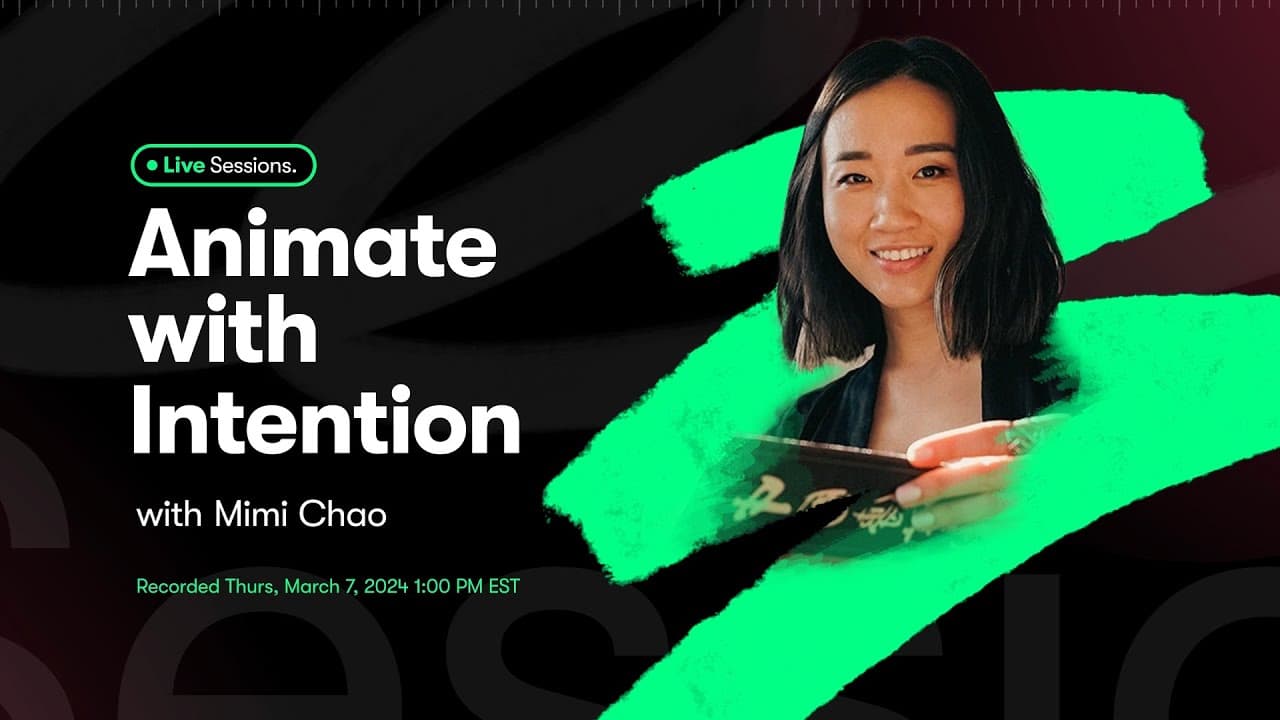
Animate with Intention in Procreate Dreams | Skillshare Live Sessions
TL;DR
Learn animation basics, frame by frame, key framing, and performing for unique visuals.
Transcript
hello everyone Danny here from skillshare so excited to have you here today um we are joined here by Mimi Chow a teacher yes um skillshare top teacher uh mindfulness educator amazing illustrator and now dabbling into animation with procreate dreams and we're here to dive into a bit of Mimi's process for making some beautiful animations from illustr... Read More
Key Insights
- 🖼️ Frame by frame animation helps create intricate and detailed movements in Procreate Dreams.
- 🖼️ Adjusting key frames and frame rate allows for control over pacing and speed in animations.
- 🖌️ Using brushes with texture and subtle effects enhances the visual appeal of animated illustrations.
- 🥳 Transitioning between day and night effects in animations adds depth and dimension to storytelling.
- 🖐️ Hue Saturation adjustments play a crucial role in changing colors, creating transitions, and enhancing visual elements in animations.
Install to Summarize YouTube Videos and Get Transcripts
Explore YouTube Video Summarizer or Get YouTube Transcript Extractor
Questions & Answers
Q: How do you control the pacing and speed of animations in Procreate Dreams?
Controlling the pacing and speed in Procreate Dreams involves adjusting the number of frames, frame rate, and key frames. More frames with shorter duration make animations faster, while fewer frames result in slower movements.
Q: Can you explain how to transition from day to night in an animation using Procreate Dreams?
Transitioning from day to night in Procreate Dreams involves adjusting colors, opacity, and key frames. Use hue saturation for color changes and opacity for fade effects to create a seamless transition.
Q: Which brushes work well for creating animated illustrations in Procreate Dreams?
Brushes with texture and subtle effects like Shale, Dry Ink, and Blackburn Drawing are recommended for animated illustrations in Procreate Dreams. Experiment with different brushes to achieve unique visual styles.
Q: How can you use the Hue Saturation adjustment in Procreate Dreams to enhance animations?
The Hue Saturation adjustment in Procreate Dreams can be used to change colors, create transitions, and add visual interest to animations. Adjusting hue, saturation, and brightness can transform the overall look and feel of animations.
Summary & Key Takeaways
-
Explore animation techniques using Procreate Dreams with frame by frame and key framing for creative visuals.
-
Transform illustrations into animated works with smooth transitions and engaging movements.
-
Utilize opacity, hue saturation, and brightness adjustments for dynamic effects.
Read in Other Languages (beta)
Share This Summary 📚
Summarize YouTube Videos and Get Video Transcripts with 1-Click
Try YouTube Summary with ChatGPT & Claude or YouTube Transcript Generator
Explore More Summaries from Skillshare 📚





Summarize YouTube Videos and Get Video Transcripts with 1-Click
Try YouTube Summary with ChatGPT & Claude or YouTube Transcript Generator