Products
Features
YouTube Video Summarizer
Summarize YouTube videos
Web & PDF Highlighter
Highlight web pages & PDFs
Chat with PDF
Ask any PDF questions with AI
Ask AI Clone
Chat with your highlights & memories
Audio Transcriber
Transcribe audio files to text
Glasp Reader
Read and highlight articles
Kindle Highlight Export
Export your Kindle highlights
Idea Hatch
Hatch ideas from your highlights
Integrations
Obsidian Plugin
Notion Integration
Pocket Integration
Instapaper Integration
Medium Integration
Readwise Integration
Snipd Integration
Hypothesis Integration
Apps & Extensions
Chrome Extension
Safari Extension
Edge Add-ons
Firefox Add-ons
iOS App
Android App
Discover
Discover
Ideas
Discover new ideas and insights
Articles
Curated articles and insights
Books
Book recommendations by great minds
Posts
Essays and notes from readers
Quotes
Inspiring quotes collection
Videos
Curated videos and summaries
Explore Glasp
Glasp Newsletter
Weekly insights and updates
Glasp Talk
Interview series with great minds
Glasp Blog
Latest news and articles
Glasp Use Cases
Learn how others use Glasp
Build & Support
Glasp API
Access Glasp's API for developers
MCP Connector
Connect Glasp to Claude & ChatGPT
Community
Glasp Reddit Community
Students
Student discount and benefits
FAQs
Frequently Asked Questions
AboutPricing
DashboardLog inSign up

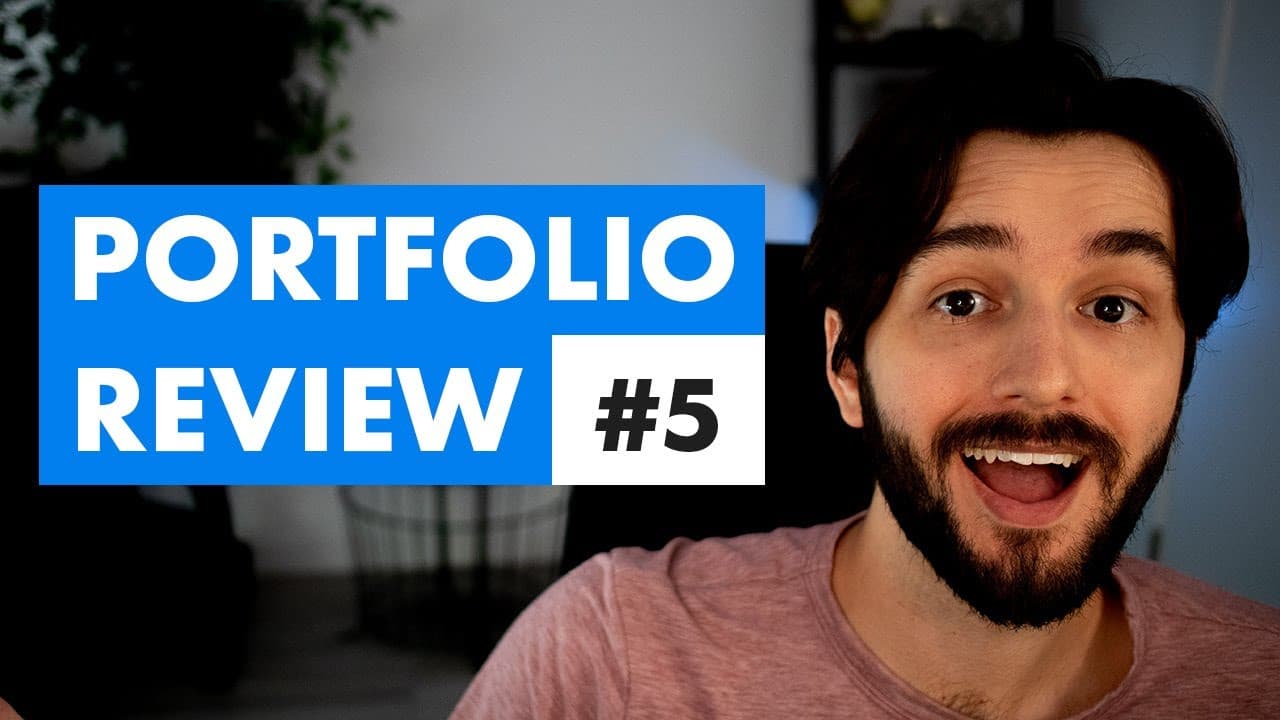
eLearning Portfolio Review - Episode 5
2.6K views
•
July 20, 2021
by
Devlin Peck
YouTube video player
eLearning Portfolio Review - Episode 5

TL;DR

Cassie's one-page portfolio landed her a high-paying instructional design job, showcasing the power of simplicity and strong projects.

Transcript

today we're going to check out cassie calvo's portfolio website this is a one-page website with a single project on it but it got cassie a ton of attention in the job market and she was able to secure a high-paying fully remote instructional design job so stay tuned we'll check out the site together and see how cassie did it so i first met cassie i... Read More

Key Insights

  • 💪 Simplicity and strong projects can be more effective than elaborate portfolios.
  • 🏛️ Visual elements, like photos and color schemes, can help build connection and credibility.
  • 💦 Interactive features, such as micro interactions and drag-and-drop activities, enhance user experience.
  • 🐕‍🦺 Clear descriptions of services and projects are essential for recruiters to understand the designer's capabilities.
  • 🤔 Providing detailed process breakdowns can showcase the designer's thought process and dedication to learning.
  • 🍻 Including contact links for recruiters can streamline the hiring process.
  • ⚾ Scenario-based e-learning projects can demonstrate practical skills and problem-solving abilities.

Install to Summarize YouTube Videos and Get Transcripts

Explore YouTube Video Summarizer or Get YouTube Transcript Extractor

Questions & Answers

Q: How did Cassie's one-page portfolio help her secure a high-paying instructional design job?

Cassie's portfolio showcased a strong project that emphasized her skills, leading to a job offer in the competitive field.

Q: What key elements did Cassie include in her portfolio to build credibility?

Cassie included a friendly photo, clear description of her services, a strong project showcase, and contact links for recruiters.

Q: How did Cassie incorporate interactive elements in her portfolio?

Cassie used webflow to create micro interactions like shrinking circles and drag-and-drop activities to enhance user engagement and showcase her skills.

Q: What lessons can aspiring instructional designers learn from Cassie's portfolio?

Aspiring designers can learn the power of simplicity, strong visuals, scenario-based projects, and detailed process breakdowns to stand out in the job market.

Summary & Key Takeaways

  • Cassie, a science teacher, transitioned to instructional design for better prospects.

  • Her one-page portfolio with a strong project secured her a remote job.

  • The portfolio exemplifies simplicity, strong visuals, and scenario-based e-learning expertise.


Read in Other Languages (beta)

English

Share This Summary 📚

Summarize YouTube Videos and Get Video Transcripts with 1-Click

Download browser extensions on:

Try YouTube Summary with ChatGPT & Claude or YouTube Transcript Generator

Explore More Summaries from Devlin Peck 📚

Artificial Intelligence and the Future of Instructional Design thumbnail
Artificial Intelligence and the Future of Instructional Design
Devlin Peck
How to Create a Music Player in Articulate Storyline, Part 2 thumbnail
How to Create a Music Player in Articulate Storyline, Part 2
Devlin Peck
How to Land a Six-Figure Instructional Design Job thumbnail
How to Land a Six-Figure Instructional Design Job
Devlin Peck
Instructional Designer vs  eLearning Developer thumbnail
Instructional Designer vs eLearning Developer
Devlin Peck
eLearning Portfolio Review - Episode 7 thumbnail
eLearning Portfolio Review - Episode 7
Devlin Peck
How to Measure Duration with xAPI - Live Workshop thumbnail
How to Measure Duration with xAPI - Live Workshop
Devlin Peck

Summarize YouTube Videos and Get Video Transcripts with 1-Click

Download browser extensions on:

Try YouTube Summary with ChatGPT & Claude or YouTube Transcript Generator

Apps & Extensions

  • Chrome Extension
  • Safari Extension
  • Edge Add-ons
  • Firefox Add-ons
  • iOS App
  • Android App

Key Features

  • YouTube Video Summarizer
  • Web & PDF Summarizer
  • Web & PDF Highlighter
  • Chat with PDF
  • Ask AI Clone
  • Audio Transcriber
  • Glasp Reader
  • Kindle Highlight Export
  • Idea Hatch

Integrations

  • Obsidian Plugin
  • Notion Integration
  • Pocket Integration
  • Instapaper Integration
  • Medium Integration
  • Readwise Integration
  • Snipd Integration
  • Hypothesis Integration

More Features

  • APIs
  • MCP Connector
  • Blog & Post
  • Embed Links
  • Image Highlight
  • Personality Test
  • Quote Shots

Company

  • About us
  • Blog
  • Community
  • FAQs
  • Job Board
  • Newsletter
  • Pricing
Terms

•

Privacy

•

Guidelines

© 2026 Glasp Inc. All rights reserved.



