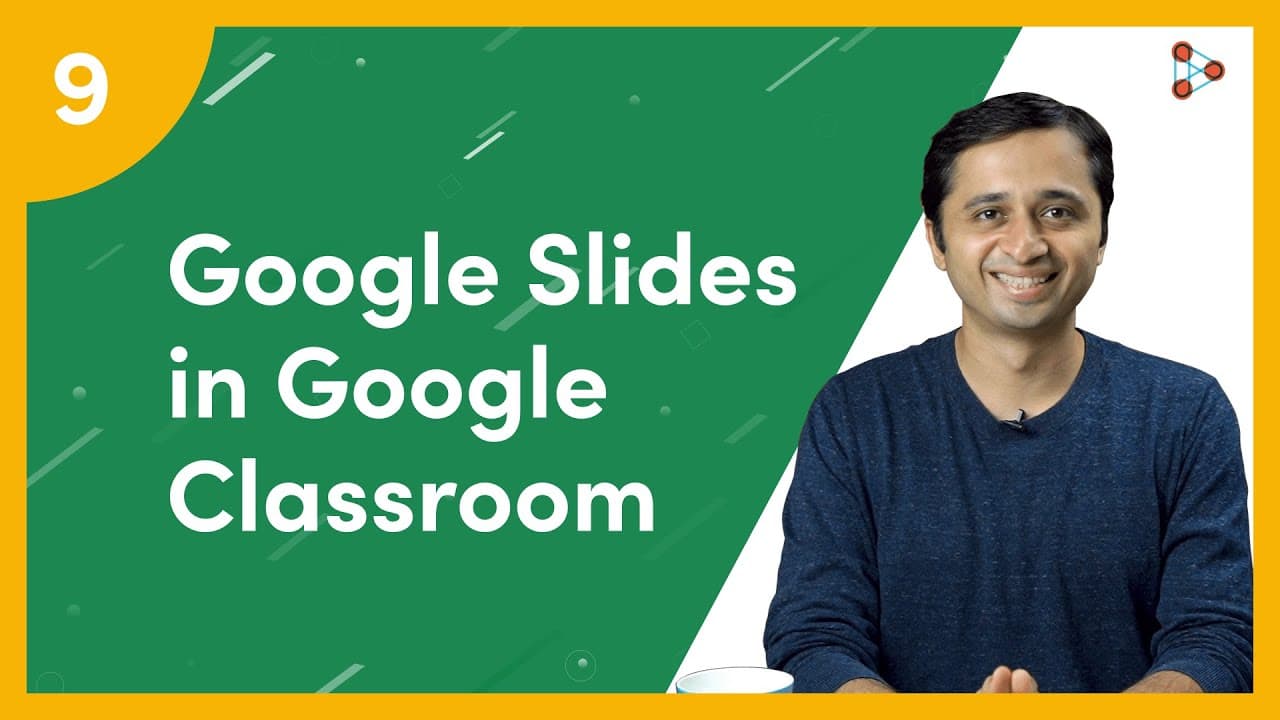
How to use Google Slides in Google Classroom? | Ep.09 | Don't Memorise
TL;DR
Learn how to create engaging Google Slides presentations in Google Classroom to captivate students and enhance online teaching.
Transcript
[ YouTube Learning ] Wouldn’t you love creating ENGAGING presentations for your students? Presentations that will make your students fall in love with the topic? I’m Ganesh, I’m the founder of Don’t Memorise and in this video, I will teach you the basics of creating Google Slides in your Google Classroom! [ Don't Memorise intro music ] After you cl... Read More
Key Insights
- 💨 Google Classroom provides a simple way to create and edit Google Slides presentations for online teaching.
- ❓ Various themes and animations in Google Slides make presentations visually appealing.
- 🥳 Videos can be integrated into presentations by selecting specific parts and customizing audio options.
- 👻 Google Slides allows for live presentations and interactive features.
- 😷 The Q&A section enables students to ask questions anonymously and fosters engagement.
- 🧘 Google Slides is accessible on multiple devices and can be edited offline.
- 🧑🎓 Teachers can share their presentations with students and the wider audience.
Install to Summarize YouTube Videos and Get Transcripts
Explore YouTube Video Summarizer or Get YouTube Transcript Extractor
Questions & Answers
Q: How can I create a Google Slides presentation in Google Classroom?
After accessing the Classwork tab, click on the topic, and then on the 3 vertical dots next to the material. Select "Edit" and choose to add an existing presentation or create a new one.
Q: Can I animate text in Google Slides?
Yes, you can make text appear in an animated way by selecting the text box, clicking on "Insert," and choosing an animation effect. You can preview and customize the animation options.
Q: Is it possible to add videos to Google Slides presentations?
Absolutely! Use the "Insert" option, then click on "Video." You can search on YouTube, use a link, or upload a video from your Google Drive Folder. Customize the timing and audio options as needed.
Q: How can I present Google Slides to my students and interact with them?
You can give live presentations by clicking the present button. You can also share the presentation directly with your students using the Share button. Use the Pointer option and add captions for interactive teaching.
Summary & Key Takeaways
-
Clicking on the Classwork tab in Google Classroom allows you to add Google Slides presentations to topics and edit them.
-
Google Slides offers various themes and animations to make presentations visually appealing and interactive.
-
You can easily add videos to your Google Slides presentations and customize the timing and audio options.
Read in Other Languages (beta)
Share This Summary 📚
Summarize YouTube Videos and Get Video Transcripts with 1-Click
Try YouTube Summary with ChatGPT & Claude or YouTube Transcript Generator
Explore More Summaries from Infinity Learn NEET 📚

Summarize YouTube Videos and Get Video Transcripts with 1-Click
Try YouTube Summary with ChatGPT & Claude or YouTube Transcript Generator