Slow Shutter - Photography with Motion
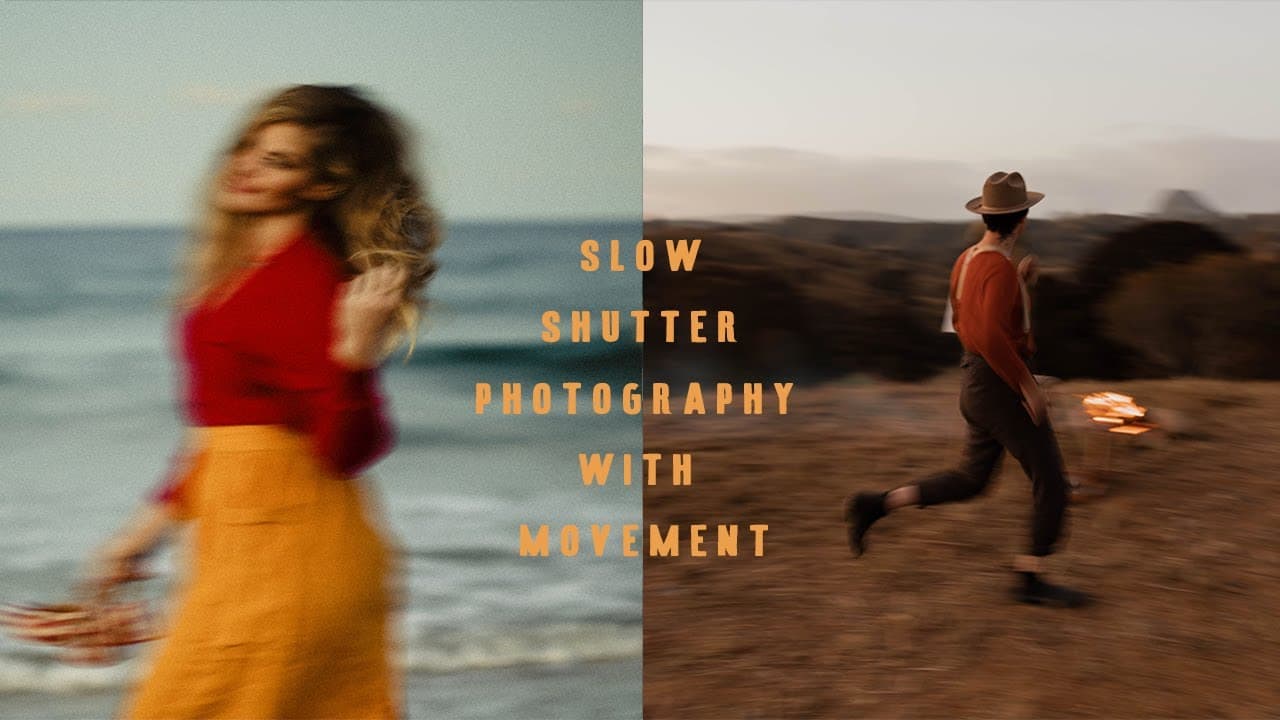
TL;DR
Learn how to capture movement in your photos by adjusting shutter speed, following the subject, and experimenting with filters.
Transcript
so technically photographing and movement is actually really easy so if you have an SLR camera the best thing to do is set your shutter speed at I would say around 50 so 50 or even less sometimes I put it at like 15 if the light is really low but in my experience the most I guess the most focused photos are the ones where we create Blow movement bu... Read More
Key Insights
- 🤩 Adjusting shutter speed and moving alongside the subject are key techniques for capturing movement.
- 📷 Experiment with different filters and objects in front of the lens to add unique effects to your photos.
- 📌 Minimal locations can enhance the focused feeling in your images.
- 🚄 High-speed continuous shooting mode helps increase the chances of capturing the perfect shot.
- ❓ Embrace the unpredictability of movement photography for surprising and beautiful results.
- 🖐️ Personal preferences and experimentation play a significant role in developing your unique photographic style.
- 💦 Continually seeking inspiration and learning from others' work can enhance your own creativity and growth as a photographer.
Install to Summarize YouTube Videos and Get Transcripts
Explore YouTube Video Summarizer or Get YouTube Transcript Extractor
Questions & Answers
Q: How can I capture movement in my photos?
To capture movement, set your shutter speed to around 50 or lower and move your camera alongside the subject. Take multiple photos using high-speed continuous settings for better chances of capturing unique shots.
Q: What should I do in low light conditions?
In low light, you can set your shutter speed to as low as 15. However, be aware that it might require the use of a tripod or image stabilization to avoid blurry photos.
Q: Are there any recommended camera settings for capturing movement?
It is recommended to use high-speed continuous shooting mode to capture a series of frames. This will provide you with more options during the editing process.
Q: How can I create a focused feel in my photos?
Choose a minimal location with fewer distractions to achieve a timeless, focused effect. Avoid busy backgrounds with too many colors or elements that may detract from your subject.
Key Insights:
- Adjusting shutter speed and moving alongside the subject are key techniques for capturing movement.
- Experiment with different filters and objects in front of the lens to add unique effects to your photos.
- Minimal locations can enhance the focused feeling in your images.
- High-speed continuous shooting mode helps increase the chances of capturing the perfect shot.
- Embrace the unpredictability of movement photography for surprising and beautiful results.
- Personal preferences and experimentation play a significant role in developing your unique photographic style.
- Continually seeking inspiration and learning from others' work can enhance your own creativity and growth as a photographer.
- The digital era provides an incredible network of photographers to connect with, share ideas, and collaborate, expanding the possibilities of creating impactful images.
Summary & Key Takeaways
-
Adjust your shutter speed to around 50 or lower for focused photos with a blurred background.
-
Move your camera alongside the subject to maintain sharpness while capturing movement.
-
Take multiple photos using high-speed continuous settings to increase your chances of getting beautiful, unexpected shots.
Read in Other Languages (beta)
Share This Summary 📚
Summarize YouTube Videos and Get Video Transcripts with 1-Click
Try YouTube Summary with ChatGPT & Claude or YouTube Transcript Generator