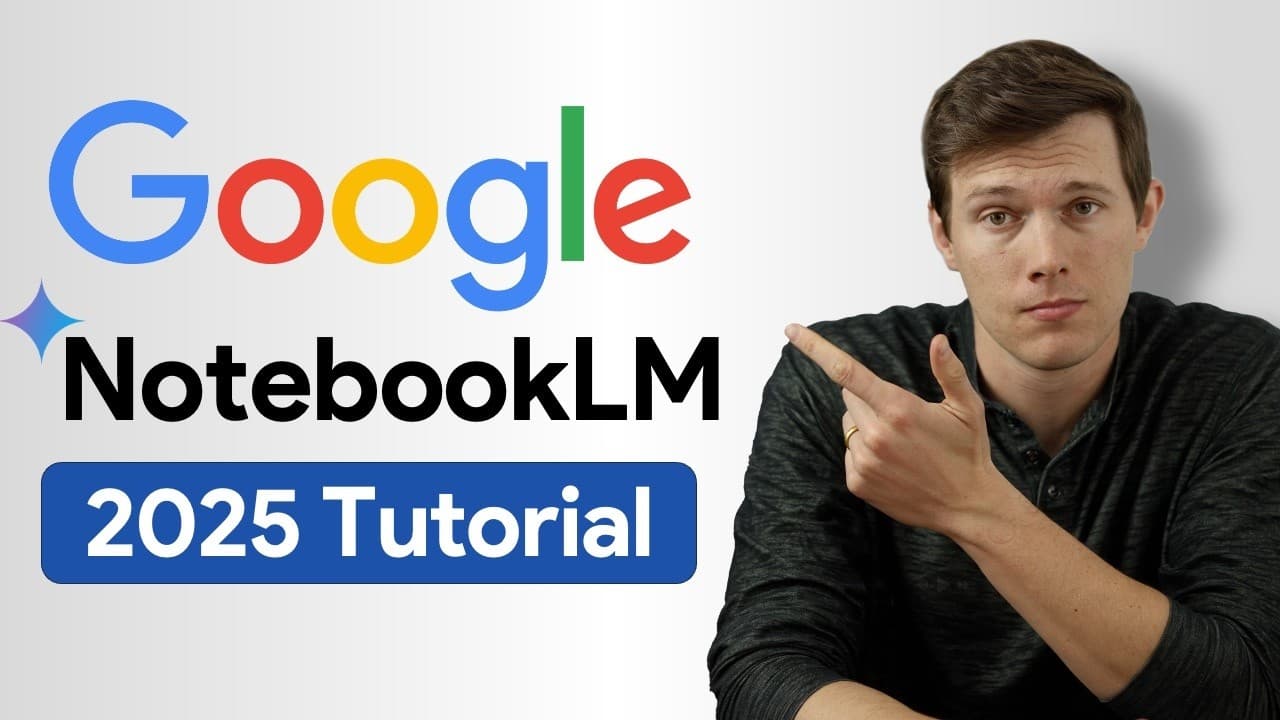
Google Notebook LM Tutorial - [Become A Power User in 15 min]
TL;DR
Google Notebook LM transforms multiple sources into AI podcasts and more.
Transcript
so I used to use chat gbt a lot for work but I pretty much never use it now there's a new tool that I started using it's free to use and it's become one of my favorite and honestly one of the most powerful tools on the Internet it's called notebook LM it's from Google and check this out last week for example ... Read More
Key Insights
- Google Notebook LM is a versatile tool that allows users to upload various file types, such as PDFs and MP3s, to generate AI-driven content like podcasts and study guides.
- The platform is particularly useful for handling multiple sources, providing a more efficient alternative to traditional search methods like Control+F.
- Notebook LM can create customized podcasts from up to 50 different sources, offering a unique way to digest information during commutes or leisure time.
- Users can generate study guides, timelines, and briefing documents, making it a valuable resource for both educational and professional settings.
- The tool's ability to analyze presentations and calls can help businesses identify trends and improve communication strategies.
- Notebook LM supports complex code analysis, aiding developers in project summarization and note integration.
- Google's frequent updates to Notebook LM, including interactive podcast features, highlight its potential for ongoing innovation.
- Caution is advised when relying on Google Notebook LM for data storage, as Google has a history of discontinuing services.
Install to Summarize YouTube Videos and Get Transcripts
Explore YouTube Video Summarizer or Get YouTube Transcript Extractor
Questions & Answers
Q: What is Google Notebook LM?
Google Notebook LM is a versatile, free tool that allows users to upload various file types, such as PDFs and MP3s, to generate AI-driven content. It can create podcasts, study guides, timelines, and briefing documents, making it useful for both educational and professional purposes.
Q: How does Notebook LM handle multiple sources?
Notebook LM is designed to interpret a wide range of sources, allowing users to upload up to 50 different files. It can process PDFs, website links, videos, and more, providing answers and generating content like podcasts based on the uploaded information.
Q: What are some unique features of Notebook LM?
Notebook LM offers features like creating customized podcasts, analyzing presentations and calls for trend identification, and supporting complex code analysis. It can also generate study guides, timelines, and briefing documents, making it a comprehensive tool for various needs.
Q: Can Notebook LM be used for educational purposes?
Yes, Notebook LM is highly beneficial for educational purposes. It can create study guides from textbooks or lecture notes, generate timelines for historical documents, and even produce customized podcasts to enhance learning and memory retention.
Q: How does Notebook LM assist in business settings?
In business settings, Notebook LM can analyze presentations and calls, helping to identify language patterns and trends. It can also create briefing documents for onboarding or project summaries, making it a valuable tool for improving communication and efficiency.
Q: What are the potential risks of using Notebook LM?
While Notebook LM is a powerful tool, users should be cautious about relying on it for data storage. Google has a history of discontinuing services, so it's advisable to download and back up important data to avoid potential loss.
Q: How does Notebook LM enhance productivity?
Notebook LM enhances productivity by allowing users to digest large amounts of information quickly through AI-generated podcasts and summaries. It simplifies complex tasks, such as creating study guides and briefing documents, ultimately saving time and effort.
Q: What updates have been made to Notebook LM?
Recent updates to Notebook LM include changes to the layout and the introduction of interactive podcast features. Users can now interact with podcasts, asking questions or changing the direction of the content, showcasing Google's commitment to innovation.
Summary & Key Takeaways
-
Google Notebook LM is a powerful, free tool that enables users to upload various files to generate AI-driven content like podcasts and study guides. It's particularly effective for handling multiple sources, offering an alternative to traditional search methods.
-
The platform can create customized podcasts from up to 50 different sources, providing a unique way to digest information. Users can also generate study guides, timelines, and briefing documents, making it valuable for educational and professional use.
-
Notebook LM supports complex code analysis and helps businesses identify trends in presentations and calls. However, caution is advised for data storage as Google has a history of discontinuing services.
Read in Other Languages (beta)
Share This Summary 📚
Summarize YouTube Videos and Get Video Transcripts with 1-Click
Try YouTube Summary with ChatGPT & Claude or YouTube Transcript Generator
Explore More Summaries from Santrel Media 📚






Summarize YouTube Videos and Get Video Transcripts with 1-Click
Try YouTube Summary with ChatGPT & Claude or YouTube Transcript Generator