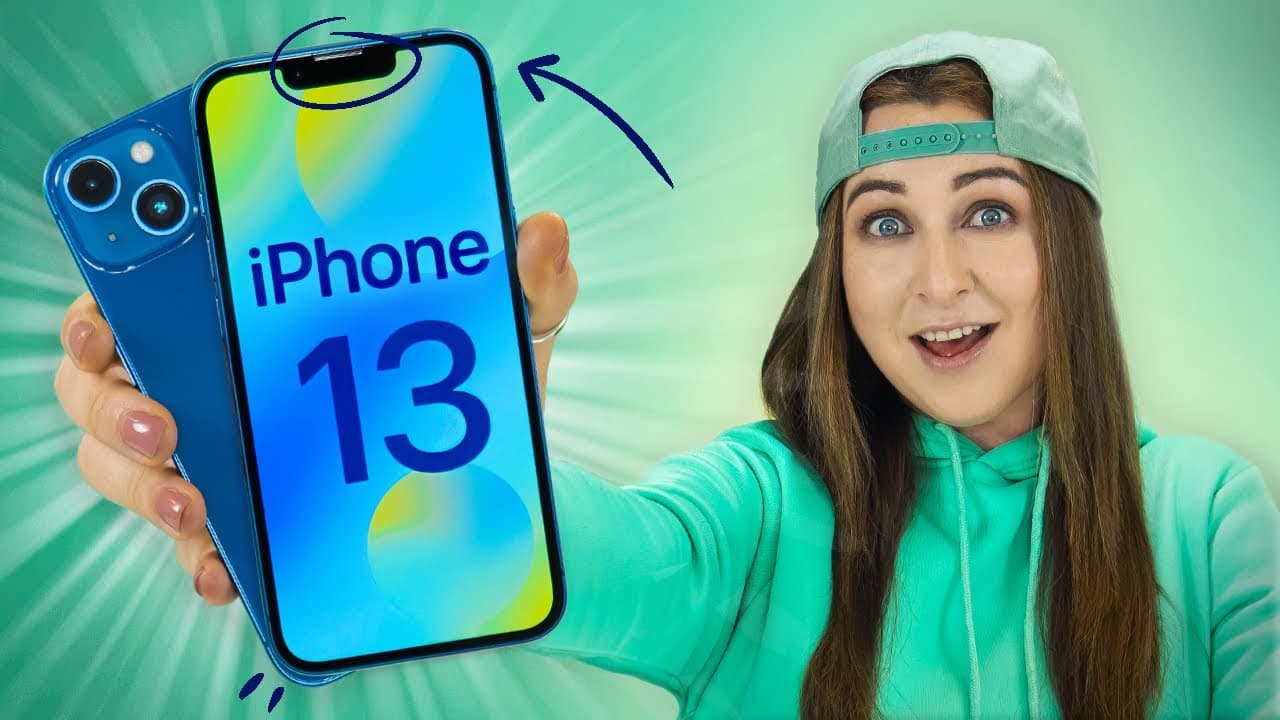
iPhone 13 Tips Tricks & Hidden Features + iOS 15 | THAT YOU MUST TRY!!
TL;DR
Discover 10 helpful tips and tricks for iPhone 13, including drag and drop in Safari, turning photos into videos, repositioning home screens, background sounds, and more.
Transcript
hey guys welcome back to hale's world and i have 10 sweet tips tricks and hidden features on the iphone 13 like turning photos to videos background sounds moving your home screen around and of course some new banging ios 15 features also make sure you stay until the end because i have some apple gift cards to give to some of my lucky subscribers so... Read More
Key Insights
- 👻 Safari on iPhone 13 allows users to easily save images from webpages and even send them in messages.
- 😀 The Photos app offers the ability to convert live photos into short video clips, allowing you to share them as memories.
- 👪 Customizing home screens by disabling or rearranging them provides greater personalization.
- 💨 iPhone 13's background sounds feature provides a convenient way to create a peaceful environment for focus or relaxation.
- 🧡 Photographic styles and cinematic mode are exclusive features of the iPhone 13 range, adding creativity to photography and videography.
- 🔋 The improved battery life of the iPhone 13 can be further optimized through settings such as battery health and auto-brightness.
- 😀 Text recognition in photos and scanning text directly into the Notes app are handy features for capturing and utilizing information.
- 💄 Siri can easily assist in sharing photos with contacts, making the process quick and seamless.
- 😀 Weather notifications and Face ID recognition enhance the user experience and convenience.
- 🤢 Safari's search bar can be customized to appear at the top or bottom of the screen, based on preference.
Install to Summarize YouTube Videos and Get Transcripts
Explore YouTube Video Summarizer or Get YouTube Transcript Extractor
Questions & Answers
Q: How can I save images from Safari directly to my photo gallery on iPhone 13?
To save images from Safari, simply click and hold on the image, slightly move it away, tap on other wallpapers, and then swipe up to the home screen to drop the images into the Photos app.
Q: Can I turn live photos into videos on iPhone 13?
Yes, you can turn live photos into videos by opening the Photos app, selecting the Live Photos album, tapping the share button, and choosing "Save as Video." The live photo will be saved as a three-second video clip.
Q: How can I reposition my home screens on iPhone 13?
To reposition home screens, click and hold on a screen, go to the screen section, and drag and drop the screens to your preferred position. This allows you to organize your screens as per your preference.
Q: What are background sounds on iPhone 13, and how can I use them?
Background sounds on iPhone 13 are calming sounds that can help you focus or relax. Enable "Hearing" in the Control Center settings, access background sounds, and choose from options like ocean sounds, rain, or stream to create a soothing ambiance.
Summary & Key Takeaways
-
Drag and drop images in Safari to easily save them to your photo gallery or send them in messages.
-
Use the "Save as Video" feature in the Photos app to turn live photos into short video clips.
-
Customize and organize your home screens by disabling or repositioning them.
-
Use background sounds on your iPhone 13 to create a calming environment for focus or relaxation.
Read in Other Languages (beta)
Share This Summary 📚
Summarize YouTube Videos and Get Video Transcripts with 1-Click
Try YouTube Summary with ChatGPT & Claude or YouTube Transcript Generator
Explore More Summaries from Hayls World 📚






Summarize YouTube Videos and Get Video Transcripts with 1-Click
Try YouTube Summary with ChatGPT & Claude or YouTube Transcript Generator