How to tell if your Wifi is hacked?
TL;DR
Learn how to identify if your Wi-Fi is hacked and prevent unauthorized access using networking tools and changing router settings.
Transcript
so how can you tell if your wi-fi is hacked and how do you prevent such things from happening in this video we're going to look at several networking tools that you can leverage to get a better understanding of what's happening on your network and prevent hackers from taking control this is leo and you're watching the pc security channel this video... Read More
Key Insights
- 🛜 Wireless network watcher is a useful tool for identifying all devices connected to your Wi-Fi network.
- 🔑 Changing the default username and password of your router is crucial to prevent unauthorized access.
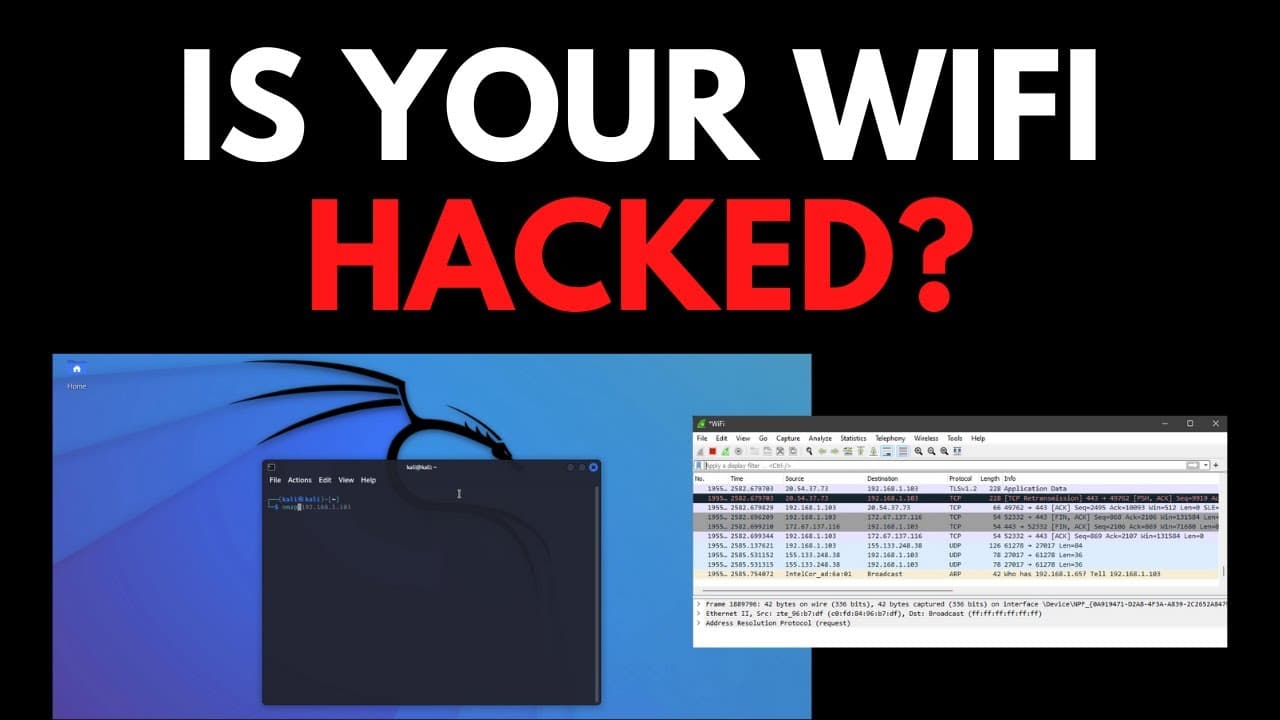
- 👊 Wireshark is an effective packet analyzer for detecting potential network attacks.
- 🔊 Packet storms, characterized by a high volume of packets, can indicate someone is trying to probe your network.
- 🔐 Regularly updating your Wi-Fi network password is important for maintaining security.
- 🤗 Crowdsac is an open-source intrusion prevention system that offers alert monitoring and customization options.
- 🆘 Leveraging cyber threat intelligence can help you identify potential threats and take necessary actions.
Install to Summarize YouTube Videos and Get Transcripts
Explore YouTube Video Summarizer or Get YouTube Transcript Extractor
Questions & Answers
Q: How can I identify if there are unauthorized devices connected to my Wi-Fi network?
You can use wireless network watcher to see all devices connected to your Wi-Fi network. If you notice any devices that you don't recognize, it may be a sign of an unauthorized connection.
Q: How can I access my router's settings to secure my Wi-Fi network?
To access your router's settings, enter its IP address (usually 192.168.0.1) in a web browser. If you don't know the username and password, you can find them on the router or its packaging. Once logged in, change the default credentials to secure your network.
Q: How can I change my Wi-Fi network name and password to prevent unauthorized access?
In the router settings, navigate to the WLAN section and look for the SSID configuration. Within that, you can change the encryption type and WPA passphrase, which is essentially your Wi-Fi password.
Q: How can I detect if my Wi-Fi network is under attack?
You can use a packet analyzer like Wireshark to analyze the packets traveling over your network. Look for packet storms, which indicate a potential attack, where a large number of packets are being sent to probe your network for devices.
Summary & Key Takeaways
-
Use wireless network watcher to identify all devices connected to your Wi-Fi network and check for any unrecognized devices.
-
Access your router's settings by entering its IP address in the web browser, and change the default username and password to prevent unauthorized access.
-
In the router settings, navigate to the WLAN section to change your Wi-Fi network name and password, and kick out any attackers by updating the password.
Read in Other Languages (beta)
Share This Summary 📚
Summarize YouTube Videos and Get Video Transcripts with 1-Click
Try YouTube Summary with ChatGPT & Claude or YouTube Transcript Generator
Explore More Summaries from The PC Security Channel 📚






Summarize YouTube Videos and Get Video Transcripts with 1-Click
Try YouTube Summary with ChatGPT & Claude or YouTube Transcript Generator