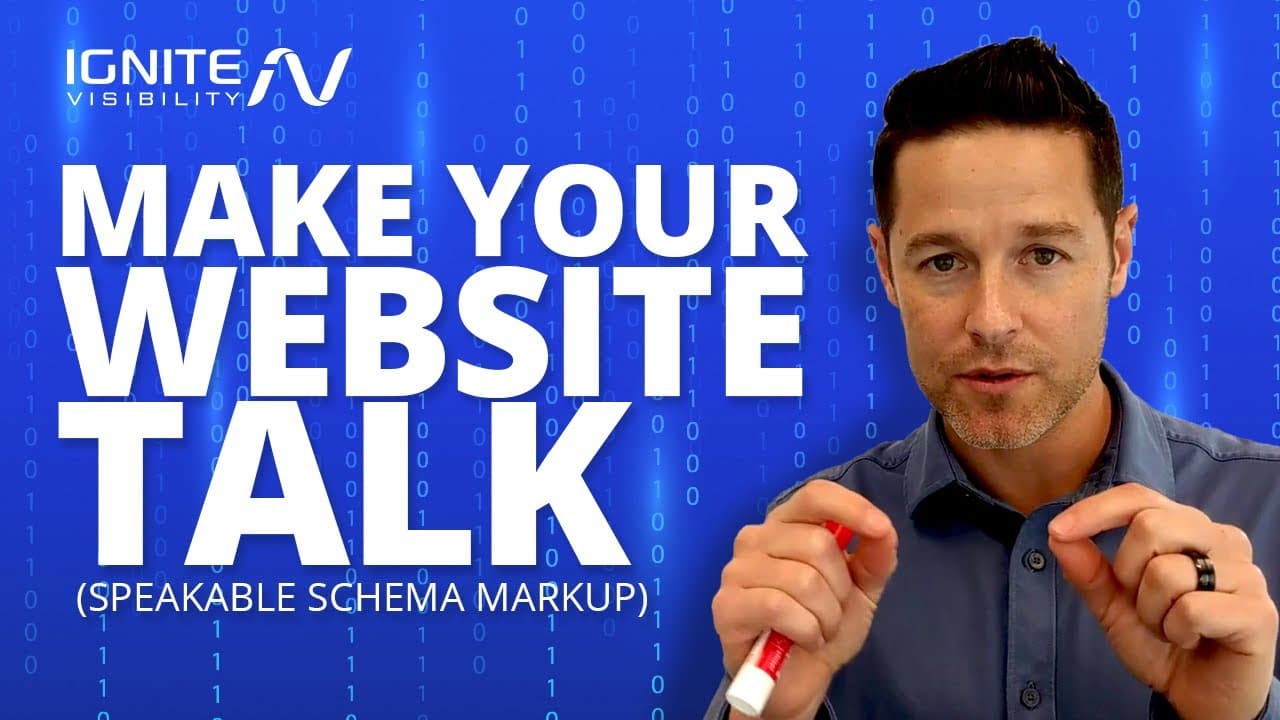
Make Your Website Talk! (Speakable Schema Markup)
TL;DR
Learn how to use speakable markup to make websites talk.
Transcript
did you know that there's an easy way to set up your website so that it will actually talk to people hi everybody I'm John Lincoln with ignite visibility and today I'm gonna teach you everything that you need to know about speakable markup in under five minutes let's dive into it before you get started make sure to click the notification bell and m... Read More
Key Insights
- Speakable markup is a type of schema that enables text-to-speech functionality, allowing websites to 'speak' selected content to users via Google Assistant.
- The markup is primarily used for news content, enabling Google Assistant to read concise headlines and summaries to users, enhancing accessibility and engagement.
- To implement speakable markup, adhere to Google's guidelines, ensuring content is clear, concise, and free from confusing elements like mismatched dates or excessive numbers.
- Content should be broken into individual sentences and limited to 20-30 seconds of spoken content to increase the likelihood of approval by Google.
- Testing and validation are crucial steps to ensure Google recognizes and implements the markup correctly, followed by a five-day waiting period for approval.
- The speakable markup not only aids in content delivery through voice but also serves as a traffic source, as Google Assistant cites the source and provides a URL for more information.
- Speakable markup is expected to grow in use as Google Assistant becomes more widespread across devices, making it a valuable tool for news sites and content creators.
- Following general webmaster and structured data guidelines is essential for successful implementation of speakable markup, ensuring compliance with Google's standards.
Install to Summarize YouTube Videos and Get Transcripts
Explore YouTube Video Summarizer or Get YouTube Transcript Extractor
Questions & Answers
Q: What is speakable markup?
Speakable markup is a type of schema that allows specific sections of a webpage to be read aloud by Google Assistant. It uses text-to-speech technology to convert selected text into spoken words, primarily for news content, enhancing accessibility and user engagement.
Q: How is speakable markup implemented?
To implement speakable markup, you need to add schema code to specific sections of your webpage. Follow Google's guidelines for clear and concise content, test and validate the markup to ensure it's recognized by Google, and wait for approval to have it read by Google Assistant.
Q: What are the guidelines for using speakable markup?
Guidelines for using speakable markup include ensuring content is clear, concise, and free from confusing elements like mismatched dates or excessive numbers. Content should be broken into individual sentences and limited to 20-30 seconds of spoken content for approval.
Q: Why is testing and validation important for speakable markup?
Testing and validation are crucial to ensure that the speakable markup is correctly recognized and implemented by Google. This step verifies that the schema is functioning as intended and that Google Assistant can accurately read the selected content to users.
Q: How does speakable markup benefit content creators?
Speakable markup benefits content creators by enhancing content delivery through voice, increasing accessibility, and potentially driving more traffic. Google Assistant cites the source of the content and provides a URL for users to access more information, broadening audience reach.
Q: What types of content are suitable for speakable markup?
Speakable markup is primarily used for news content, where concise headlines and summaries can be effectively read aloud by Google Assistant. However, it can also be applied to other content types in the future, provided they meet Google's guidelines for clarity and conciseness.
Q: What is the approval process for speakable markup?
After implementing and validating speakable markup, content creators must wait approximately five business days for Google to approve the content for use with Google Assistant. Approval depends on adherence to guidelines and the quality of the markup implementation.
Q: How is speakable markup expected to evolve?
Speakable markup is expected to grow in usage as Google Assistant becomes more widespread across devices. As more content creators and news sites adopt this technology, it will likely expand beyond news content, offering broader applications for voice-enabled content delivery.
Summary & Key Takeaways
-
Speakable markup allows websites to convert selected text into speech via Google Assistant, enhancing user engagement and accessibility. Implementing this schema requires adherence to Google's guidelines, focusing on clear, concise content and proper validation to ensure functionality.
-
Primarily used for news content, speakable markup involves adding schema to specific sections of a webpage, not the entire page, and testing its functionality. Successful implementation enables content to be read aloud by Google Assistant, citing sources and providing URLs for further information.
-
The use of speakable markup is expected to grow as Google Assistant becomes more prevalent. It serves as a traffic source and enhances content delivery through voice, making it a valuable tool for content creators and news sites aiming to reach a broader audience.
Read in Other Languages (beta)
Share This Summary 📚
Summarize YouTube Videos and Get Video Transcripts with 1-Click
Try YouTube Summary with ChatGPT & Claude or YouTube Transcript Generator
Explore More Summaries from IgniteVisibility 📚

Summarize YouTube Videos and Get Video Transcripts with 1-Click
Try YouTube Summary with ChatGPT & Claude or YouTube Transcript Generator