Windows 10 Creators Update New Gaming Features Walkthrough
TL;DR
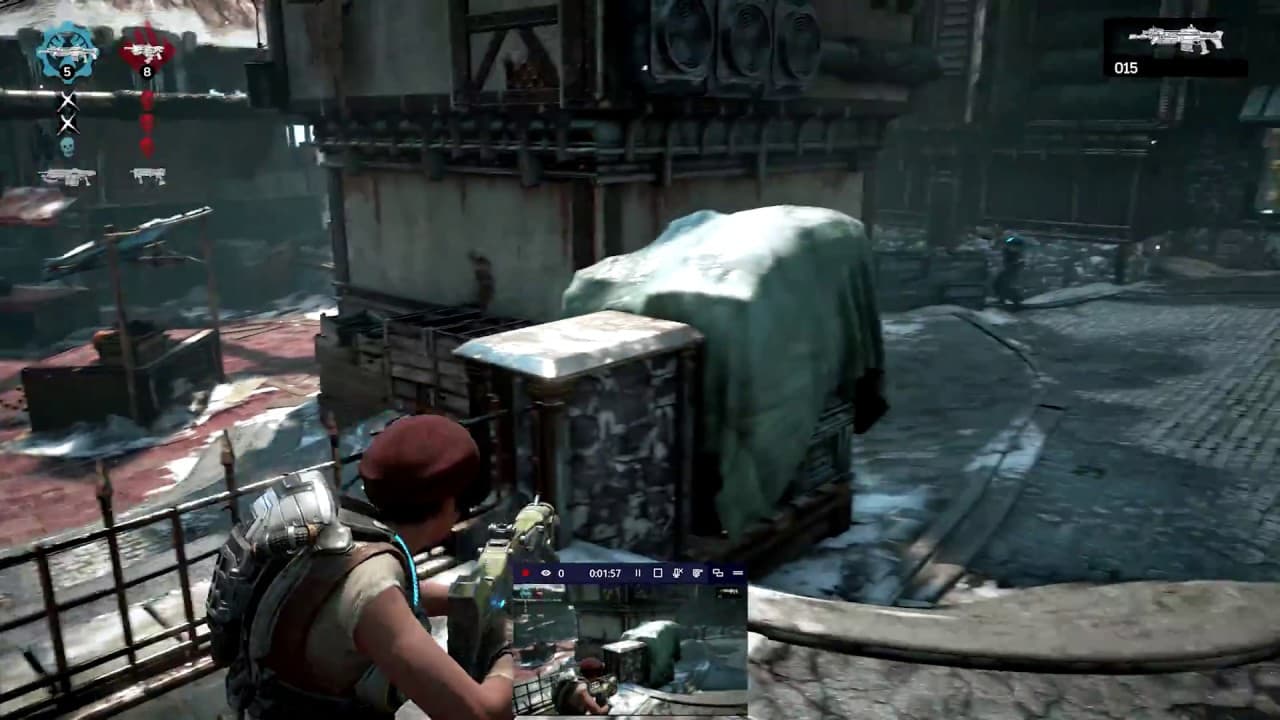
The Windows 10 Creators Update brings new gaming features including game streaming with Beam, game mode for performance improvements, and centralized gaming settings.
Transcript
hi everyone I'm Larry herb Xbox lives Major Nelson I'm here today to talk about some new features coming to Windows 10 pcs in the creators update which is rolling out starting today to Windows 10 pcs worldwide with the help of windows insiders this release makes Windows 10 even better for gaming by adding game streaming with being performance impro... Read More
Key Insights
- 🎮 The Windows 10 Creators Update brings game streaming with Beam as an easy and interactive way to share gameplay.
- 👾 Users can customize gaming settings for game bar, Beam, and game DVR in the new gaming section of Windows settings.
- 👾 Game mode in the update aims to improve gaming performance by optimizing system resources.
- 👾 The update supports Windows game bar in full-screen mode with over 80 popular PC games.
- 👾 The Windows 10 Creators Update is the first milestone in the commitment to game mode and ongoing performance improvements.
- 👾 Users can add interactivity to their game streams on Beam, allowing viewers to trigger animations, sounds, and in-game actions.
- 👾 New games from the Windows Store are also compatible with game mode.
Install to Summarize YouTube Videos and Get Transcripts
Explore YouTube Video Summarizer or Get YouTube Transcript Extractor
Questions & Answers
Q: How can I start game streaming using the Windows 10 Creators Update?
To start game streaming, simply press the Windows key + G while playing your game to bring up the game bar and click on the broadcast icon to launch Beam. No extra software is required and there is minimal delay for viewer interaction.
Q: Can I customize my gaming settings in the Windows 10 Creators Update?
Yes, the update includes a new gaming section in Windows settings where you can manage gaming settings for game bar, Beam, and game DVR. You can customize keyboard shortcuts, recording quality settings, and more.
Q: What is game mode and how does it improve gaming performance?
Game mode in the Windows 10 Creators Update dedicates more system resources to your games, optimizing them more efficiently. It aims to provide a better and more consistent gaming experience, and it works on both existing and new games from the Windows Store.
Q: Where can I find more information about the new gaming features in the Windows 10 Creators Update?
For more information, you can visit Xbox wire at news.xbox.com. They have detailed information about the new gaming features introduced in the update.
Summary & Key Takeaways
-
The Windows 10 Creators Update introduces Beam as an easy and interactive way to stream gameplay, with minimal delay and interactivity options for viewers.
-
The update also includes a new gaming section in Windows settings, allowing users to customize gaming settings for game bar, Beam, and game DVR.
-
Game mode optimizes system resources to improve overall gaming performance and consistency for both existing and new games.
Read in Other Languages (beta)
Share This Summary 📚
Summarize YouTube Videos and Get Video Transcripts with 1-Click
Try YouTube Summary with ChatGPT & Claude or YouTube Transcript Generator