How to Repurpose Video Content for Social Media
TL;DR
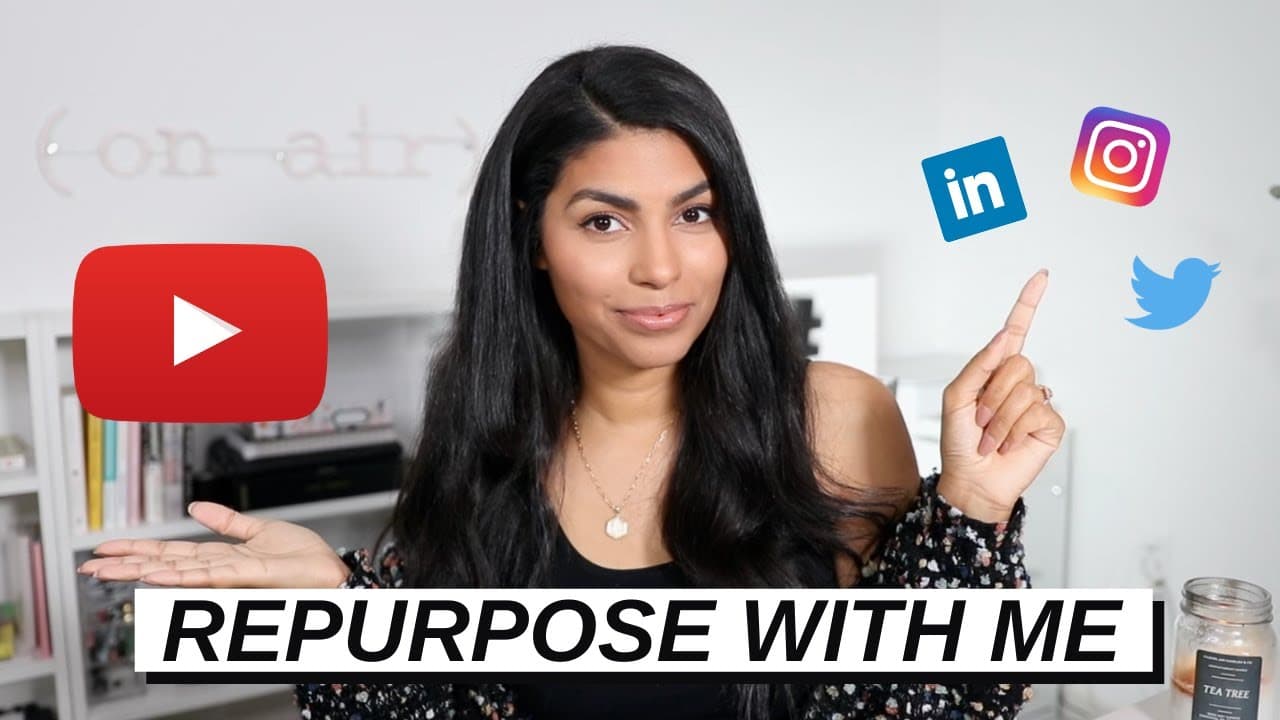
To effectively repurpose content, start by identifying underperforming videos or podcasts. Use tools like Piktostory to edit and format clips for various social media platforms. Customize captions and styles to match each platform’s audience. This approach maximizes content reach and engagement across different channels.
Transcript
hello everyone today it is content repurposing and creation day for me which means that i just batch recorded a couple of videos and now i'm getting content ready for the rest of the week and the rest of the month so i thought instead of just sort of telling you about what i'm doing or telling you the process i would actually take you along and sho... Read More
Key Insights
- Repurposing content involves transforming long-form videos into multiple social media clips.
- Piktostory is a browser-based editor that simplifies content repurposing with features like transcription and format customization.
- Different social media platforms require specific formats and styles for optimal engagement.
- Adding a watermark to video content can help maintain brand identity and prevent unauthorized use.
- Transcription accuracy can be improved by selecting the correct language and dialect during the upload process.
- Content should be tailored to each platform's audience; Twitter may favor humor, while LinkedIn requires professionalism.
- Utilizing a single pillar platform for content creation allows for efficient repurposing across multiple channels.
- Piktostory offers a free tier with 30 minutes of video processing per month, suitable for short podcasts.
Install to Summarize YouTube Videos and Get Transcripts
Explore YouTube Video Summarizer or Get YouTube Transcript Extractor
Questions & Answers
Q: How to repurpose video content for social media?
To repurpose video content for social media, start by selecting underperforming videos or podcasts. Use editing tools like Piktostory to create clips in various formats suitable for different platforms. Customize captions and styles to align with each platform's audience, maximizing engagement and reach.
Q: What is Piktostory and how does it help in content repurposing?
Piktostory is a browser-based video editing tool designed to simplify content repurposing. It allows users to transcribe videos, customize formats for different social platforms, and add features like watermarks. This tool helps creators efficiently transform long-form content into multiple engaging clips.
Q: Why is it important to customize content for each social media platform?
Customizing content for each social media platform is crucial because each platform has a unique audience and engagement style. For instance, Twitter might favor a humorous tone, while LinkedIn requires professionalism. Tailoring content ensures it resonates with the audience, increasing interaction and visibility.
Q: What formats does Piktostory support for social media content?
Piktostory supports various formats for social media content, including square for Instagram and Facebook, vertical for Instagram Stories, Reels, and TikTok, and horizontal for platforms like YouTube. These options ensure that content is optimized for each platform's specific requirements and audience preferences.
Q: How can transcription accuracy be improved in Piktostory?
Transcription accuracy in Piktostory can be improved by selecting the correct language and dialect during the video upload process. This ensures that the transcription reflects accurate spelling and phrasing, reducing the need for manual corrections and enhancing the overall quality of the content.
Q: What are the benefits of using a watermark in video content?
Using a watermark in video content helps maintain brand identity and deters unauthorized use. It ensures that the content is easily recognizable as belonging to the original creator, even if shared widely. This branding element can enhance credibility and protect intellectual property.
Q: What is the advantage of using a pillar platform for content creation?
Using a pillar platform for content creation allows for efficient repurposing across multiple social media channels. A single long-form video or podcast can be transformed into numerous clips, saving time and resources while maximizing reach and engagement on various platforms.
Q: What features does the free tier of Piktostory offer?
The free tier of Piktostory offers 30 minutes of video processing per month, which is suitable for short podcasts or videos. It provides basic features like transcription and format customization, allowing users to explore the tool's capabilities without committing to a paid plan.
Summary & Key Takeaways
-
Repurposing video content is an effective strategy to maximize reach across social media platforms. By using tools like Piktostory, creators can easily edit and format videos into clips suitable for different channels. Tailoring captions and styles to each platform's audience helps increase engagement and brand visibility.
-
Piktostory simplifies the process of repurposing content by offering features such as transcription, format customization, and watermarking. Selecting the correct language and dialect ensures accurate transcriptions, while different format options cater to platforms like Instagram, Twitter, and LinkedIn.
-
The key to successful content repurposing lies in customizing content for each platform's audience. While Twitter may appreciate a humorous approach, LinkedIn demands a more professional tone. Utilizing a central pillar platform for content creation allows for efficient distribution across multiple social media channels.
Read in Other Languages (beta)
Share This Summary 📚
Summarize YouTube Videos and Get Video Transcripts with 1-Click
Try YouTube Summary with ChatGPT & Claude or YouTube Transcript Generator
Explore More Summaries from Latasha James 📚





Summarize YouTube Videos and Get Video Transcripts with 1-Click
Try YouTube Summary with ChatGPT & Claude or YouTube Transcript Generator