Products
Features
YouTube Video Summarizer
Summarize YouTube videos
Web & PDF Highlighter
Highlight web pages & PDFs
Chat with PDF
Ask any PDF questions with AI
Ask AI Clone
Chat with your highlights & memories
Audio Transcriber
Transcribe audio files to text
Glasp Reader
Read and highlight articles
Kindle Highlight Export
Export your Kindle highlights
Idea Hatch
Hatch ideas from your highlights
Integrations
Obsidian Plugin
Notion Integration
Pocket Integration
Instapaper Integration
Medium Integration
Readwise Integration
Snipd Integration
Hypothesis Integration
Apps & Extensions
Chrome Extension
Safari Extension
Edge Add-ons
Firefox Add-ons
iOS App
Android App
Discover
Discover
Ideas
Discover new ideas and insights
Articles
Curated articles and insights
Books
Book recommendations by great minds
Posts
Essays and notes from readers
Quotes
Inspiring quotes collection
Videos
Curated videos and summaries
Explore Glasp
Glasp Story
How we grew from 0 to 3 million users
Glasp Newsletter
Weekly insights and updates
Glasp Talk
Interview series with great minds
Glasp Blog
Latest news and articles
Glasp Use Cases
Learn how others use Glasp
Build & Support
Glasp API
Access Glasp's API for developers
MCP Connector
Connect Glasp to Claude & ChatGPT
Community
Glasp Reddit Community
Students
Student discount and benefits
FAQs
Frequently Asked Questions
AboutPricing
DashboardLog inSign up

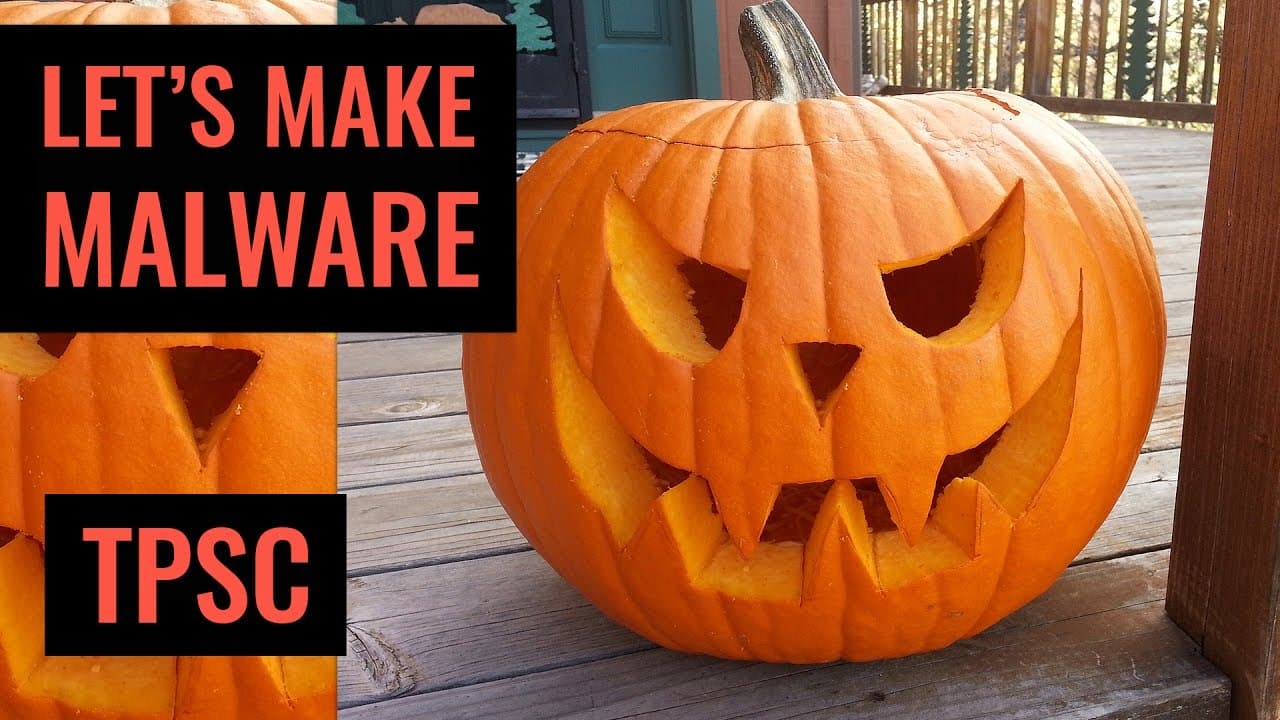
Create Joke Malware | Halloween Special
October 31, 2016
by
The PC Security Channel
YouTube video player
Create Joke Malware | Halloween Special

TL;DR

Learn how to create a harmless prank malware in Visual Studio to scare and trick your friends.

Transcript

let's say it's October 31st and one of your friends sends you a file like this think it's a cool game right so you go and check default properties looks good enough and now you run it ah it says happy Halloween how nice of him to send you this great application now you can choose between trick-or-treat let's go a trick how bad can it be right your ... Read More

Key Insights

  • 😜 Creating a prank malware in Visual Studio using simple code can be done in less than an hour.
  • 😜 The prank malware can lock the screen and play a spooky message, making it a fun Halloween prank.
  • 😜 Customization options, such as changing the URLs and message, allow for personalization of the prank malware.
  • 😜 The prank malware is harmless and does not cause any actual damage to the computer.
  • 😜 It is advisable to use the prank malware responsibly and only on friends or colleagues who would appreciate the joke.
  • 😝 The prank malware does not appear in the taskbar, creating a challenge for the user to close the application.
  • 😜 The code for the prank malware is easily editable even for inexperienced programmers.

Install to Summarize YouTube Videos and Get Transcripts

Explore YouTube Video Summarizer or Get YouTube Transcript Extractor

Questions & Answers

Q: What is the purpose of the prank malware created in Visual Studio?

The purpose of the prank malware is to scare and trick friends or colleagues on Halloween by locking their screen and playing a spooky message.

Q: Can the prank malware cause any serious harm to the computer?

No, the prank malware is harmless and does not affect the computer in any way. It is meant purely for fun and amusement.

Q: How can the prank malware be customized?

The prank malware can be customized by changing the browser tabs' URLs and the message played by the speech synthesizer. The code is easily editable to suit the user's preference.

Q: Is the prank malware visible in the taskbar?

No, the prank malware does not show up in the taskbar, making it difficult for the user to close the application. It adds to the scare factor and creates a more convincing prank.

Summary & Key Takeaways

  • The content demonstrates how to create a prank malware using Visual Studio in just an hour.

  • The prank malware locks the screen and plays a spooky message, and also opens browser tabs with customized URLs.

  • The code for the prank malware is simple and can be customized according to the user's preferences.


Read in Other Languages (beta)

English

Share This Summary 📚

Summarize YouTube Videos and Get Video Transcripts with 1-Click

Download browser extensions on:

Try YouTube Summary with ChatGPT & Claude or YouTube Transcript Generator

Explore More Summaries from The PC Security Channel 📚

Avast vs Ransomware thumbnail
Avast vs Ransomware
The PC Security Channel
G Data Internet Security 2017 Review thumbnail
G Data Internet Security 2017 Review
The PC Security Channel
MGM & Defcon Venue hack: BlackCat Ransomware thumbnail
MGM & Defcon Venue hack: BlackCat Ransomware
The PC Security Channel
Kaspersky Internet Security 2017 Review thumbnail
Kaspersky Internet Security 2017 Review
The PC Security Channel
DynA-Crypt Ransomware | feat. Karsten from G Data thumbnail
DynA-Crypt Ransomware | feat. Karsten from G Data
The PC Security Channel
Security Talk 6: Bleeping Computer sued for a negative review and more thumbnail
Security Talk 6: Bleeping Computer sued for a negative review and more
The PC Security Channel

Summarize YouTube Videos and Get Video Transcripts with 1-Click

Download browser extensions on:

Try YouTube Summary with ChatGPT & Claude or YouTube Transcript Generator

Apps & Extensions

  • Chrome Extension
  • Safari Extension
  • Edge Add-ons
  • Firefox Add-ons
  • iOS App
  • Android App

Key Features

  • YouTube Video Summarizer
  • Web & PDF Summarizer
  • Web & PDF Highlighter
  • Chat with PDF
  • Ask AI Clone
  • Audio Transcriber
  • Glasp Reader
  • Kindle Highlight Export
  • Idea Hatch

Integrations

  • Obsidian Plugin
  • Notion Integration
  • Pocket Integration
  • Instapaper Integration
  • Medium Integration
  • Readwise Integration
  • Snipd Integration
  • Hypothesis Integration

More Features

  • APIs
  • MCP Connector
  • Blog & Post
  • Embed Links
  • Image Highlight
  • Personality Test
  • Quote Shots
  • Open Graph Checker

Company

  • About us
  • Our Story
  • Blog
  • Community
  • FAQs
  • Job Board
  • Newsletter
  • Pricing
Terms

•

Privacy

•

Guidelines

© 2026 Glasp Inc. All rights reserved.




