24 Hours With the XPPen Magic Note Pad: Why Everyone Should Own a Digital Note Pad
TL;DR
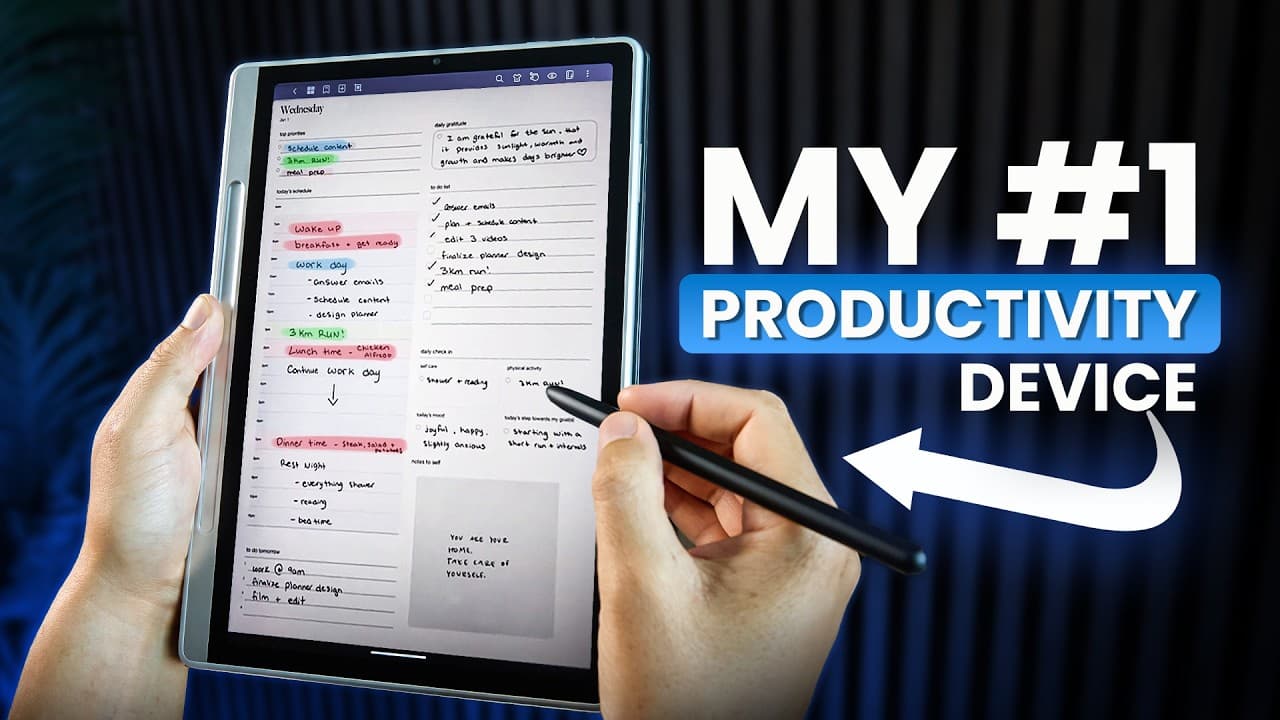
The XPPen Magic Notepad enhances productivity by bridging strategic and creative thinking.
Transcript
As a business owner, one of the biggest productivity hacks I've discovered over the last few years is instead of going straight to my laptop and start doing things, I block out about 30 minutes of my day, I disconnect from my laptop. I disconnect from my phone. I disconnect from anything that is likely to distract me. And I pick up my notepad and I... Read More
Key Insights
- The XPPen Magic Notepad is a versatile tool that enhances productivity by allowing users to brainstorm and strategize without digital distractions.
- Using the notepad in the morning helps set a productive mindset, with its paper-like display reducing eye strain compared to traditional screens.
- The notepad's EMR technology and pressure-sensitive pencil provide a natural writing experience, making it ideal for ideation and creative tasks.
- Working in coffee shops with the notepad minimizes distractions, allowing for deep focus and effective creative thinking.
- Handwriting notes during meetings enhances cognitive processing, leading to better retention and comprehension of information.
- The notepad's handwriting-to-text conversion feature allows for easy sharing and organization of notes, streamlining workflows.
- Switching between color modes on the notepad aids in reviewing creative content, providing vivid color displays when needed.
- The notepad complements laptops by serving as a dedicated space for ideation, preventing productivity loss from task switching on a single device.
Install to Summarize YouTube Videos and Get Transcripts
Explore YouTube Video Summarizer or Get YouTube Transcript Extractor
Questions & Answers
Q: How does the XPPen Magic Notepad enhance productivity?
The XPPen Magic Notepad enhances productivity by minimizing digital distractions, allowing for focused brainstorming and strategic planning. Its paper-like display reduces eye strain, and the natural writing experience facilitates creative thinking. The device serves as a dedicated space for ideation, preventing productivity loss from task switching.
Q: What are the benefits of using the notepad during meetings?
Using the notepad during meetings enhances cognitive processing, leading to better information retention. Handwriting notes forces deeper engagement with the material, allowing for active synthesis and prioritization of concepts. The handwriting-to-text conversion feature streamlines note sharing, making information actionable immediately.
Q: Why is the morning routine important for productivity?
A productive morning routine sets the tone for the rest of the day. Starting with a focused brainstorming session using the notepad helps establish a clear mindset and purpose. The gentle paper-like display reduces eye strain, aiding in a smooth transition into the day's tasks without digital distractions.
Q: How does the notepad's display benefit users?
The notepad's display provides a paper-like experience that is gentle on the eyes, reducing the strain associated with traditional screens. It offers three adjustable color modes, allowing users to tailor the display to their needs, whether for planning in black and white or reviewing colorful creative content.
Q: What role does the notepad play in creative tasks?
The notepad's EMR technology and pressure-sensitive pencil offer a natural writing experience, ideal for freeform ideation. It supports diverse thinking styles, offering structured templates and freeform space, facilitating creative tasks like mind mapping and strategy development without the distractions of digital devices.
Q: How does the notepad complement laptop use?
The notepad complements laptops by serving as a dedicated space for ideation, preventing productivity loss from task switching on a single device. While laptops handle execution tasks, the notepad is used for brainstorming and processing complex ideas, maintaining a clear mental distinction between thinking and doing.
Q: What are the advantages of the notepad's handwriting-to-text conversion feature?
The handwriting-to-text conversion feature allows for easy sharing and organization of notes. Users can convert handwritten notes to formatted text with a single tap, making information immediately actionable and eliminating the need for photographing or transcribing notes, thus streamlining workflows.
Q: How does working in coffee shops with the notepad affect productivity?
Working in coffee shops with the notepad minimizes distractions, fostering deep focus and effective creative thinking. The notepad eliminates the constant pull of digital distractions, allowing for uninterrupted ideation and strategic planning, which are crucial for productivity in a busy environment.
Summary & Key Takeaways
-
The XPPen Magic Notepad offers a unique blend of digital convenience and traditional handwriting benefits, enhancing productivity by minimizing distractions and facilitating deep work. Its paper-like display is gentle on the eyes, making it ideal for morning brainstorming sessions.
-
The notepad's EMR technology and pressure-sensitive pencil provide a seamless writing experience, crucial for creative tasks. It supports diverse thinking styles, offering templates for linear thinkers and freeform space for visual thinkers, enhancing ideation and strategy development.
-
With features like handwriting-to-text conversion and vivid color modes, the notepad streamlines workflows and aids in creative content review. It acts as a dedicated ideation space, complementing laptops and preventing productivity loss from frequent task switching.
Read in Other Languages (beta)
Share This Summary 📚
Summarize YouTube Videos and Get Video Transcripts with 1-Click
Try YouTube Summary with ChatGPT & Claude or YouTube Transcript Generator
Explore More Summaries from Mike Dee 📚



Summarize YouTube Videos and Get Video Transcripts with 1-Click
Try YouTube Summary with ChatGPT & Claude or YouTube Transcript Generator