Learn Sublime Text with Joshua Davis
TL;DR
Learn to streamline coding with Sublime Text 2, installing packages for language support and enhancing productivity with built-in shortcuts.
Transcript
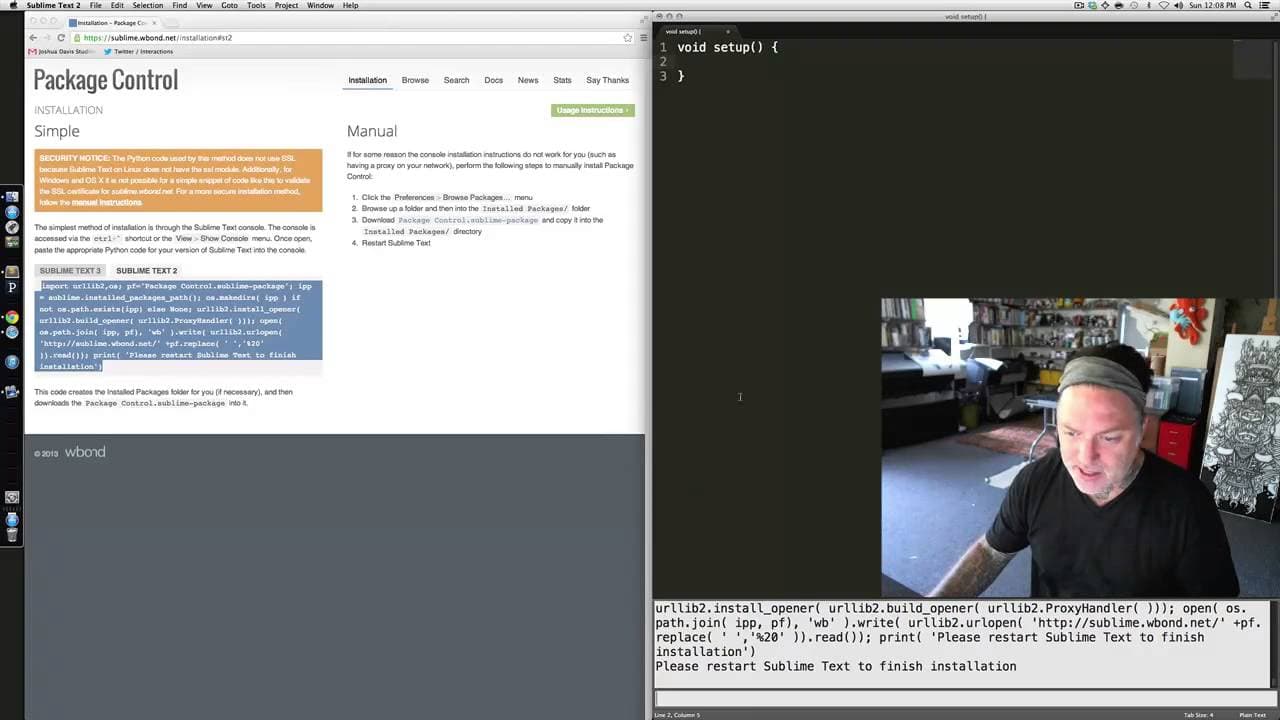
okay in this video we're going to cover working with sublime text 2. so if you return back to your browser and go ahead and type in sublime text 2 into a search engine should be the top result if you go ahead and click you'll notice that the url sublime text to sublimetext.com2 at the very top you have the option to download and it again also has w... Read More
Key Insights
- 💁 Sublime Text 2 offers automatic code completion and formatting for increased productivity.
- ❓ Installing the Processing bundle in Sublime Text 2 enables support for the Processing language.
- 🌉 Creating a bridge between Sublime Text 2 and Processing involves installing Processing java.
- 🏛️ Sublime Text 2's build system generates temporary files that can be managed to prevent clutter and maintain workspace cleanliness.
- 📁 The nesting of folders within folders in Sublime Text 2 can streamline file organization and naming conventions for efficient coding.
- 👨💻 Shortcuts and customization options in Sublime Text 2 enhance the coding experience and workflow.
- 👻 The integration of Processing with Sublime Text 2 allows for seamless development and execution of Processing code.
Install to Summarize YouTube Videos and Get Transcripts
Explore YouTube Video Summarizer or Get YouTube Transcript Extractor
Questions & Answers
Q: What advantages does Sublime Text 2 offer for coding efficiency?
Sublime Text 2 provides automatic code generation, shortcuts for common functions, and customization options like increasing font size for enhanced visibility.
Q: How can one add Processing support to Sublime Text 2?
By installing the Processing bundle via Package Control, users can enable Processing language support in Sublime Text 2, allowing for color-coding and additional features tailored to Processing.
Q: What steps are involved in installing Processing java to bridge Sublime Text 2 with Processing?
Users need to install Processing java through the Processing IDE tools menu, creating a link between Sublime Text 2 and Processing for running code seamlessly.
Q: How does Sublime Text 2 handle file saving differently compared to Processing IDE?
Sublime Text 2 may not automatically create a folder for each saved file, requiring users to manage folder structures manually to ensure proper compilation and execution.
Summary & Key Takeaways
-
Sublime Text 2 is a text editor offering efficiency with automatic code generation and customization options.
-
Installing the Processing bundle adds support for the Processing language, enhancing coding capabilities.
-
The process involves installing Package Control, adding Processing via the bundle, and creating a bridge between Sublime Text 2 and Processing.
Read in Other Languages (beta)
Share This Summary 📚
Summarize YouTube Videos and Get Video Transcripts with 1-Click
Try YouTube Summary with ChatGPT & Claude or YouTube Transcript Generator
Explore More Summaries from Skillshare 📚






Summarize YouTube Videos and Get Video Transcripts with 1-Click
Try YouTube Summary with ChatGPT & Claude or YouTube Transcript Generator