Access Your Computer Anywhere with VS Code—No VM Needed! 💻🌍
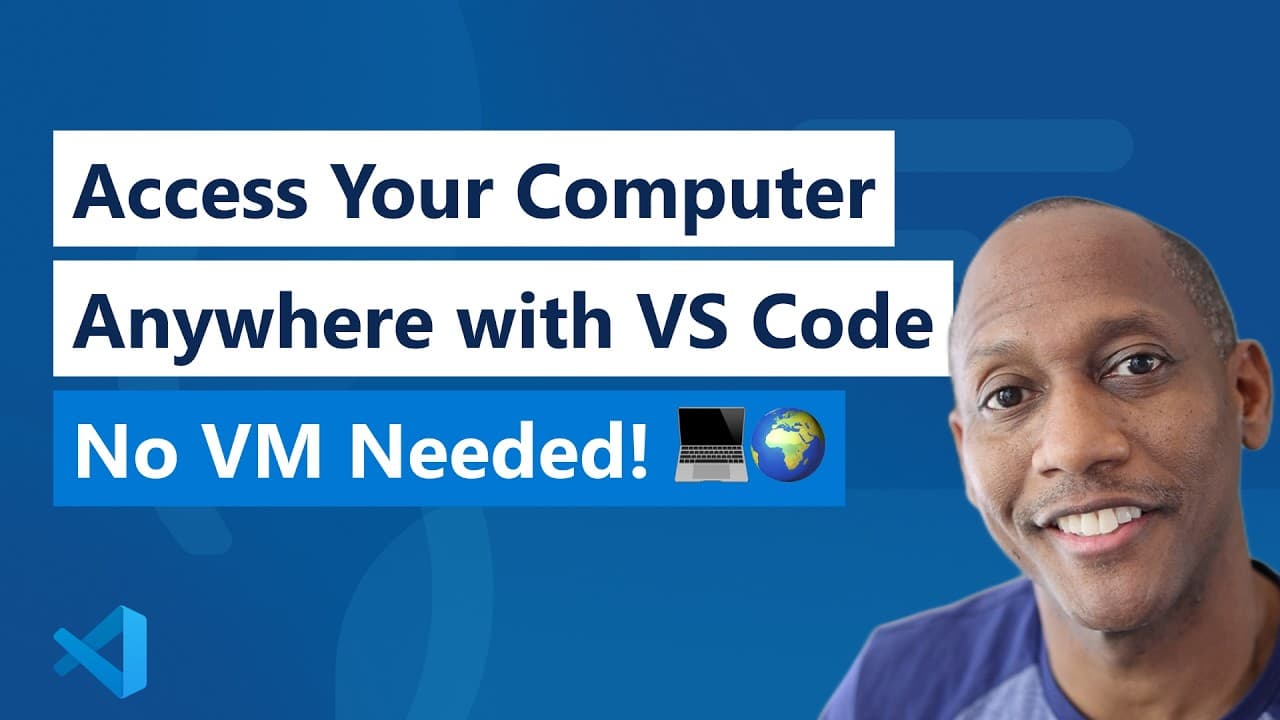
Access Your Computer Anywhere with VS Code—No VM Needed! 💻🌍
Transcript
let's say you needed to code on your work computer but it's in the office and you're not there or it's a desktop in this video I'm going to show you how you could access it remotely via another computer or even on an iPad let's take a look before we jump into our video I want to go ahead and tell you that we have a brand new LinkedIn page for vs co... Read More
Install to Summarize YouTube Videos and Get Transcripts
Explore YouTube Video Summarizer or Get YouTube Transcript Extractor
Read in Other Languages (beta)
Share This Summary 📚
Summarize YouTube Videos and Get Video Transcripts with 1-Click
Download browser extensions on:
Try YouTube Summary with ChatGPT & Claude or YouTube Transcript Generator
Explore More Summaries from Visual Studio Code 📚
The Latest AI Features in VS Code (v1.105)
Visual Studio Code
Learn Visual Studio Code (For the Web)
Visual Studio Code
Behind The Scenes: The Making of VS Code
Visual Studio Code

Build an agent: Choose the right model for your agent
Visual Studio Code
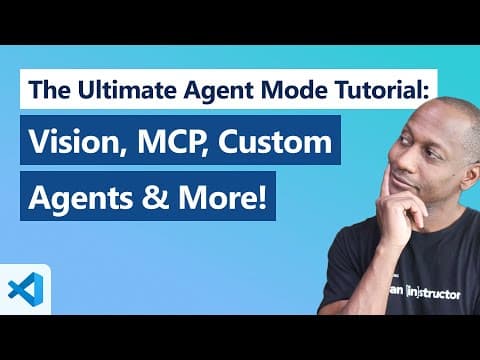
The Ultimate Agent Mode Tutorial in VS Code: Vision, MCP, Custom Agents & More!
Visual Studio Code
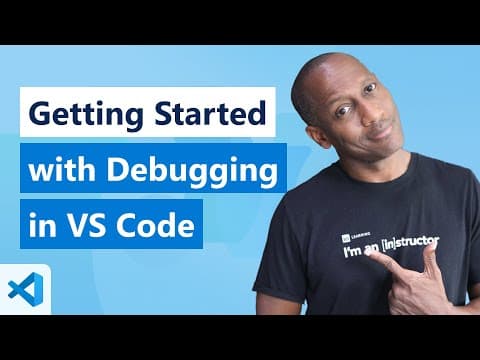
Getting Started with Debugging in VS Code (Official Beginner Guide)
Visual Studio Code
Summarize YouTube Videos and Get Video Transcripts with 1-Click
Download browser extensions on:
Try YouTube Summary with ChatGPT & Claude or YouTube Transcript Generator