Kaspersky vs Windows Defender
TL;DR
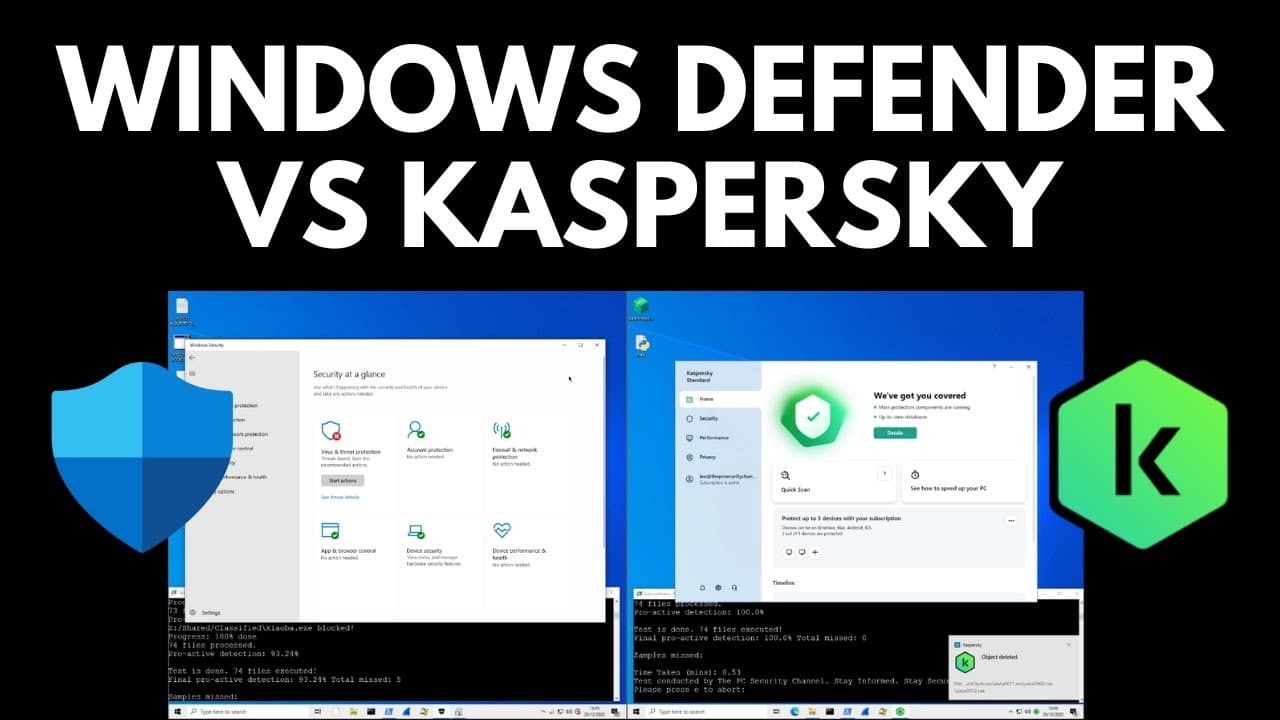
Windows Defender and Kaspersky Antivirus were tested side by side for malware protection and ransomware prevention, with Kaspersky showing better results in both areas.
Transcript
hello and welcome to the PC security Channel as you can see for this test we have two VMS side by side on the left we have Windows Defender set up and ready to go on the right we have Kaspersky standard a well-known third-party AV we're going to test both these systems against an array of malware directly from the source we have automation scripts ... Read More
Key Insights
- ⌛ Kaspersky provided more detailed reporting and better response time in resolving threats compared to Windows Defender.
- 🥺 Windows Defender had a glitchy user interface during threat removal, despite improving its detection of PUPs.
- 🕵️ Both antivirus solutions performed well in the second opinion scans, with no serious threats detected.
- 👻 In the ransomware test, Windows Defender missed some ransomware and allowed file encryption, while Kaspersky successfully blocked all ransomware and prevented data loss.
- 😶🌫️ Windows Defender's reliance on cloud analysis may result in slower response times and inconsistent results in detecting complex malware.
- 🎮 Controlled folder access in Windows Defender can offer some protection against ransomware, but it is not as comprehensive as Kaspersky's system watcher component.
- 💪 Users who prioritize strong malware protection and ransomware prevention should consider using Kaspersky antivirus over Windows Defender.
Install to Summarize YouTube Videos and Get Transcripts
Explore YouTube Video Summarizer or Get YouTube Transcript Extractor
Questions & Answers
Q: What were the main differences observed between Windows Defender and Kaspersky during the malware protection test?
Kaspersky provided more detailed reporting, deleted objects in real-time specifying the affected file, and had more settings granularity compared to Windows Defender. Kaspersky also blocked web alerts and showed better response time in resolving threats.
Q: Did Windows Defender detect more potentially unwanted programs (PUPs) compared to Kaspersky?
Yes, Windows Defender detected more PUPs, which was surprising considering its previous reputation. However, it had a slower response time in resolving them.
Q: Were there any false positives detected in the second opinion scans?
In the second opinion scans, both Windows Defender and Kaspersky did not detect any serious threats. Some detections on Kaspersky were in temp folders, and the only file outside of temp folders on Windows Defender's side was an uninstaller, likely a false positive.
Q: How did Windows Defender and Kaspersky perform in the ransomware test?
Windows Defender missed some ransomware, allowing encryption of files, while Kaspersky successfully blocked all the tested ransomware and prevented file encryption.
Summary & Key Takeaways
-
The test involved running automation scripts that visited hundreds of malware websites and analyzed the user experience of both Windows Defender and Kaspersky.
-
Kaspersky provided better reporting, blocking of malicious tools, and web alert features compared to Windows Defender.
-
Windows Defender had a slower response time in resolving potentially unwanted programs (PUPs), and the user interface became glitchy during threat removal.
-
In a second opinion scan after the reset, Kaspersky detected some malware in temp folders, while Windows Defender only found registry key remnants from re-image repair.
Read in Other Languages (beta)
Share This Summary 📚
Summarize YouTube Videos and Get Video Transcripts with 1-Click
Try YouTube Summary with ChatGPT & Claude or YouTube Transcript Generator
Explore More Summaries from The PC Security Channel 📚






Summarize YouTube Videos and Get Video Transcripts with 1-Click
Try YouTube Summary with ChatGPT & Claude or YouTube Transcript Generator