Create a 3D Character by Using Metahuman and Unreal Engine
TL;DR
Learn to craft lifelike avatars using Quicko Bridge plugin for Unreal Engine.
Transcript
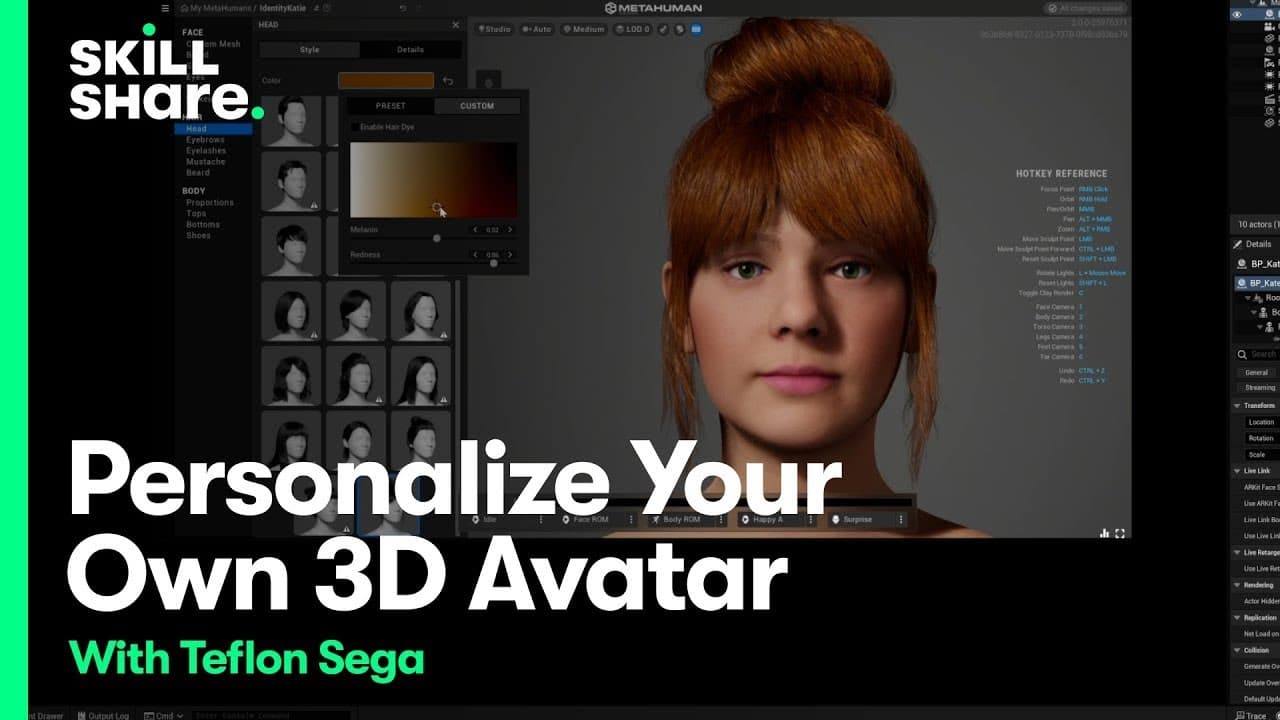
hey everybody I'm Teflon Sega a singer producer and Multiverse native World Builder my class on skill share just launched it's all about creating your own avatar and guess what today I'm sharing an exclusive sneak peek with you stay tuned in this lesson we're going to style your avatar using quickel Bridge which is a plugin that comes installed wit... Read More
Key Insights
- 👤 Quicko Bridge simplifies avatar creation with a user-friendly interface.
- 😃 Avatar customization includes skin, eyes, makeup, and clothing details for realism.
- 👻 The plugin allows for extensive personalization, from hairstyles to accessories.
- 👤 Users can effortlessly export and integrate their avatars into Unreal Engine projects.
- 🏛️ Teflon Sega's class on Skillshare offers in-depth guidance on creating lifelike avatars.
- 🥺 Spending time exploring options in Quicko Bridge leads to unique and creative avatar designs.
- 👤 Auto-saving features in Quicko Bridge assure users their progress is secure.
Install to Summarize YouTube Videos and Get Transcripts
Explore YouTube Video Summarizer or Get YouTube Transcript Extractor
Questions & Answers
Q: What is Quicko Bridge, and how does it enhance avatar creation?
Quicko Bridge is a plugin that simplifies avatar customization by providing a library of scans and pre-made assets within Unreal Engine, streamlining the process of creating lifelike avatars.
Q: How can users adjust skin tone, eye color, and makeup for their avatars?
Users can tweak skin tones, choose eye colors, adjust makeup intensity, and even apply details like vascularity to achieve a realistic look for their avatars with Quicko Bridge.
Q: What options are available for customizing hairstyles and clothing in the avatar creation process?
Quicko Bridge offers a variety of hairstyle options, from buns to specific hair colors. Users can also mix and match clothing items, shoes, and accessories to personalize their avatars further.
Q: How does the export process work for avatars created with Quicko Bridge?
After crafting your avatar, you can export it at the highest quality and seamlessly add it to your Unreal Engine project, enabling easy integration for your virtual world designs.
Summary & Key Takeaways
-
Teflon Sega introduces Quicko Bridge for avatar creation.
-
Customize avatar details like skin tone, eyes, makeup, and clothing.
-
Export and integrate your avatar into Unreal Engine projects effortlessly.
Read in Other Languages (beta)
Share This Summary 📚
Summarize YouTube Videos and Get Video Transcripts with 1-Click
Try YouTube Summary with ChatGPT & Claude or YouTube Transcript Generator
Explore More Summaries from Skillshare 📚






Summarize YouTube Videos and Get Video Transcripts with 1-Click
Try YouTube Summary with ChatGPT & Claude or YouTube Transcript Generator