Wix How to use same one form on multiple pages
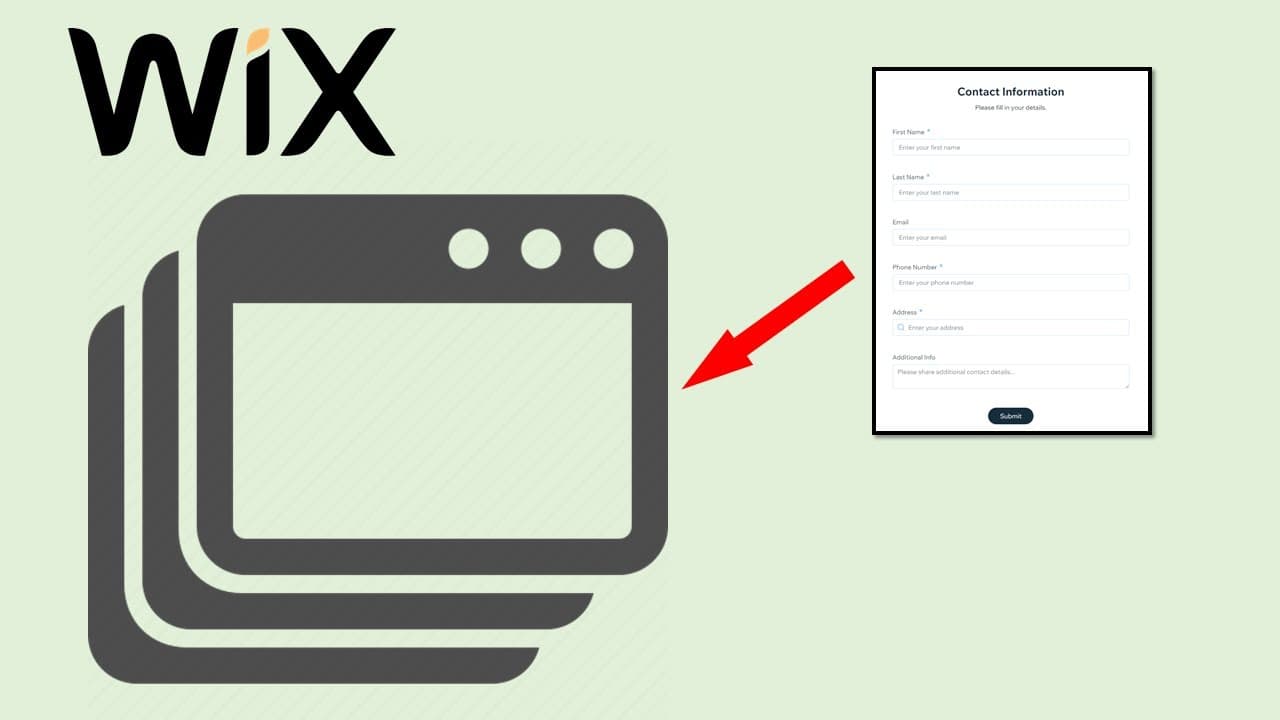
TL;DR
Learn to use one Wix form on multiple pages.
Transcript
hello in this video i will talk about invix we have a wix form and payments this building app if you go to apps manage apps you can see these lines built-in one so when we open the the forms actually it's under forms and the submissions so if you have a form and you want to put it in multiple pages i mean the same form you want to put in multiple p... Read More
Key Insights
- Wix provides a built-in app for forms and payments, accessible through the 'Manage Apps' section, allowing users to create and manage forms efficiently.
- To use the same form on multiple pages, it is necessary to create standalone forms rather than using website forms, ensuring flexibility and reusability.
- After creating a standalone form, users can share the form by copying the link and embedding it into different pages using the HTML embed code feature.
- Embedding the form requires inserting the link into the website address field in the HTML embed code section, allowing the form to appear on the desired page.
- Adjustments can be made to the embedded form to remove unnecessary elements like the scroll bar, ensuring a cleaner and more professional appearance.
- Publishing the page after embedding the form ensures that the form appears correctly on the live website, allowing users to verify the changes.
- The process can be repeated for different pages, such as the 'About' page, using the same link and embedding method to maintain consistency across the site.
- This method allows for centralized form management, making it easier to update or modify forms without needing to make changes on multiple pages individually.
Install to Summarize YouTube Videos and Get Transcripts
Explore YouTube Video Summarizer or Get YouTube Transcript Extractor
Questions & Answers
Q: How do you create a standalone form in Wix?
To create a standalone form in Wix, navigate to the 'Manage Apps' section where you can access the built-in forms and payments app. From there, you can create a new form by selecting the option to create a standalone form, which allows you to use it across multiple pages.
Q: What is the advantage of using standalone forms?
Standalone forms offer the advantage of reusability across multiple pages without needing to recreate the form each time. This method centralizes form management, making it easier to update or modify the form, as changes automatically reflect wherever the form is embedded.
Q: How can you embed a form on a Wix page?
To embed a form on a Wix page, copy the form's link and use the HTML embed code feature. Insert the link into the website address field within the HTML embed section. This will display the form on the desired page, allowing for consistent form usage across the site.
Q: Why is it important to adjust the embedded form?
Adjusting the embedded form is important to ensure it fits well within the page layout and removes any unnecessary elements, such as scroll bars, that can detract from the user experience. This results in a cleaner and more professional appearance for the form on the website.
Q: What should you do after embedding the form?
After embedding the form, you should publish the page to ensure that the form appears correctly on the live website. This step allows you to verify that the embedding process was successful and that the form is displayed as intended on the page.
Q: Can the same form be used on different types of pages?
Yes, the same form can be used on different types of pages, such as the 'About' page or any other page, by following the same embedding process. This ensures consistency in form usage across the website, allowing for a unified user experience.
Q: How does centralized form management benefit users?
Centralized form management benefits users by simplifying the process of updating or modifying forms. Changes made to a standalone form are automatically reflected wherever the form is embedded, eliminating the need to make individual updates on each page, thereby saving time and effort.
Q: What is the purpose of using HTML embed code in Wix?
The purpose of using HTML embed code in Wix is to allow users to insert external content, such as forms, into their website pages. This feature enables the integration of various elements, enhancing the functionality and versatility of the website without needing to build components from scratch.
Summary & Key Takeaways
-
Wix offers a built-in app for forms, allowing users to create standalone forms that can be reused across multiple pages. This tutorial guides users on embedding the same form on different pages using HTML code, ensuring consistent form usage.
-
To embed a form on multiple pages, users need to create a standalone form, copy its link, and use the HTML embed feature to display it on different pages. Adjustments can be made to remove unnecessary elements like scroll bars for a cleaner look.
-
By following the steps outlined, users can efficiently manage forms across their Wix website. This method allows for centralized updates and modifications, ensuring that changes to a form are reflected wherever it is embedded, enhancing site management.
Read in Other Languages (beta)
Share This Summary 📚
Summarize YouTube Videos and Get Video Transcripts with 1-Click
Try YouTube Summary with ChatGPT & Claude or YouTube Transcript Generator
Explore More Summaries from E Micro Tech 📚

Summarize YouTube Videos and Get Video Transcripts with 1-Click
Try YouTube Summary with ChatGPT & Claude or YouTube Transcript Generator