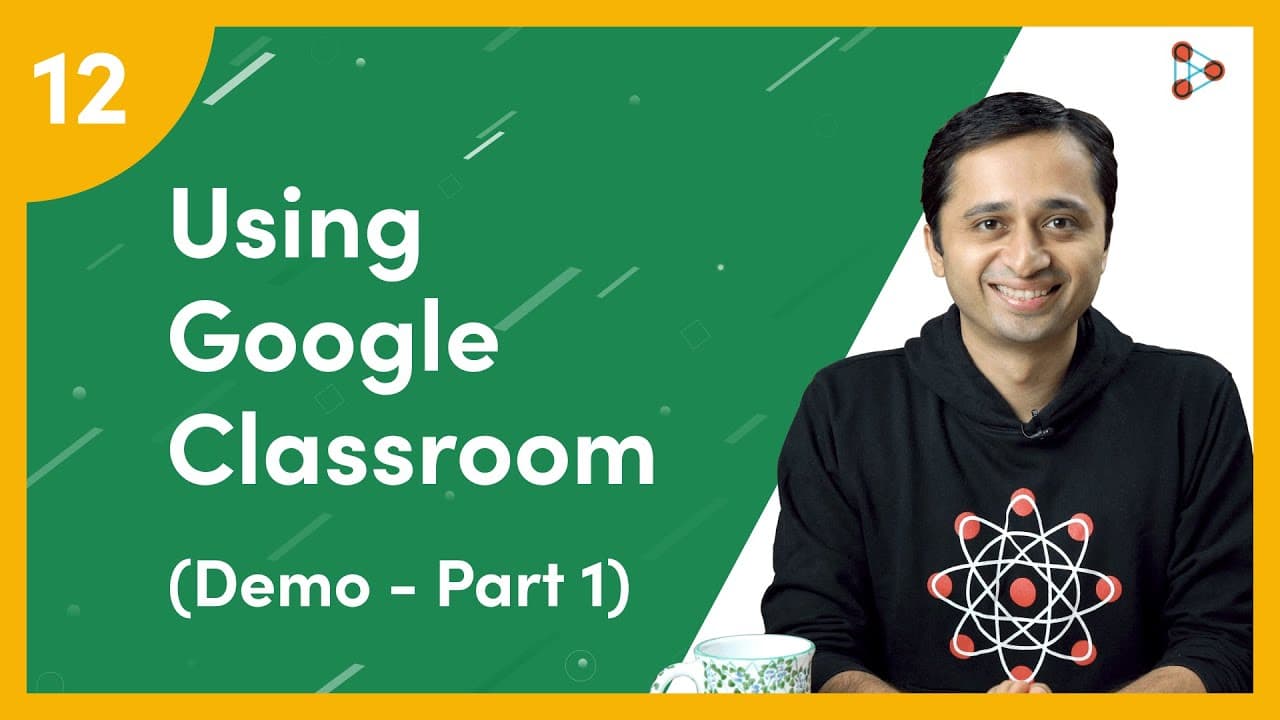
Using Google Classroom - Demo - Part 1 | Ep.12 | Don't Memorise
TL;DR
Learn how to effectively use Google Classroom tools to teach students online, from creating a class to sharing materials and organizing files.
Transcript
[ YouTube Learning ] As a teacher, you have a lot of work to do, and a lot of content to deliver. In this video, I will take you on a journey right from the start where you get your time table or your learning objective, to how you could use different Google Classroom tools to teach your students online [ Don't Memorise intro music ] As a teacher, ... Read More
Key Insights
- 🧑🎓 Teachers should plan what students need to know in advance, what will be taught during live classes, and how to assess student understanding.
- 🏛️ Creating a class and sharing the class code allows students to join and participate in the online learning environment.
- 😚 Using Google Drive ensures that teachers' files are securely stored and easily accessible, without the risk of losing them.
- 👻 Google Classroom integrates seamlessly with Google Drive, allowing teachers to add and share files with their students.
- 💌 Teachers can make announcements and communicate with students through the Stream section or by sending emails.
- 📁 Google Classroom provides easy access to recent files in Google Drive and allows teachers to search for specific files.
- 🤑 Teachers can upload existing files or create new ones directly within Google Drive, including Google Docs, Slides, and Forms.
Install to Summarize YouTube Videos and Get Transcripts
Explore YouTube Video Summarizer or Get YouTube Transcript Extractor
Questions & Answers
Q: How can teachers communicate with their students using Google Classroom?
Teachers can make announcements on the Stream section of the class, send emails to students through the People section, or both.
Q: What is the advantage of using Google Drive for storing files?
Google Drive provides a safe and easily accessible platform for storing files, ensuring that they are not lost and are always available for teachers to use.
Q: How can teachers add files to their Google Drive folder?
Teachers can use the right-click option to upload existing files from their machines or create new files directly within Google Drive.
Q: Can students access the Class Drive Folder in Google Classroom?
No, students do not have access to the Class Drive Folder unless the teacher gives them permission.
Summary & Key Takeaways
-
Teachers need to consider what students need to know in advance, what will be taught during live classes, and how to check for understanding.
-
Google Classroom allows teachers to create classes, share class codes with students, and make announcements through the Stream or by sending emails.
-
Google Drive is a secure space where teachers can store files and access them anytime, and it is seamlessly integrated with Google Classroom.
Read in Other Languages (beta)
Share This Summary 📚
Summarize YouTube Videos and Get Video Transcripts with 1-Click
Try YouTube Summary with ChatGPT & Claude or YouTube Transcript Generator
Explore More Summaries from Infinity Learn NEET 📚

Summarize YouTube Videos and Get Video Transcripts with 1-Click
Try YouTube Summary with ChatGPT & Claude or YouTube Transcript Generator