Moving Cubes - OpenGL with PyOpenGL Python and PyGame - 4
TL;DR
This video tutorial demonstrates how to create a basic game using Python and OpenGL, including navigation, object avoidance, and collision detection.
Transcript
everybody what is going on welcome to another Python with OpenGL and PI OpenGL tutorial in the last video we were bringing up our cube and showing how we can kind of navigate around our cube with the arrow keys up down all that fancy stuff and my goal here with this series is this just show you a really basic example of how we could make some sort ... Read More
Key Insights
- 👾 This tutorial demonstrates the process of creating a basic game using Python and OpenGL.
- 👾 The game involves navigating around a cube and avoiding collisions with it.
- 👾 The tutorial covers the concepts of translating and rotating objects, accessing location data, collision detection, and adding multiple objects to the game.
- 🎮 The video provides a foundation for further game development and can be expanded upon to create more complex games.
- 👾 The tutorial emphasizes the importance of understanding perspective and transformation in game development.
- 👨💻 The code snippets and explanations provided make it easy for beginners to follow and learn from.
- 🧊 The tutorial suggests future improvement by adding randomness to the cube's starting position and incorporating multiple cubes for added challenge.
Install to Summarize YouTube Videos and Get Transcripts
Explore YouTube Video Summarizer or Get YouTube Transcript Extractor
Questions & Answers
Q: How can we navigate around the cube in the game?
To navigate around the cube in the game, the player can use the arrow keys. Pressing the left arrow key will move the character to the left, simulating the perspective of the player moving in that direction.
Q: How can we make the cube move towards the player?
To make the cube move towards the player, GL translate can be used. By applying a negative translation to the cube's Z-axis, the cube will move closer to the player.
Q: How can we detect if the player has hit a cube?
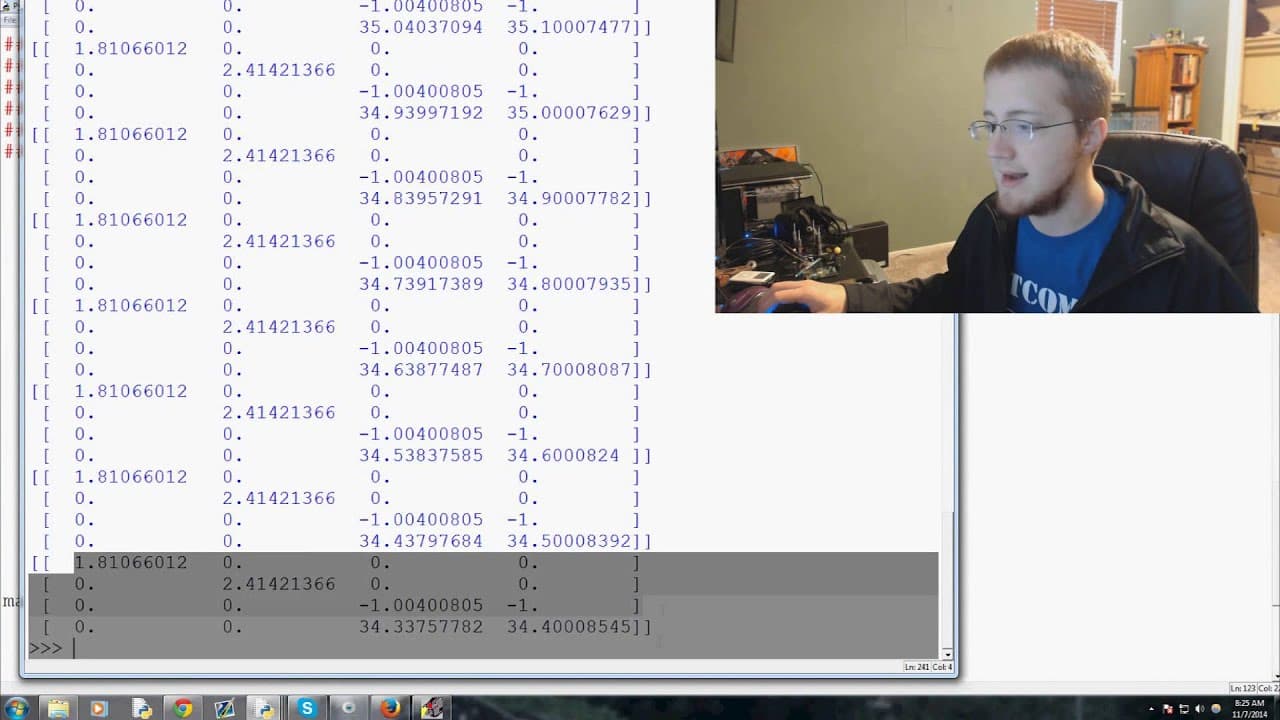
To detect if the player has hit a cube, the location of the player can be obtained using GL get double V and the GL modelview matrix. By comparing the player's X and Y coordinates with the cube's position, a collision can be detected.
Q: How can we add multiple cubes to the game?
To add multiple cubes to the game, a loop can be implemented to create and render multiple instances of the cube object. By adjusting the cube's starting position and speed in the loop, different cubes can be added.
Summary & Key Takeaways
-
The tutorial demonstrates how to create a game using Python and OpenGL, focusing on creating a cube to avoid and navigating around it with arrow keys.
-
The game will eventually have multiple cubes to avoid, and if the player hits one, it will be game over.
-
The video covers concepts such as translating and rotating objects, accessing location in the environment, identifying when a cube has passed the player, and adding multiple cubes to the game.
Read in Other Languages (beta)
Share This Summary 📚
Summarize YouTube Videos and Get Video Transcripts with 1-Click
Try YouTube Summary with ChatGPT & Claude or YouTube Transcript Generator
Explore More Summaries from sentdex 📚






Summarize YouTube Videos and Get Video Transcripts with 1-Click
Try YouTube Summary with ChatGPT & Claude or YouTube Transcript Generator