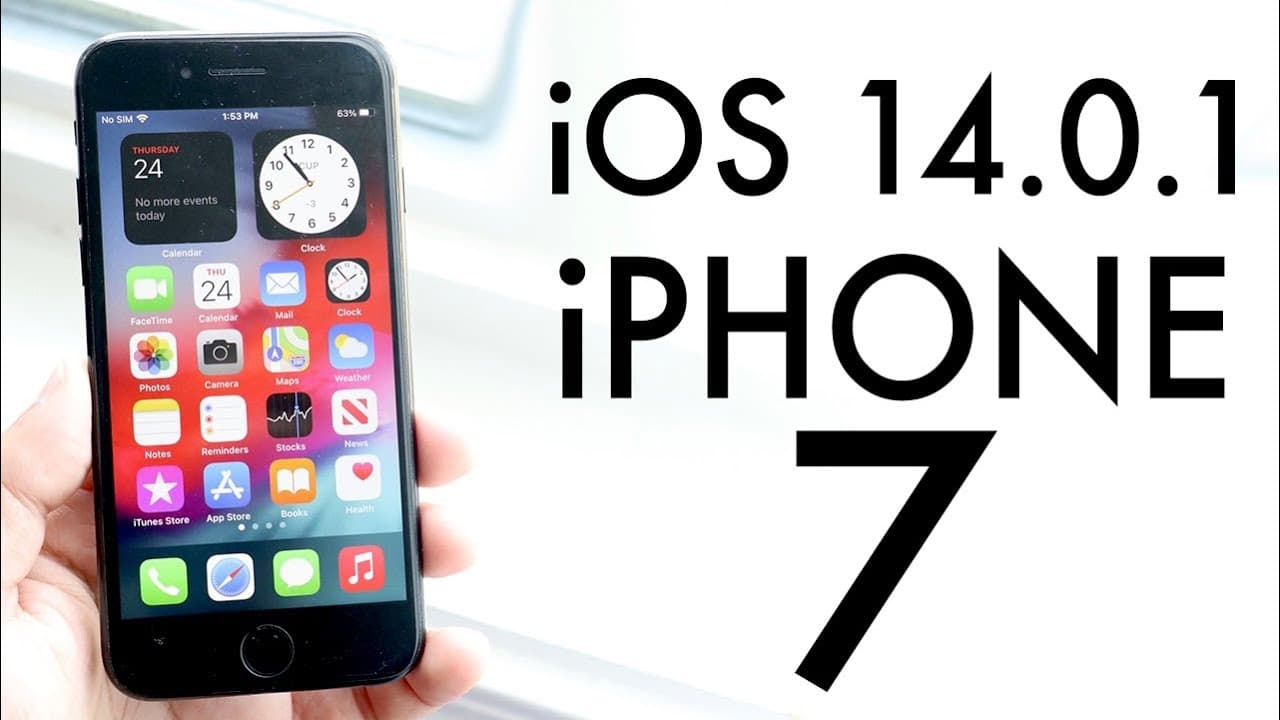
iOS 14.0.1 On iPhone 7! (Review)
TL;DR
iOS 14.0.1 fixes several bugs for iPhone 7 users.
Transcript
welcome back everyone ios 14.0.1 just came out today and i guess it was a pretty big update for the iphone 7 and 7 pluses as well which i'll get into in a second but i guess we're going to take a look at it on this specific phone this iphone 7. now ios 14 has been a ride and you know like i said before in the last video it's like a gift that keeps ... Read More
Key Insights
- 👶 iOS 14.0.1 is centered on bug fixes rather than new features, emphasizing reliability over functionality.
- 👤 The update addresses critical issues with camera previews, an important aspect for iPhone 7 users who rely on photography.
- 💌 Changing default browser and email client settings now functions correctly after previous issues caused them to revert to Safari and Mail.
- 🖐️ Wi-Fi connection bugs were resolved, improving usability for users experiencing network-related issues.
- 💯 Benchmark results indicate stable and even improved multi-core scores, ensuring decent performance for multitasking.
- 👤 Users are encouraged to back up their devices before updating, as a precautionary measure against data loss.
- 👤 The update demonstrates Apple's commitment to continuous improvement, addressing user-reported issues promptly.
Install to Summarize YouTube Videos and Get Transcripts
Explore YouTube Video Summarizer or Get YouTube Transcript Extractor
Questions & Answers
Q: What are the main issues fixed by the iOS 14.0.1 update?
The iOS 14.0.1 update primarily fixes bugs affecting the iPhone 7 and 7 Plus, including camera preview problems, issues with reverting default browsers and mail clients back to Safari, as well as email sending failures. These fixes are aimed at improving user experience and stability of the device.
Q: Is iOS 14.0.1 worth the update for iPhone 7 users?
Yes, iOS 14.0.1 is worth updating if you own an iPhone 7, as it resolves some significant bugs that users were experiencing. While it doesn't introduce new features, the fixes can enhance usability and eliminate frustrating issues with basic functions like browsing and email.
Q: How does the performance of the iPhone 7 change with iOS 14.0.1?
Benchmarks show a slight change in performance post-update, with single-core scores dropping slightly while multi-core scores improved. Nevertheless, the changes are minimal, indicating that iOS 14.0.1 maintains overall performance while optimizing fixes for existing bugs.
Q: Should users stay on iOS 13 instead of updating to iOS 14.0.1?
Although iOS 13 may be the most stable option, users seeking improvements and bug fixes should consider updating to iOS 14.0.1. The benefits of fixes justify the update, especially since iOS 14 is improving with each release, making it worthwhile for most users.
Summary & Key Takeaways
-
The iOS 14.0.1 update, approximately 144 megabytes, addresses bugs primarily affecting the iPhone 7 and 7 Plus without introducing new features.
-
Key fixes include improvements to camera preview issues, default browser/mail functionalities, and email sending problems, enhancing overall user experience.
-
Despite some performance score changes that remain relatively stable, users are advised to back up their data before updating.
Read in Other Languages (beta)
Share This Summary 📚
Summarize YouTube Videos and Get Video Transcripts with 1-Click
Try YouTube Summary with ChatGPT & Claude or YouTube Transcript Generator
Explore More Summaries from Simple Alpaca 📚






Summarize YouTube Videos and Get Video Transcripts with 1-Click
Try YouTube Summary with ChatGPT & Claude or YouTube Transcript Generator