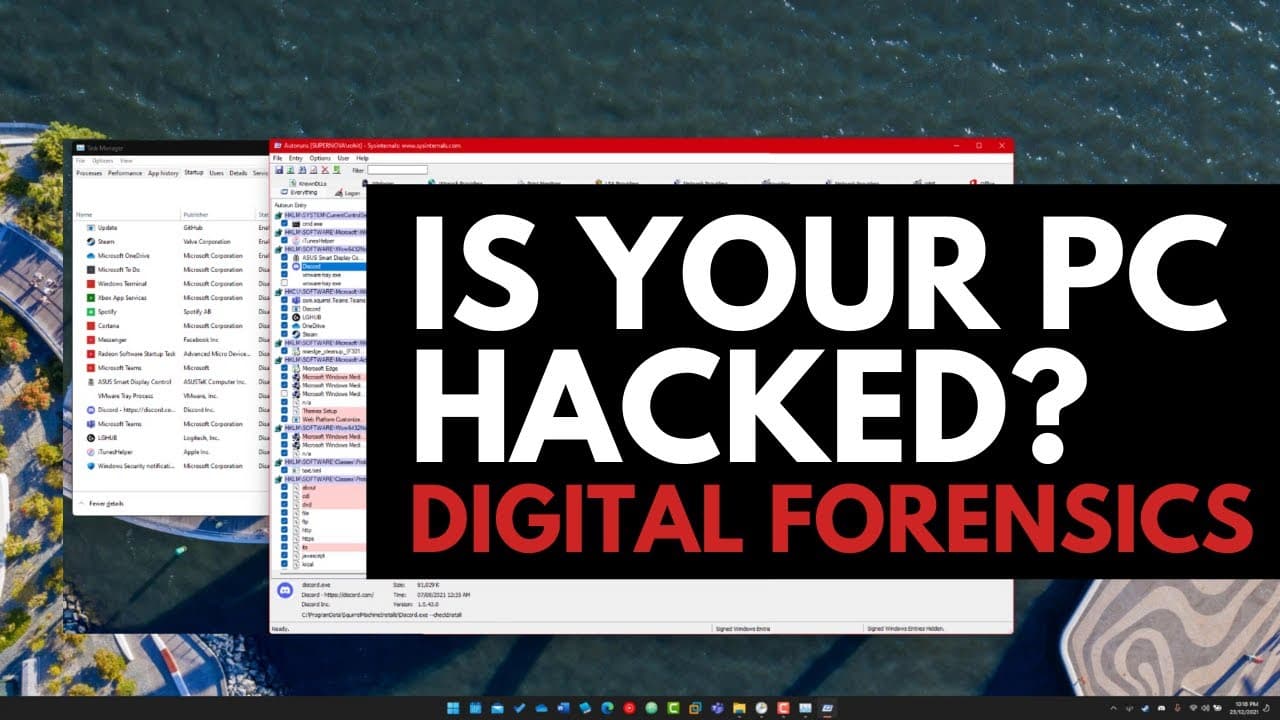
How to know if your PC is hacked? Digital Forensics 101
TL;DR
Learn how to detect if your system is compromised and identify hacking or malware activity through digital forensics techniques.
Transcript
hello and welcome to the pc security channel one of the questions i get asked the most is how do i know if i'm hacked or if my system is compromised sometimes users will say i have a weird message or i've been experiencing some unexpected behavior how do i dig into the system and figure out if there's something wrong or if it's been compromised now... Read More
Key Insights
- 🕵️ Task Manager provides an initial overview of active programs and processes, but deeper analysis is necessary for detecting sophisticated hacking or malware.
- ❓ Restarting your system is often a simple solution to eliminate unexpected behavior caused by malware or compromised processes.
- 🫵 Utilizing tools like Autoruns and examining the Windows Registry provides a more comprehensive view of startup programs and services.
- ❓ Task Scheduler can be exploited by hackers to automate malicious commands and activities on a compromised system.
- 🐕🦺 Some hacking techniques involve exploiting Windows services or using malicious drivers or rootkits.
- 🤨 Analyzing suspicious entries in Autoruns or the Windows Registry can help uncover malware, but practical experience is crucial in interpreting the data accurately.
- 🤨 Uploading suspicious files to analysis sites like VirusTotal can provide detailed reports on their nature and potential threats.
Install to Summarize YouTube Videos and Get Transcripts
Explore YouTube Video Summarizer or Get YouTube Transcript Extractor
Questions & Answers
Q: How can I check if my system is hacked or compromised?
Open Task Manager and check for any unfamiliar programs or processes. Restart your system to clear out any malicious activity and monitor for any recurring suspicious behavior.
Q: Are all startup programs and services listed in Task Manager?
No, Task Manager only displays a limited list of startup programs. For a more comprehensive view, use tools like Autoruns or examine the Windows Registry.
Q: How can I identify malware or malicious applications?
In Autoruns or the Windows Registry, look for unfamiliar or suspicious entries. You can right-click on an entry, check its properties, and research it online or upload it to analysis sites like VirusTotal for further inspection.
Q: What is digital forensics, and how does it help detect hacking or malware?
Digital forensics involves analyzing a system to gather evidence of hacking or malicious activity. It helps identify and understand the actions of attackers, allowing for appropriate response and mitigation.
Summary & Key Takeaways
-
To determine if your system is compromised, open Task Manager (Ctrl+Shift+Escape) to view all active programs and processes.
-
Restarting your system can help eliminate unexpected behavior by clearing out running processes and starting fresh.
-
Use tools like Autoruns and the Windows Registry to identify and disable suspicious startup programs and services.
Read in Other Languages (beta)
Share This Summary 📚
Summarize YouTube Videos and Get Video Transcripts with 1-Click
Try YouTube Summary with ChatGPT & Claude or YouTube Transcript Generator
Explore More Summaries from The PC Security Channel 📚






Summarize YouTube Videos and Get Video Transcripts with 1-Click
Try YouTube Summary with ChatGPT & Claude or YouTube Transcript Generator