Bypassing All Subscription Paywalls with Computer Science
TL;DR
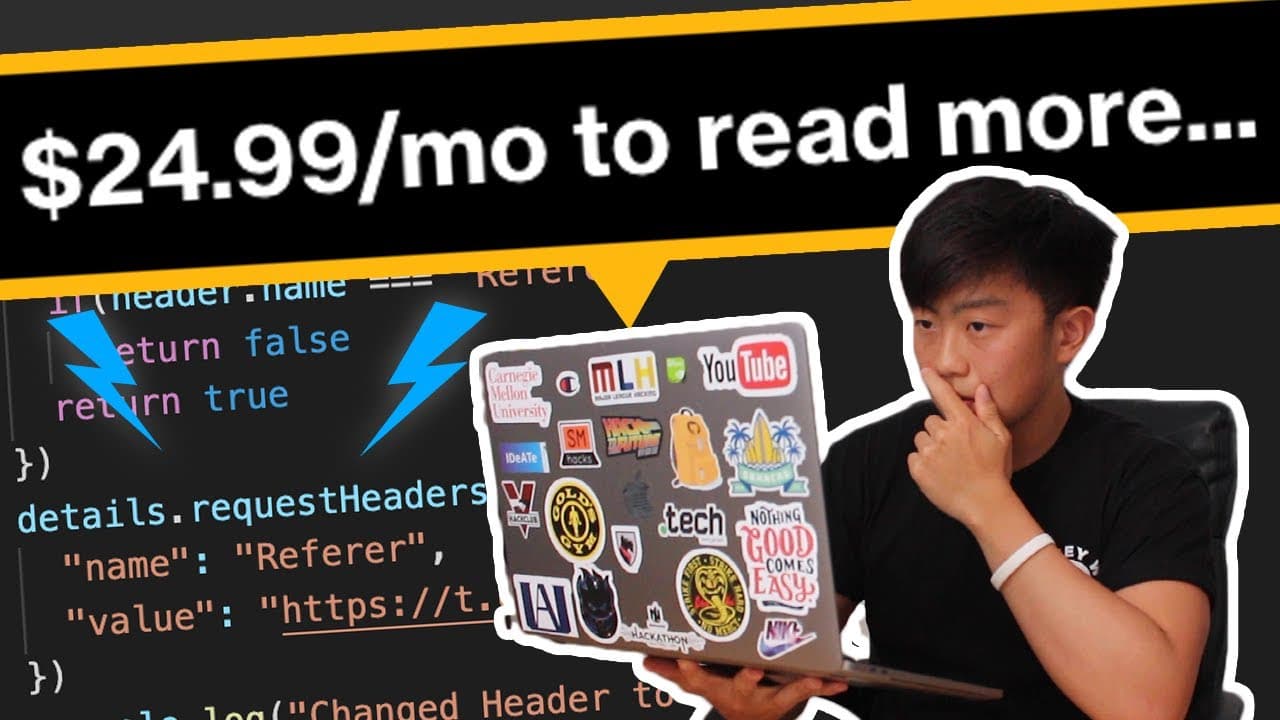
An extension called Hover on the Chrome Web Store can bypass paywalls on sites like Wall Street Journal and Bloomberg by spoofing HTTP headers.
Transcript
so imagine that you're on wall street journal right and you're just trying to read this article about a face mask i guess but as soon as you read a few words you're blocked by this paywall and you would subscribe but you can't pay 20 dollars a month because you're a cheerful pokeman but it was also the top donator for the month of january yeah poke... Read More
Key Insights
- 🇼🇫 Hover is an extension that bypasses paywalls on various websites, including Wall Street Journal, by manipulating HTTP headers.
- ☢️ Acting like you came from a social media site, spoofing your machine as a Google ad bot, and blocking web cookies are the three main methods used to bypass paywalls.
- 🤗 The legality of using the Hover extension is uncertain, and open-sourcing the code has been suggested.
Install to Summarize YouTube Videos and Get Transcripts
Explore YouTube Video Summarizer or Get YouTube Transcript Extractor
Questions & Answers
Q: How does the Hover extension bypass paywalls?
The extension uses three main methods: acting like you came from a social media site, spoofing your machine as a Google ad bot, and blocking all web cookies. These methods manipulate HTTP headers to trick the website into thinking you're a valid user or not blocking Google.
Q: Is using the Hover extension legal?
The legality of using the Hover extension is unclear. While open-source law professor suggested making such a tool open-sourced, the anonymous developer of Hover has not officially provided the code for public collaboration.
Q: What are web cookies, and why are they important for paywall bypassing?
Web cookies are small bits of information stored by your browser that track your activity on websites. Websites often use cookies to keep track of how many free articles you've read. By blocking cookies, websites will think you're a new user and won't block you with a paywall.
Q: Will bypassing paywalls with extensions like Hover be a long-term solution?
It is unlikely that bypassing paywalls with extensions will remain a long-term solution. In the future, these vulnerabilities may be patched, and paywall prices may be adjusted. It is important to consider the ethical implications of bypassing paywalls.
Summary & Key Takeaways
-
The video discusses an extension called Hover that can automatically bypass paywalls on various websites like Medium, Wall Street Journal, and Bloomberg.
-
The extension has over 3,000 users and a 5 out of 5 rating on the Chrome Web Store.
-
It covers three main methods of bypassing paywalls: acting like you came from a social media site, spoofing your machine as a Google ad bot, and blocking all web cookies.
Read in Other Languages (beta)
Share This Summary 📚
Summarize YouTube Videos and Get Video Transcripts with 1-Click
Try YouTube Summary with ChatGPT & Claude or YouTube Transcript Generator
Explore More Summaries from nang 📚






Summarize YouTube Videos and Get Video Transcripts with 1-Click
Try YouTube Summary with ChatGPT & Claude or YouTube Transcript Generator