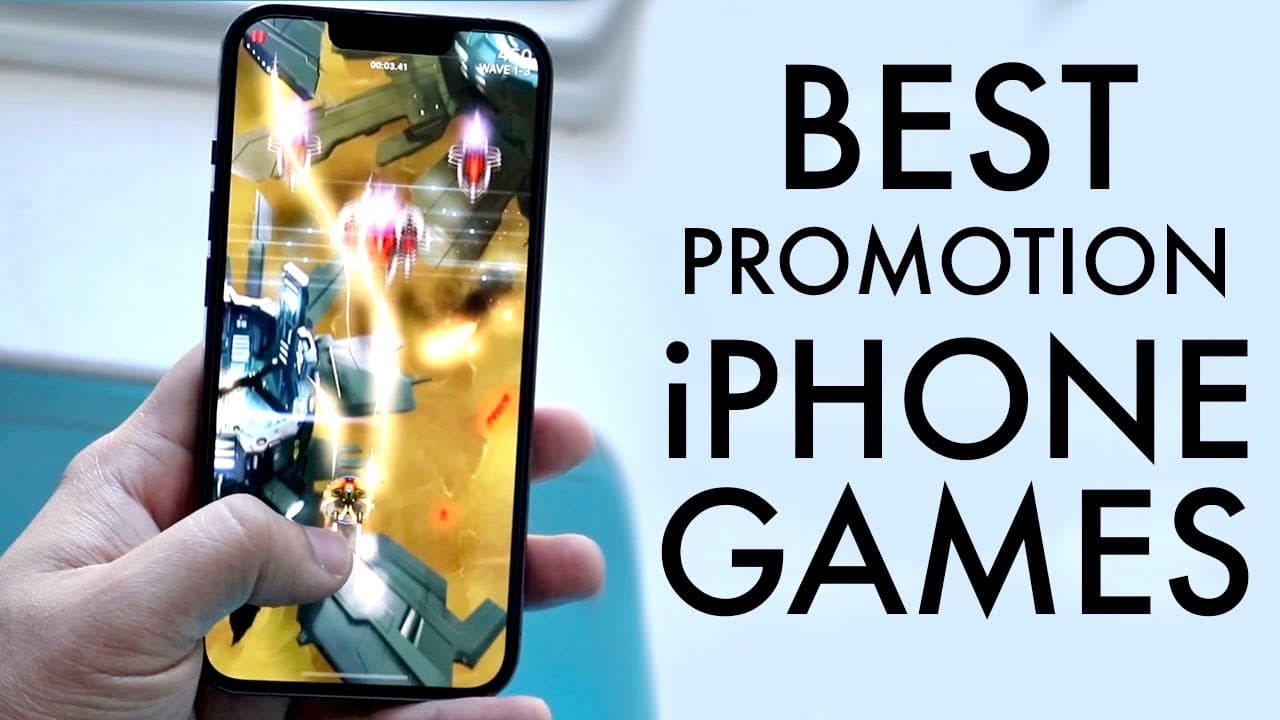
Awesome Games That Support ProMotion (120hz) For iPhone 13 Pro / iPhone 13 Pro Max
TL;DR
Discover popular games that support 120Hz on iPhone models.
Transcript
i'm back everyone you may have just bought an iphone 13 pro or an iphone 13 pro max or you're watching this in the future when the newer iphones came out and you might be trying to figure out some games that actually support 120hz or promotion now there are a few games that support this it seems like every week there's more and more games so i'd re... Read More
Key Insights
- ☠️ iPhone 13 Pro models take advantage of 120Hz refresh rates for enhanced gaming experiences.
- 🧍 Genshin Impact stands out for its visual appeal, even if it isn't optimized for 120Hz currently.
- 👾 Nostalgic games like Doodle Jump are being updated to support modern technology, highlighting their continued popularity.
- 🗯️ Phoenix 2 delivers enjoyable gameplay with upgraded graphics and supports 120Hz effectively right from the start.
- 👻 Clash of Clans received a significant update allowing users to enjoy smoother navigation at 120Hz.
- 👾 The growing list of games compatible with 120Hz indicates a trend towards optimization for more immersive mobile gaming.
- 👾 Viewers are encouraged to share any additional games that support 120Hz, fostering community engagement.
Install to Summarize YouTube Videos and Get Transcripts
Explore YouTube Video Summarizer or Get YouTube Transcript Extractor
Questions & Answers
Q: What is the significance of 120Hz refresh rate in gaming on iPhones?
The 120Hz refresh rate enhances the gaming experience by providing smoother visuals and more responsive gameplay. It reduces motion blur and improves fluidity, making fast-paced action games feel more immersive. As a result, players can enjoy smoother animations and more precise control, which is particularly valuable in competitive gaming.
Q: Why is Genshin Impact highlighted in the video?
Genshin Impact is emphasized for its popularity and stunning visuals, which resonate well with the 120Hz refresh rate. Although the game doesn't currently run at 120Hz, it performs impressively at 60Hz, delivering an aesthetically rich experience, making it ideal for players who appreciate high-quality graphics and detailed gameplay.
Q: How can users enable 120Hz in Clash of Clans?
To enable 120Hz in Clash of Clans, users need to go to the settings menu within the game. By navigating to 'More Settings' and activating the 'Higher Frame Rate' option, players can experience enhanced scrolling and smoother gameplay, which was introduced in a recent update.
Q: What types of games are mentioned that support 120Hz?
The video mentions a variety of games that support 120Hz, including Genshin Impact, Doodle Jump, Phoenix 2, and Clash of Clans. Each of these games offers different gameplay styles, from sprawling RPGs to classic arcade mechanics, providing options for diverse gaming preferences.
Summary & Key Takeaways
-
The video discusses games that utilize the 120Hz feature on the iPhone 13 Pro models, highlighting the growing availability of compatible games.
-
Featured games include Genshin Impact, Doodle Jump, Phoenix 2, and Clash of Clans, with emphasis on their performance and visual quality.
-
Viewers are encouraged to share their findings about additional 120Hz-supported games in the comments section for community insight.
Read in Other Languages (beta)
Share This Summary 📚
Summarize YouTube Videos and Get Video Transcripts with 1-Click
Try YouTube Summary with ChatGPT & Claude or YouTube Transcript Generator
Explore More Summaries from Simple Alpaca 📚






Summarize YouTube Videos and Get Video Transcripts with 1-Click
Try YouTube Summary with ChatGPT & Claude or YouTube Transcript Generator