The Loudness Secret to Mixing YouTube Videos with DaVinci Resolve
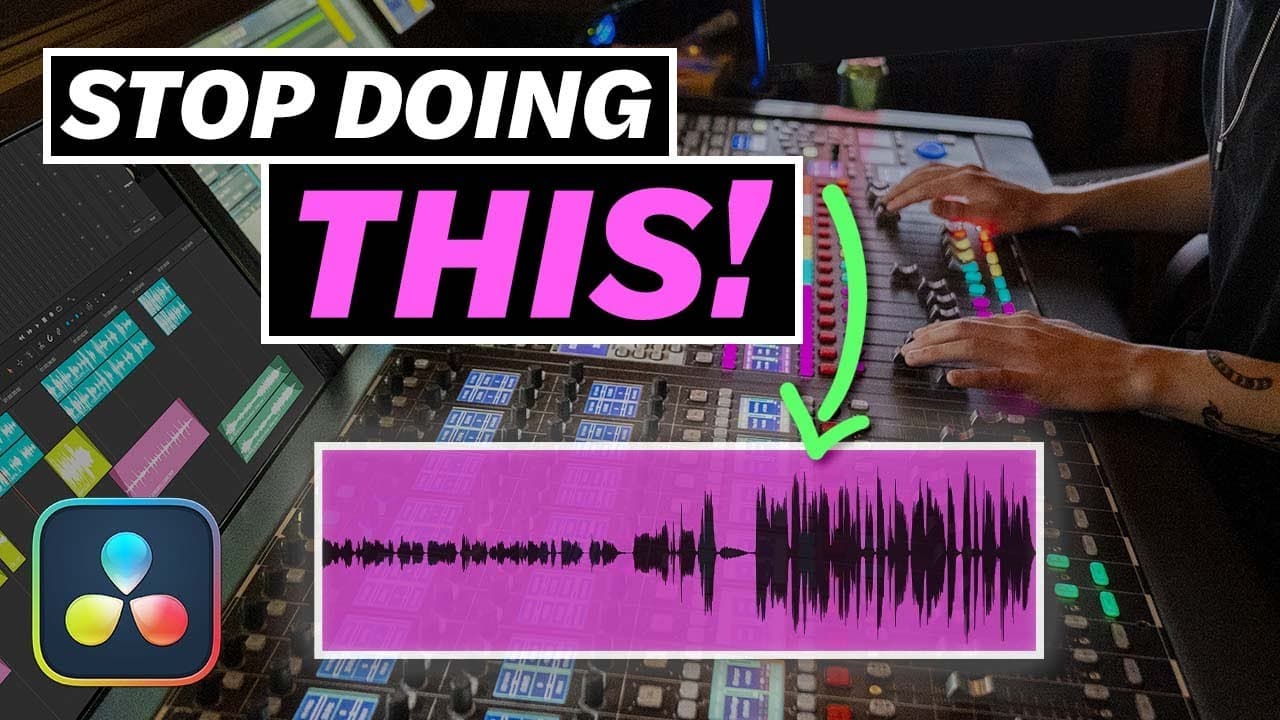
TL;DR
Learn how to optimize your audio for YouTube by using loudness normalization tools in DaVinci Resolve 17.
Transcript
Have you ever watched a youtube video with your speakers dialed into that perfect loudness and then the following video plays and you find yourself reaching to turn up the volume maybe it's your video that's too quiet i've done that anyways that's why today i'm going to show you how and why you can master your mixes the right way for yout... Read More
Key Insights
- ⚾ YouTube automatically adjusts audio levels based on a loudness normalization standard of negative 14 integrated LUFs.
- ⌛ LUFs measure average volume over time and help ensure consistent audio levels across videos.
- 🙊 Loudness normalization, instead of peak normalization, should be used for mastering audio for YouTube.
- 🤨 Compression and limiters are valuable tools for raising the average volume levels of audio without distorting or clipping.
- 🎚️ Using the loudness meter and analyzing audio levels in DaVinci Resolve 17 can assist in achieving the desired loudness levels for YouTube videos.
- 🎚️ The color codes in the loudness meter indicate whether audio levels fall below, meet, or exceed the target loudness level.
- 🔇 The limiter effect in DaVinci Resolve can be applied to the final output bus to control peak levels and overall volume.
Install to Summarize YouTube Videos and Get Transcripts
Explore YouTube Video Summarizer or Get YouTube Transcript Extractor
Questions & Answers
Q: Why is it important to master audio for YouTube?
Mastering audio for YouTube ensures that your videos have optimal volume levels, preventing your audience from having to constantly adjust the volume. It also helps maintain the quality of your audio.
Q: How does YouTube process audio in videos?
YouTube uses loudness normalization to adjust the volume of videos. If a video's loudness exceeds the specified standard, it is turned down. If it is too quiet, YouTube does not boost the volume.
Q: What are LUFs, and why are they important for audio mastering?
LUFs (loudness units relative to full scale) measure the average volume over the length of a video. They provide an objective way to measure and normalize audio levels. Negative LUF numbers indicate quieter audio, while higher numbers indicate louder audio.
Q: How can I use compression to optimize audio for YouTube?
Compression reduces the dynamic range of your audio. Set the threshold to determine when compression kicks in, adjust the ratio to control the amount of compression, and use makeup gain to restore volume after compression.
Q: How can I use a limiter to optimize audio for YouTube?
Applying a limiter to the final output can prevent audio from exceeding the desired peak level. Set the threshold to stay below the maximum peak level, and use the gain control to adjust overall volume.
Q: What are the color codes in the loudness meter, and what do they indicate?
Blue indicates audio levels below the target loudness level, yellow indicates levels close to the target, and red indicates levels above the target. Avoid surpassing the target and aim for the yellow zone.
Q: How can I analyze audio levels in DaVinci Resolve 17?
Use the Analyze Audio Levels feature to get a loudness reading of your entire mix. Bounce your mix to a new track and analyze it using the chosen loudness standard. This provides an accurate measurement without having to watch and listen to the entire video.
Q: Can I view the loudness history of my project in DaVinci Resolve?
Yes, by enabling the loudness history graph in the Fairlight page's automation settings, you can see the integrated loudness levels over the course of your timeline, helping you monitor and adjust your audio levels.
Key Insights:
- YouTube automatically adjusts audio levels based on a loudness normalization standard of negative 14 integrated LUFs.
- LUFs measure average volume over time and help ensure consistent audio levels across videos.
- Loudness normalization, instead of peak normalization, should be used for mastering audio for YouTube.
- Compression and limiters are valuable tools for raising the average volume levels of audio without distorting or clipping.
- Using the loudness meter and analyzing audio levels in DaVinci Resolve 17 can assist in achieving the desired loudness levels for YouTube videos.
- The color codes in the loudness meter indicate whether audio levels fall below, meet, or exceed the target loudness level.
- The limiter effect in DaVinci Resolve can be applied to the final output bus to control peak levels and overall volume.
- Regularly monitoring and adjusting audio levels throughout the editing process is crucial for creating high-quality YouTube videos.
Summary & Key Takeaways
-
YouTube automatically turns down loud audio and doesn't boost quiet audio, so it's crucial to master your mixes properly for YouTube.
-
Normalized content loudness should be as close to zero as possible without going over, aiming for a standard of negative 14 integrated LUFs (loudness units relative to full scale).
-
Loudness normalization, not peak normalization, is the process used to bring average volume levels up to a specific standard for YouTube.
Read in Other Languages (beta)
Share This Summary 📚
Summarize YouTube Videos and Get Video Transcripts with 1-Click
Try YouTube Summary with ChatGPT & Claude or YouTube Transcript Generator