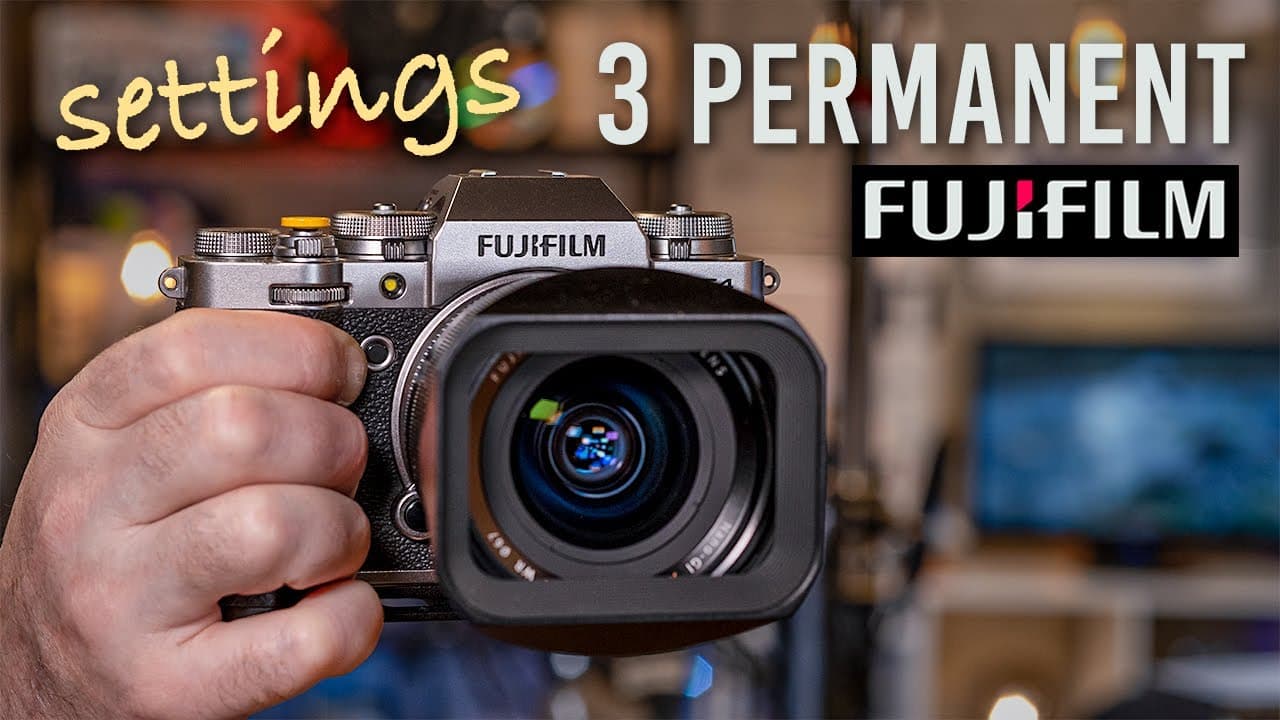
My 3 Permanent Fuji Settings
TL;DR
Learn about three crucial camera settings for Fujifilm cameras that you should never overlook.
Transcript
- I've gotta get faster internet in the studio, so I'm gonna fix this problem once and for all. ♪ All I know is that to me ♪ ♪ You look like you're lots of fun ♪ ♪ Open up your loving arms ♪ ♪ Watch out, here I come ♪ ♪ You spin me right round ♪ ♪ Baby, right round ♪ ♪ Like a record, baby ♪ ♪ Right round, round, round ♪ (upbeat music) - Hi everyone... Read More
Key Insights
- 😫 Fujifilm cameras have numerous settings, but only a few are crucial and should be set a certain way.
- 😚 Preventing shooting without an SD card avoids losing photos unintentionally.
- 🙂 Choosing "release focus priority" allows for capturing potentially important shots, even if slightly blurry.
- 💨 Understanding the "shutter type" setting provides flexibility in achieving faster shutter speeds.
- 👋 Using "mechanical plus electronic shutter" combines the best of both worlds for various shooting scenarios.
- 👤 These recommended settings enhance the user experience and minimize potential frustrations.
- 🫠 It's essential to read the Fujifilm camera manual thoroughly to fully understand and optimize the settings.
Install to Summarize YouTube Videos and Get Transcripts
Explore YouTube Video Summarizer or Get YouTube Transcript Extractor
Questions & Answers
Q: Why is it essential to set "shoot without SD card" to "off" in a Fujifilm camera?
Setting "shoot without SD card" to "off" ensures that you won't accidentally shoot without saving any photos on your SD card. It prevents the frustration of discovering that you have nothing saved after a day of shooting.
Q: What is the significance of the "release focus priority" setting on a Fujifilm camera?
The "release focus priority" setting gives you control over whether the camera waits for perfect focus or captures a shot even if it's slightly blurry. By setting it to "release" for both AF-S and AF-C, you prioritize capturing the moment over perfect focus.
Q: Why is it important to understand the "shutter type" setting on a Fujifilm camera?
The "shutter type" setting determines whether the camera uses the mechanical or electronic shutter. Setting it to "mechanical plus electronic" allows you to shoot at faster shutter speeds that the mechanical shutter alone cannot achieve.
Q: Are there any exceptions to these recommended camera settings?
While there may be specific situations where these settings need to be adjusted, such as using different shooting modes or specific photography techniques, for the general user, these settings provide the best overall experience and reliability.
Key Insights:
- Fujifilm cameras have numerous settings, but only a few are crucial and should be set a certain way.
- Preventing shooting without an SD card avoids losing photos unintentionally.
- Choosing "release focus priority" allows for capturing potentially important shots, even if slightly blurry.
- Understanding the "shutter type" setting provides flexibility in achieving faster shutter speeds.
- Using "mechanical plus electronic shutter" combines the best of both worlds for various shooting scenarios.
- These recommended settings enhance the user experience and minimize potential frustrations.
- It's essential to read the Fujifilm camera manual thoroughly to fully understand and optimize the settings.
- The video provides practical tips and insights for Fujifilm camera users.
Summary & Key Takeaways
-
There are 339 pages of camera settings in a Fujifilm X-T4 manual, but only three settings are crucial to remember.
-
The first setting is "shoot without SD card" which should always be set to "off" to prevent accidentally shooting without saving.
-
The second setting is "release focus priority," which should be set to "release" for both AF-S and AF-C, allowing you to capture potentially blurry but important shots.
-
The third setting is the "shutter type," where setting it to "mechanical plus electronic" gives you the flexibility to shoot at faster shutter speeds when needed.
Read in Other Languages (beta)
Share This Summary 📚
Summarize YouTube Videos and Get Video Transcripts with 1-Click
Try YouTube Summary with ChatGPT & Claude or YouTube Transcript Generator
Explore More Summaries from pal2tech 📚
Summarize YouTube Videos and Get Video Transcripts with 1-Click
Try YouTube Summary with ChatGPT & Claude or YouTube Transcript Generator