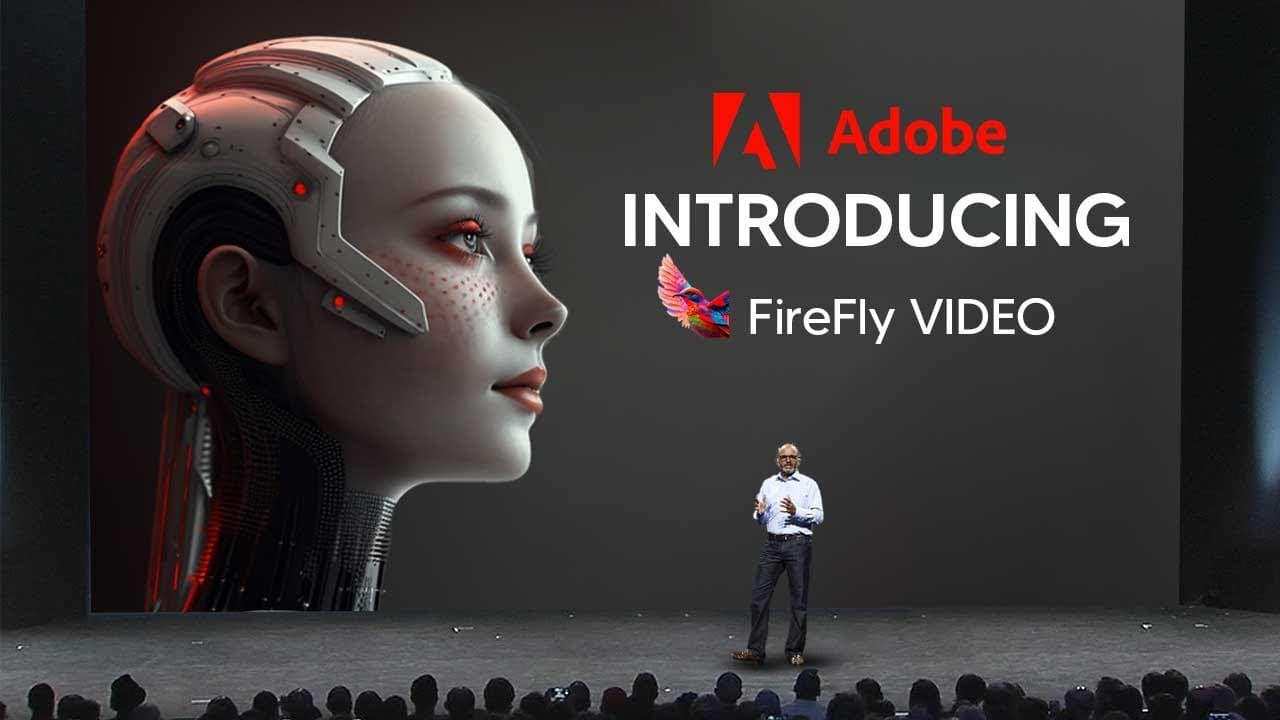
ADOBES NEW AI 'Firefly VIDEO' SHOCKS The ENTIRE Industry!
TL;DR
Adobe Firefly is a new AI program for video editing that introduces a range of effects, including background music and sound effects generation, video identification, auto-captions, color grading, and script analysis.
Transcript
Adobe just released a new update for their new AI program which is Adobe Firefly this time Adobe Firefly is going to be for video which is going to introduce a range of effects and let's get into it so let's take a look at this trailer and break everything down step by step so one of the first things that I do think many people did actually miss fr... Read More
Key Insights
- ✊ Adobe Firefly introduces AI-powered background music and sound effects generation, addressing the common issues of finding suitable music and sound effects for videos.
- 👂 The program utilizes video identification to recognize elements in footage and suggest appropriate background music and sound effects.
- ⌛ Adobe Firefly offers a color grading feature that can be easily controlled through natural language prompts, saving time and effort in the editing process.
- 💳 The script analysis feature of Adobe Firefly provides filmmakers with shot suggestions and color grading recommendations based on their scripts, aiding in the visualization and planning process.
- ⌛ The program's ability to automatically transcribe and generate captions can be a significant time-saver for content creators.
- 🔨 Adobe Firefly's image generation capabilities are still in development and may require further improvement to match the quality of other AI tools in the market.
- 😒 Ethical considerations in using original artwork for training AI models is a priority for Adobe Firefly, as demonstrated by its use of royalty-free images.
Install to Summarize YouTube Videos and Get Transcripts
Explore YouTube Video Summarizer or Get YouTube Transcript Extractor
Questions & Answers
Q: How does Adobe Firefly generate background music for videos?
Adobe Firefly generates background music by using AI algorithms that analyze text prompts and create music based on the given description. This feature can be a game-changer for creators who struggle to find suitable royalty-free music for their videos.
Q: How does the sound effect generator in Adobe Firefly work?
The sound effect generator in Adobe Firefly provides a library of free sound effects that can be easily accessed by clicking on prompts that describe the desired sound. The software uses video identification to match the sound effects with the content of the video.
Q: Can Adobe Firefly change the color grading of videos?
Yes, Adobe Firefly offers a feature that allows users to change the color grading of videos using natural language prompts. This feature can significantly expedite the color grading process, which is often time-consuming and challenging in traditional video editing software.
Q: How does Adobe Firefly help with script analysis?
Adobe Firefly's script analysis feature analyzes the script of a video and generates storyboards with suggested shots and color grading. This feature is especially useful for filmmakers who struggle with visualizing their scenes and need guidance in shot selection.
Summary & Key Takeaways
-
Adobe Firefly introduces a new feature to generate background music based on text prompts, solving the issue of finding the right music for videos and potentially resolving copyright and ownership problems.
-
The program also offers a sound effect generator that provides a library of free sound effects, eliminating the need for searching and downloading sound effect packs.
-
Adobe Firefly uses video identification to recognize elements in the footage, allowing it to suggest suitable background music and sound effects based on the content of the video.
Read in Other Languages (beta)
Share This Summary 📚
Summarize YouTube Videos and Get Video Transcripts with 1-Click
Try YouTube Summary with ChatGPT & Claude or YouTube Transcript Generator
Explore More Summaries from TheAIGRID 📚


Summarize YouTube Videos and Get Video Transcripts with 1-Click
Try YouTube Summary with ChatGPT & Claude or YouTube Transcript Generator