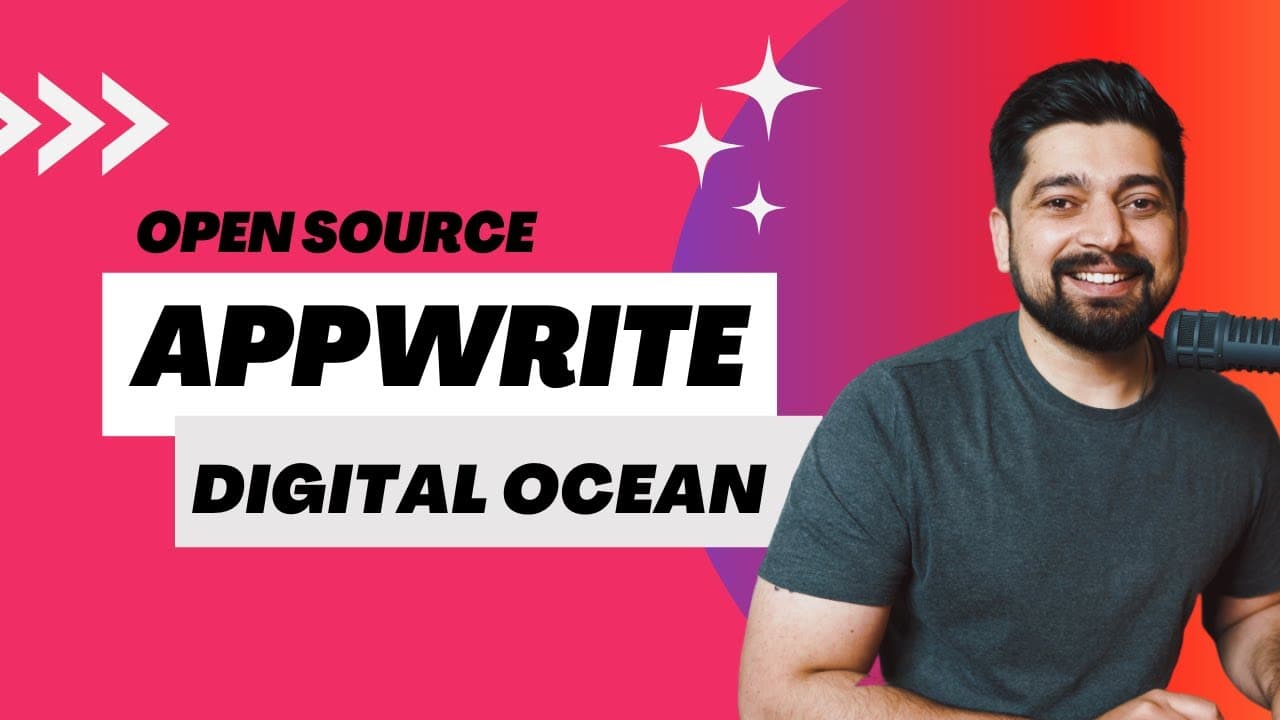
How to host your Appwrite backend at Digital Ocean
TL;DR
Learn how to install Apprite on DigitalOcean easily for production-grade applications.
Transcript
hey there everyone atesh here and welcome to this small playlist about the upright so the last video we discussed about the importance of having apprite and such backend as a service and in this video we're going to be walking through that how we can install it now installation itself is divided into two parts the first one being the local installa... Read More
Key Insights
- 🥳 Apprite installation is divided into two parts: local and Cloud provider deployment like DigitalOcean.
- 😑 DigitalOcean offers pre-configured instances in the Marketplace for easy Apprite deployment.
- 🎰 Customization options for machine size and configurations make it flexible for different project requirements.
- ⌛ Apprite provides real-time monitoring features in the dashboard for bandwidth, requests, and storage utilization.
- 📽️ Domain mapping with DNS configurations is essential to connect a custom domain to the Apprite project.
- 💦 Destroying a droplet with Apprite installation is straightforward through the DigitalOcean interface.
- 👤 Documentation and guides on deploying Apprite on different Cloud providers like AWS or Azure would benefit users.
Install to Summarize YouTube Videos and Get Transcripts
Explore YouTube Video Summarizer or Get YouTube Transcript Extractor
Questions & Answers
Q: What are the two parts of Apprite installation mentioned in the video?
The installation process for Apprite is divided into local installation and on Cloud providers like DigitalOcean. These methods cater to different user preferences and needs for deployment.
Q: How does DigitalOcean simplify the deployment process for Apprite?
DigitalOcean provides a user-friendly interface to easily create a droplet with Apprite pre-configured, making it simple to set up production-grade servers for applications.
Q: What are some key features of Apprite mentioned in the video?
The video highlights services like ECS, the elastic container service, and tools like git pod and DigitalOcean that enhance the flexibility and performance of Apprite installations.
Q: What steps are involved in setting up a project and deploying Apprite on DigitalOcean?
The process includes creating a project, choosing configuration options, specifying region and machine size, and setting up a domain with the necessary DNS configurations.
Summary & Key Takeaways
-
Upright installation has two parts: local and on Cloud providers like DigitalOcean.
-
DigitalOcean makes it easy to spin off a machine with Apprite for production use.
-
Detailed walkthrough on creating a project, deploying Apprite, and accessing the application.
Read in Other Languages (beta)
Share This Summary 📚
Summarize YouTube Videos and Get Video Transcripts with 1-Click
Try YouTube Summary with ChatGPT & Claude or YouTube Transcript Generator
Explore More Summaries from Hitesh Choudhary 📚






Summarize YouTube Videos and Get Video Transcripts with 1-Click
Try YouTube Summary with ChatGPT & Claude or YouTube Transcript Generator