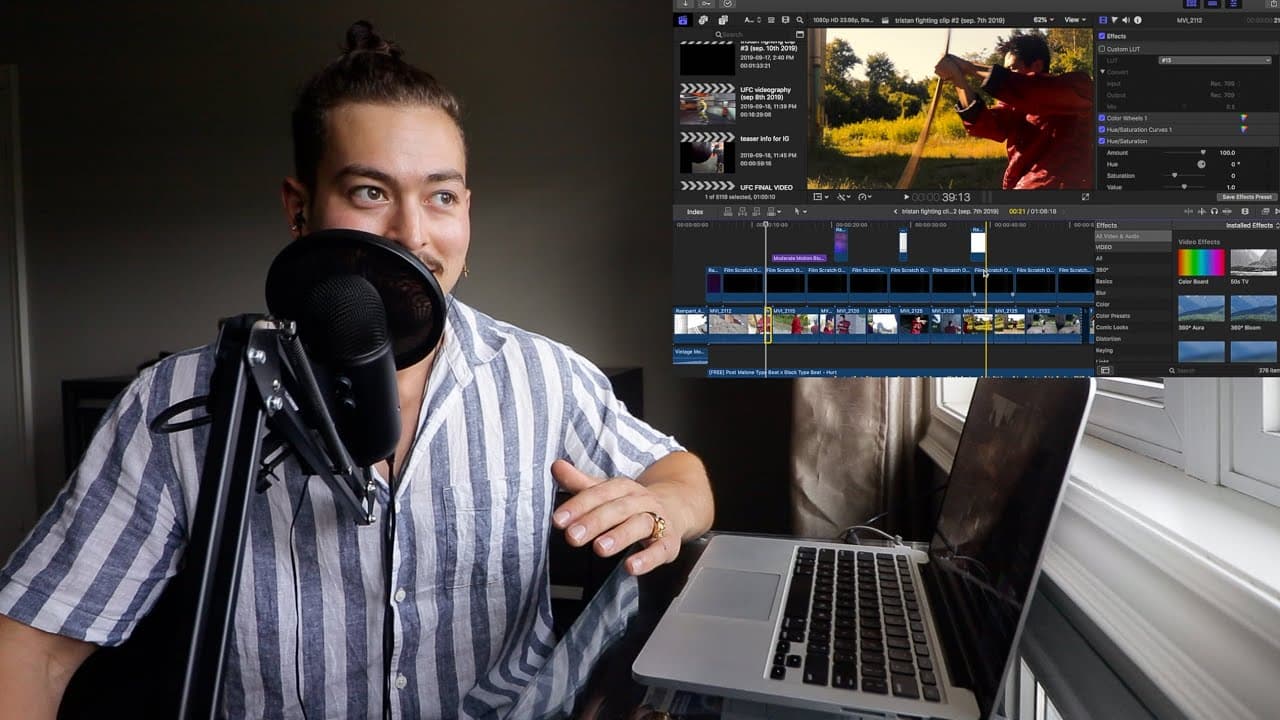
How I EDIT Client/Commercial Videos! (Kung Fu Videography.)
TL;DR
A deep dive into color grading and sound design in videography.
Transcript
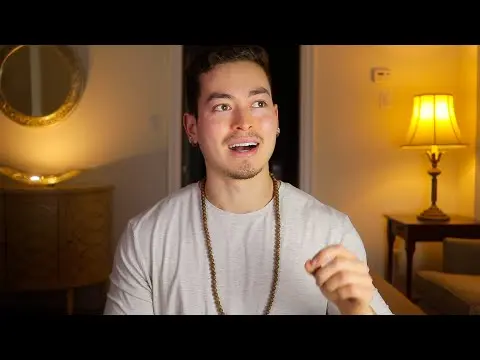
and alright YouTube what is going on guys how are you doing beautiful people guys girls older people younger people everyone in between now welcome back to this editing video or how to edit video of kung-fu videography yes you heard that right kungfu videography now i'm gonna link it up above for you guys to check out behind the scenes a bit more c... Read More
Key Insights
- ❓ Emphasizing authenticity and simplicity often creates more impactful videography than overly complex editing.
- 📼 Color grading helps set the mood and vibe of a video, and can be achieved through both LUTs and manual adjustments.
- 👂 Vintage aesthetics can be effectively replicated with specific sound designs and visual effects, enhancing storytelling.
- 🥶 The careful selection of music is crucial, with a focus on finding copyright-free options that complement the video’s tone and pacing.
- 🛟 Effect usage should always serve the story, ensuring they enhance rather than distract from the visual narrative.
- 🎮 Tutorials that share personal experience can be invaluable for beginners, demystifying common challenges in video editing.
- ❓ Creating a connection between visuals and audio can strengthen audience engagement and emotional response.
Install to Summarize YouTube Videos and Get Transcripts
Explore YouTube Video Summarizer or Get YouTube Transcript Extractor
Questions & Answers
Q: What inspired you to create a kung-fu-themed video?
The creator was inspired by a personal connection, as the video was created for a friend and boxing coach, Tristan. The nostalgic elements of kung-fu films from childhood, particularly the comedic side of Asian cinema, influenced the overall vibe and aesthetic of the project.
Q: How did you achieve the unique color grading in your video?
The color grading was achieved by utilizing specific LUTs and manual adjustments. Techniques included lowering shadows, boosting highlights, and enhancing warmth. The creator also demonstrated how they replicated a LUT to achieve a similar look, focusing on aspects like saturation and luminance for individual elements in the frame.
Q: Can the techniques discussed be applied in software other than Final Cut Pro?
Yes, the techniques shared are universal and can be applied across various video editing software, including Adobe Premiere. The principles of color grading and sound design outlined in the tutorial can be utilized in both paid and free editing programs, ensuring accessibility for all users.
Q: What kind of sound design elements were used in the video?
The sound design incorporated a vintage projector sound and a carefully selected copyright-free instrumentals to match the video’s theme. The creator emphasized the absence of excessive sound effects, promoting a minimalist approach that enhances the overall impact of the visuals.
Q: How do you approach using effects in your videos?
The creator believes in using effects sparingly and only when they contribute positively to the narrative. A guiding principle is "when in doubt, cut it out," suggesting that unnecessary effects can dilute a video’s quality and storytelling.
Q: Where did you source the effects used in the video?
The effects were sourced from a free website that provides various editing overlays and generators. The creator highlighted the availability of quality free effects but advised creators to manage expectations regarding their quality compared to premium options.
Summary & Key Takeaways
-
The video provides an editing tutorial focusing on color grading and sound design for a kung-fu-themed video created for a friend.
-
The creator discusses the color grading process, demonstrating techniques and adjustments to achieve a vintage aesthetic, including the use of LUTs and local adjustments.
-
Additionally, the video covers sound design elements, emphasizing the importance of simplicity and the judicious use of effects to enhance visual storytelling.
Read in Other Languages (beta)
Share This Summary 📚
Summarize YouTube Videos and Get Video Transcripts with 1-Click
Try YouTube Summary with ChatGPT & Claude or YouTube Transcript Generator
Explore More Summaries from davidhammond 📚
Summarize YouTube Videos and Get Video Transcripts with 1-Click
Try YouTube Summary with ChatGPT & Claude or YouTube Transcript Generator