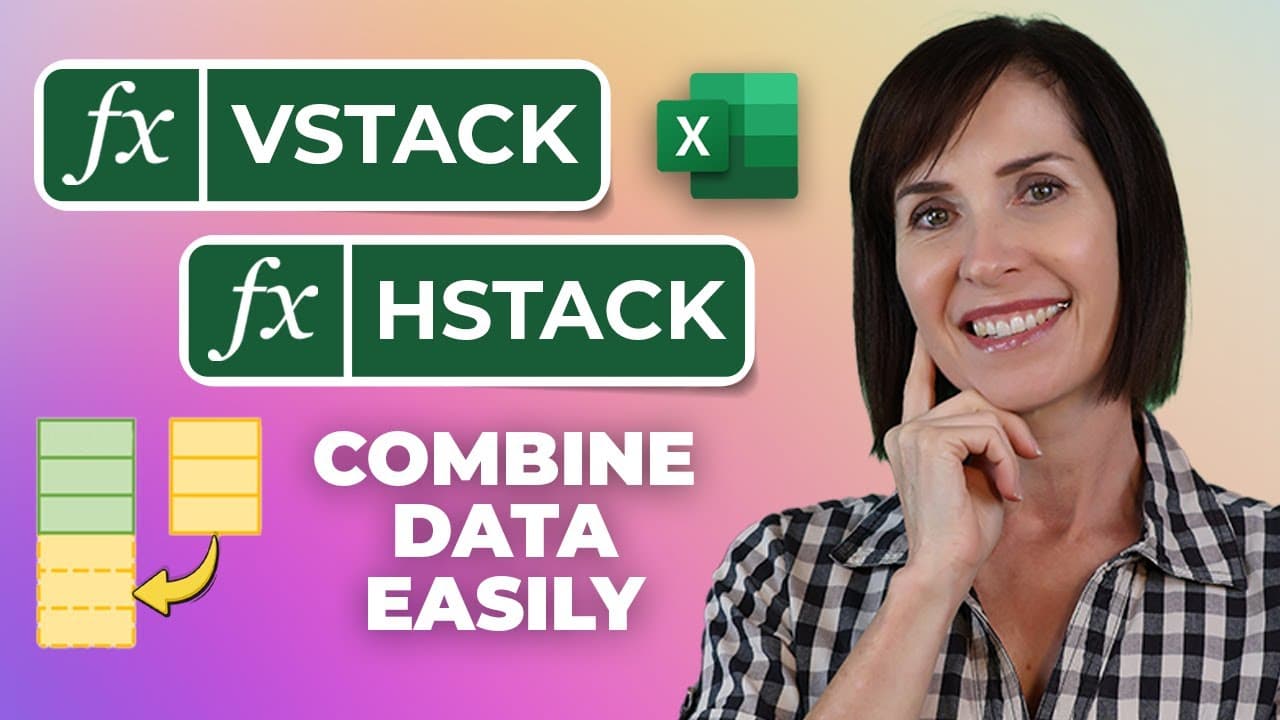
Exciting NEW Excel Functions for Compiling Data - VSTACK & HSTACK!
TL;DR
This video covers the introduction and usage of two new text manipulation functions in Microsoft 365: V-Stack and H-Stack, which allow users to combine arrays vertically and horizontally into a single array, including techniques for sorting, filtering, handling errors, and stacking data from multiple sheets.
Transcript
in this video i'm going to cover two exciting new text manipulation functions available to microsoft 365 users, namely v-stack and h-stack, which works to combine arrays either arranged vertically with v-stack or horizontally with h stack, into a single array. now the syntax is fairly straightforward, as you can see they simply take the a... Read More
Key Insights
- 👶 V-Stack and H-Stack are two new text manipulation functions in Microsoft 365.
- 🤨 V-Stack combines arrays vertically, handling different numbers of rows and including column headers.
- 🍵 Sorting, filtering, handling errors, and stacking data from multiple sheets are demonstrated in the video.
- 🙅 The IFNA function can be used to handle N/A errors in the stacked array.
- 👻 The unique function allows for removing duplicates from the final array obtained through V-Stack.
- ♍ Data can be stacked from multiple sheets using a 3D reference and V-Stack function.
- 🤨 Empty rows in the stacked array can be filtered out using the filter function.
Install to Summarize YouTube Videos and Get Transcripts
Explore YouTube Video Summarizer or Get YouTube Transcript Extractor
Questions & Answers
Q: How do V-Stack and H-Stack functions work in Microsoft 365?
V-Stack and H-Stack functions allow users to combine arrays vertically and horizontally, respectively, into a single array. V-Stack handles arrays with different numbers of rows, while H-Stack combines arrays with a blank column in between. These functions simplify data manipulation tasks.
Q: How can column headers be included in the V-Stack function?
Column headers can be added to the V-Stack function by entering them in the first array argument. The headers should be wrapped in curly braces, each header surrounded by double quotes and separated by commas. Alternatively, an array containing labels can be referenced as the first array in the stack.
Q: Can V-Stack be used to sort the stacked data?
Yes, V-Stack can be nested with the sort function to enable sorting of the stacked data. First, the headers are added, and then the V-Stacked array can be sorted using the sort function by specifying the sort index and sort order.
Q: How can missing data errors be handled when using V-Stack?
If the array being stacked has different sizes, V-Stack will return N/A errors in place of the missing data. The IFNA function can be used to replace these errors with something else, such as empty cells or specific text like "missing data".
Q: Can the unique function be applied to remove duplicates from the stacked array?
Yes, the unique function can be used to omit duplicates from the final array obtained through V-Stack. By wrapping the V-Stack function in the unique function, the resulting array will only contain unique values.
Key Insights:
- V-Stack and H-Stack are two new text manipulation functions in Microsoft 365.
- V-Stack combines arrays vertically, handling different numbers of rows and including column headers.
- Sorting, filtering, handling errors, and stacking data from multiple sheets are demonstrated in the video.
- The IFNA function can be used to handle N/A errors in the stacked array.
- The unique function allows for removing duplicates from the final array obtained through V-Stack.
- Data can be stacked from multiple sheets using a 3D reference and V-Stack function.
- Empty rows in the stacked array can be filtered out using the filter function.
- V-Stack and H-Stack functions can be used to make 3D references work with functions that don't support them, except for functions requiring a range as input.
Summary & Key Takeaways
-
V-Stack and H-Stack are new text manipulation functions in Microsoft 365 that combine arrays vertically and horizontally, respectively.
-
These functions can handle different numbers of rows and include column headers in the resulting array.
-
Techniques such as sorting, filtering, handling errors, and stacking data from multiple sheets are demonstrated in the video.
Read in Other Languages (beta)
Share This Summary 📚
Summarize YouTube Videos and Get Video Transcripts with 1-Click
Try YouTube Summary with ChatGPT & Claude or YouTube Transcript Generator
Explore More Summaries from MyOnlineTrainingHub 📚



Summarize YouTube Videos and Get Video Transcripts with 1-Click
Try YouTube Summary with ChatGPT & Claude or YouTube Transcript Generator